Creative Filters style
High Contrast B&W photo filter
Give your photo a High Contrast B&W mood with a grade that reshapes light and colour, not just a tint on top.
1 credit per image
Try Creative Filters on your photo
Choose a photo to continue. Sign in when you're ready to generate.
 Style preview
About the High Contrast B&W look
Rich pure blacks, luminous whites and fine silver-gelatin grain in high-contrast black and white.
Creative Filters regrade colour, contrast, light and grain into distinct photographic looks, without altering what is in the picture. Built for anyone who wants a consistent, eye-catching style.
Tip for the best result
Filters change mood, not content. Start from a well-exposed photo for the richest result.
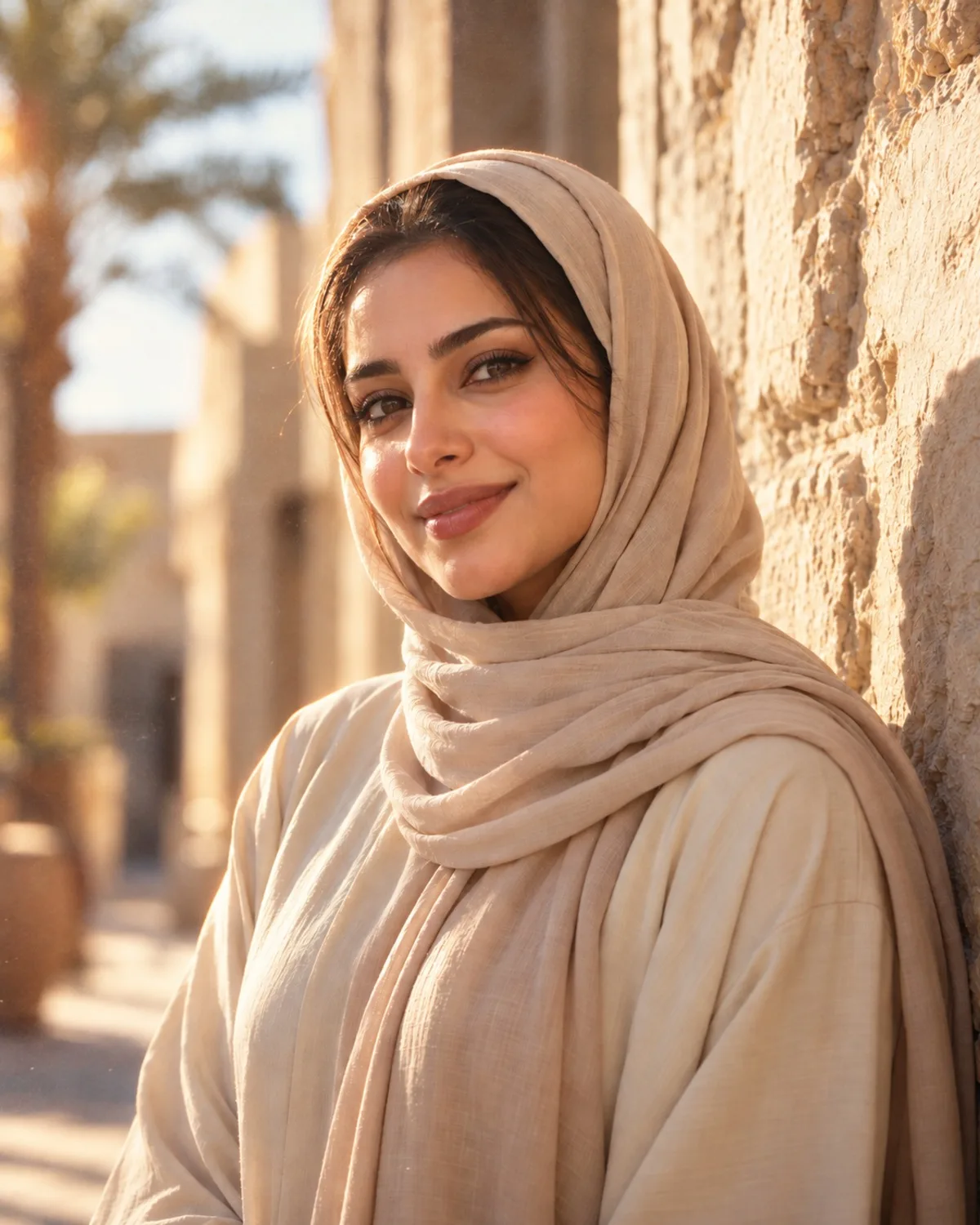
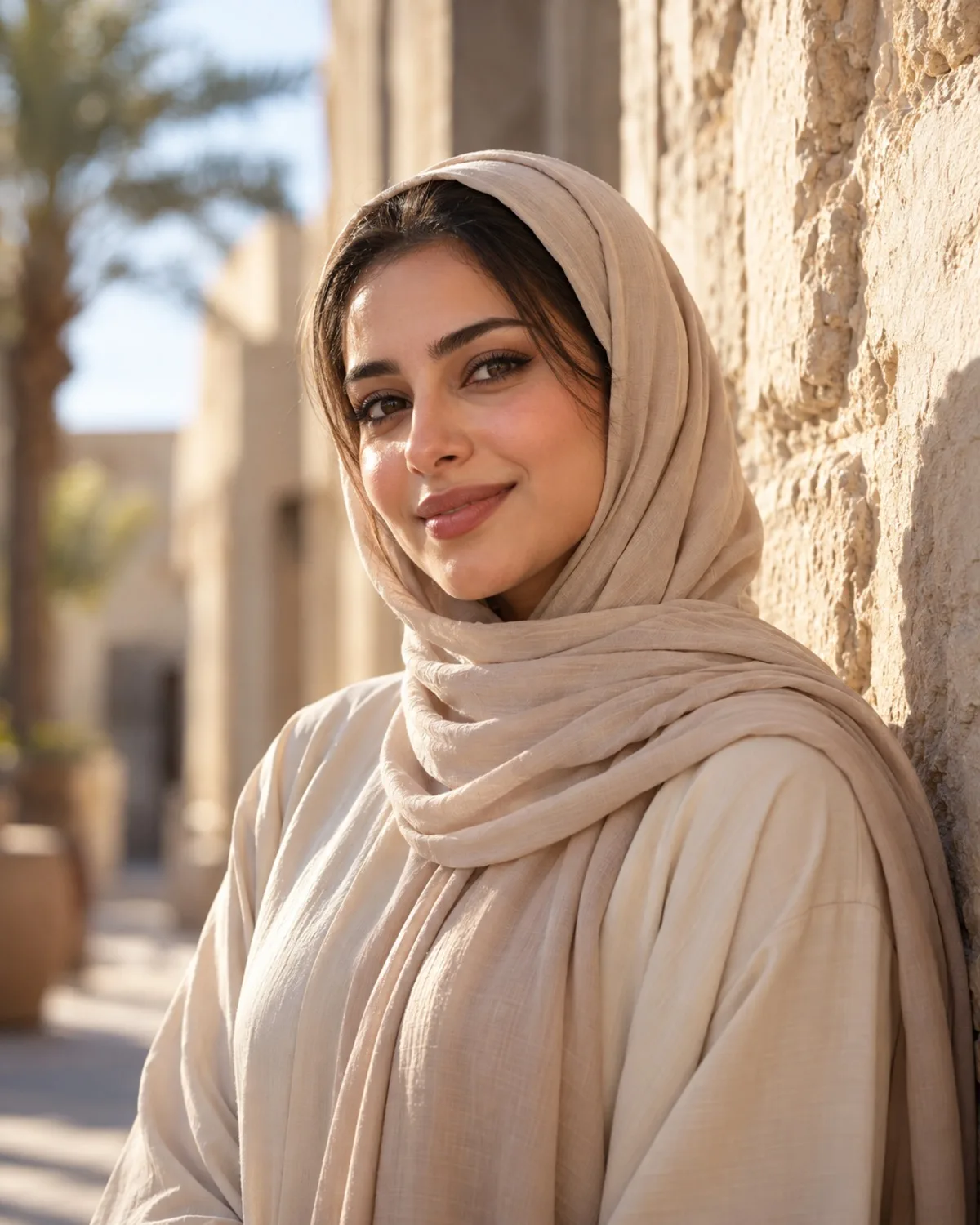
See Creative Filters in action
A real before and after made with Creative Filters. Your photo gets the same treatment, in the High Contrast B&W style.
How to get the High Contrast B&W look
- Step 1
Upload a clear photo, or take one with your webcam.
- Step 2
Choose “High Contrast B&W” in the style grid.
- Step 3
Press Generate, compare before and after, then download.
More Creative Filters styles
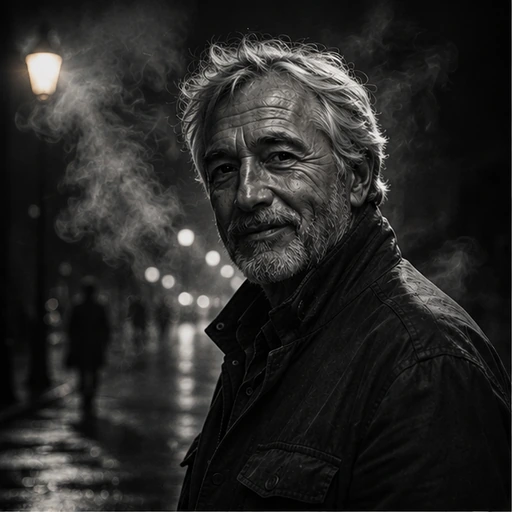
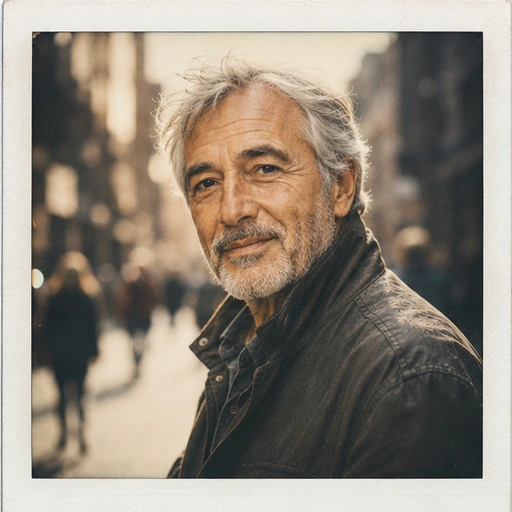
Each style has its own look. Open one to see what it does.









Questions about Creative Filters
- Does the filter change the content?
- No. Only colour, contrast, light quality and grain change; people and objects stay exactly as they are.
- Can I create a custom look?
- Yes. Pick one of twelve presets or describe the grade you want.
- Which AI is used?
- Photos are processed by Google's Gemini models.