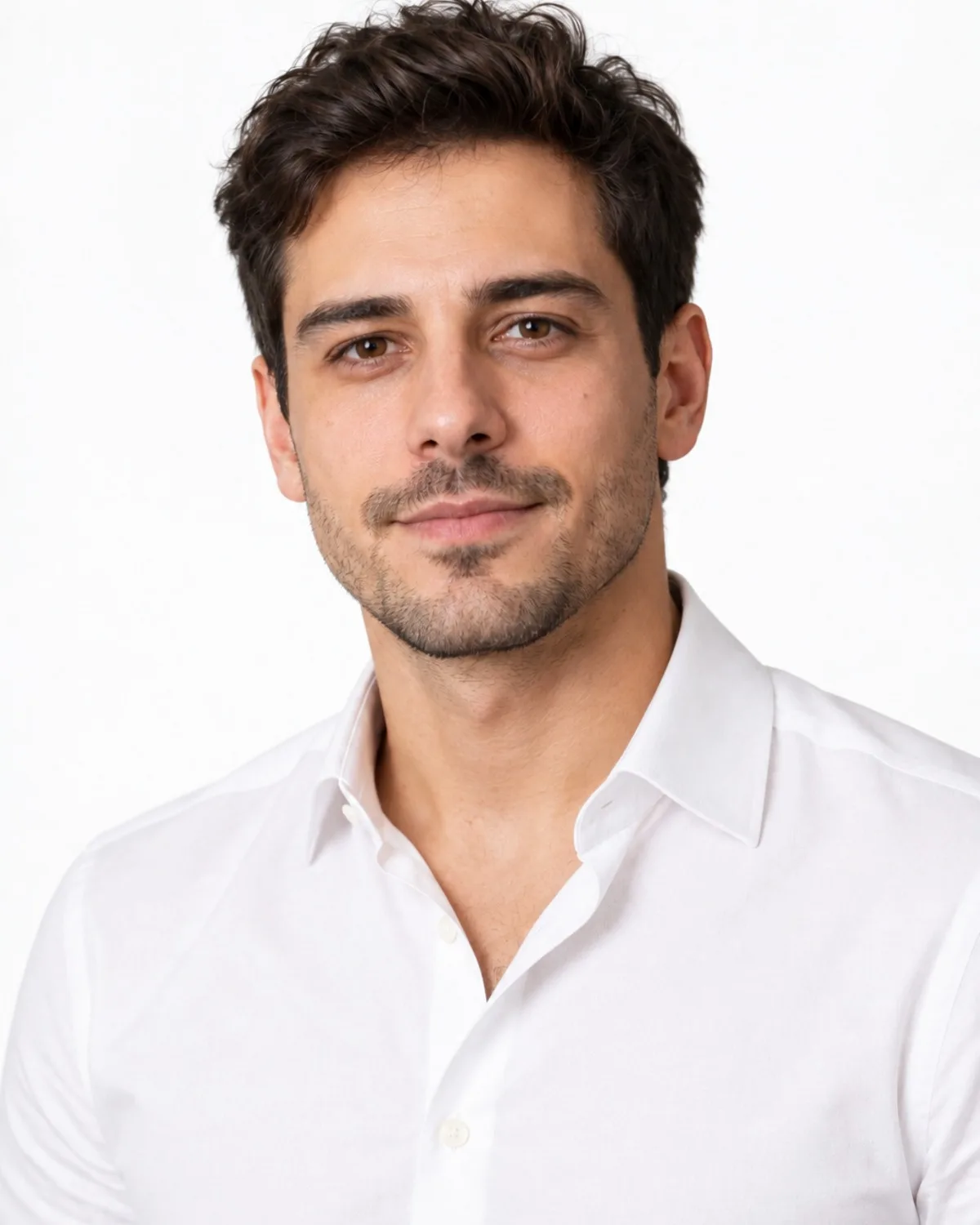




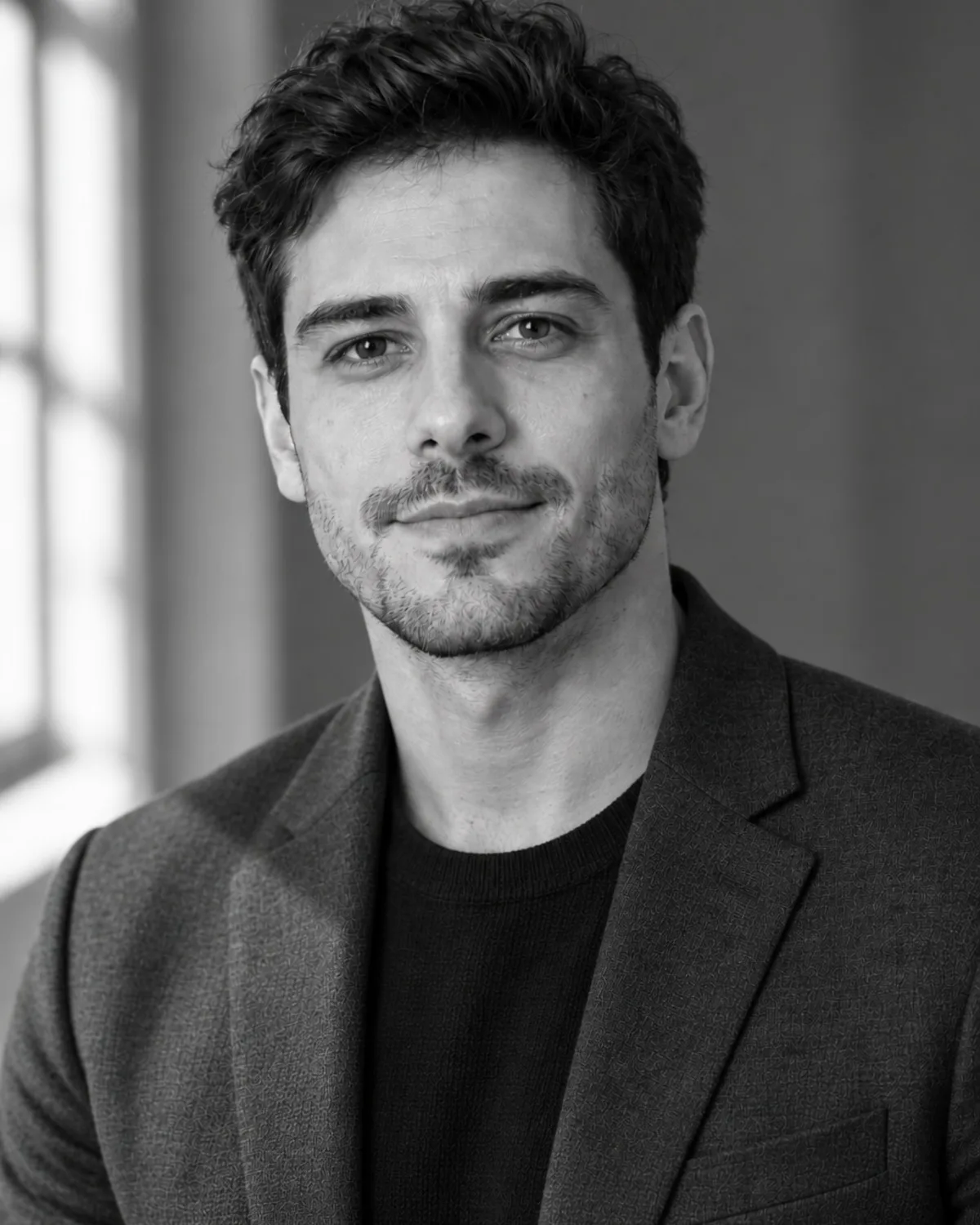

What you get
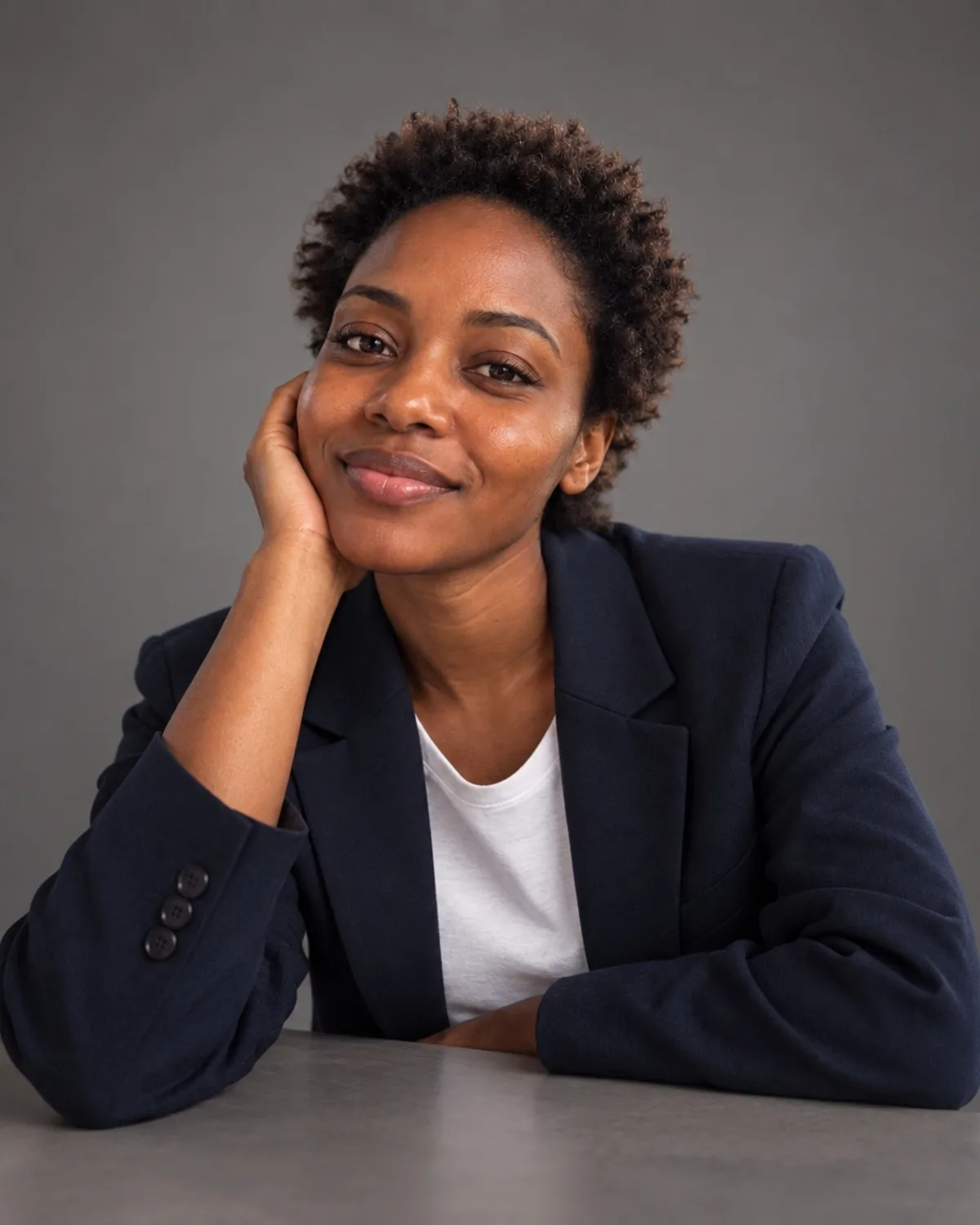
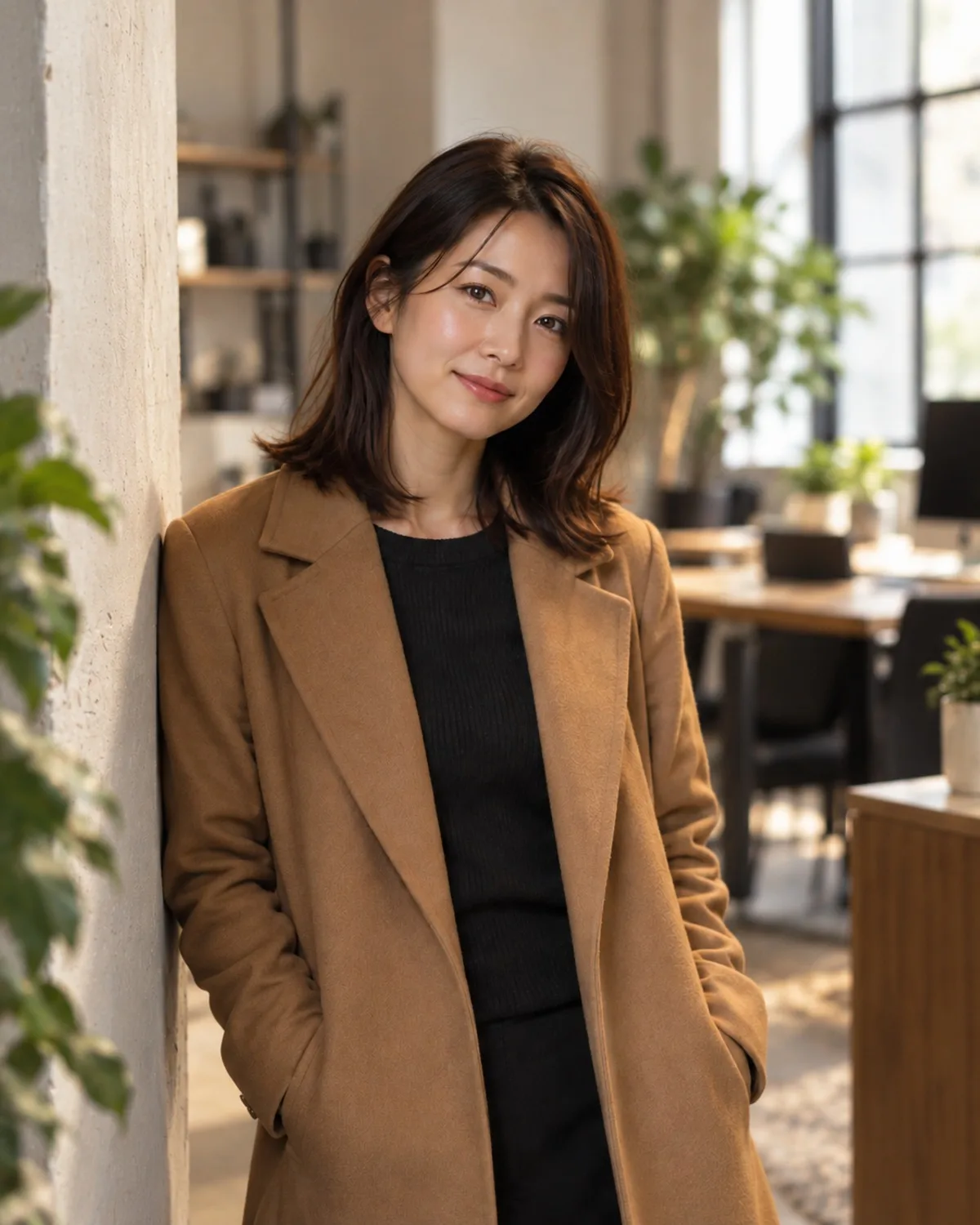
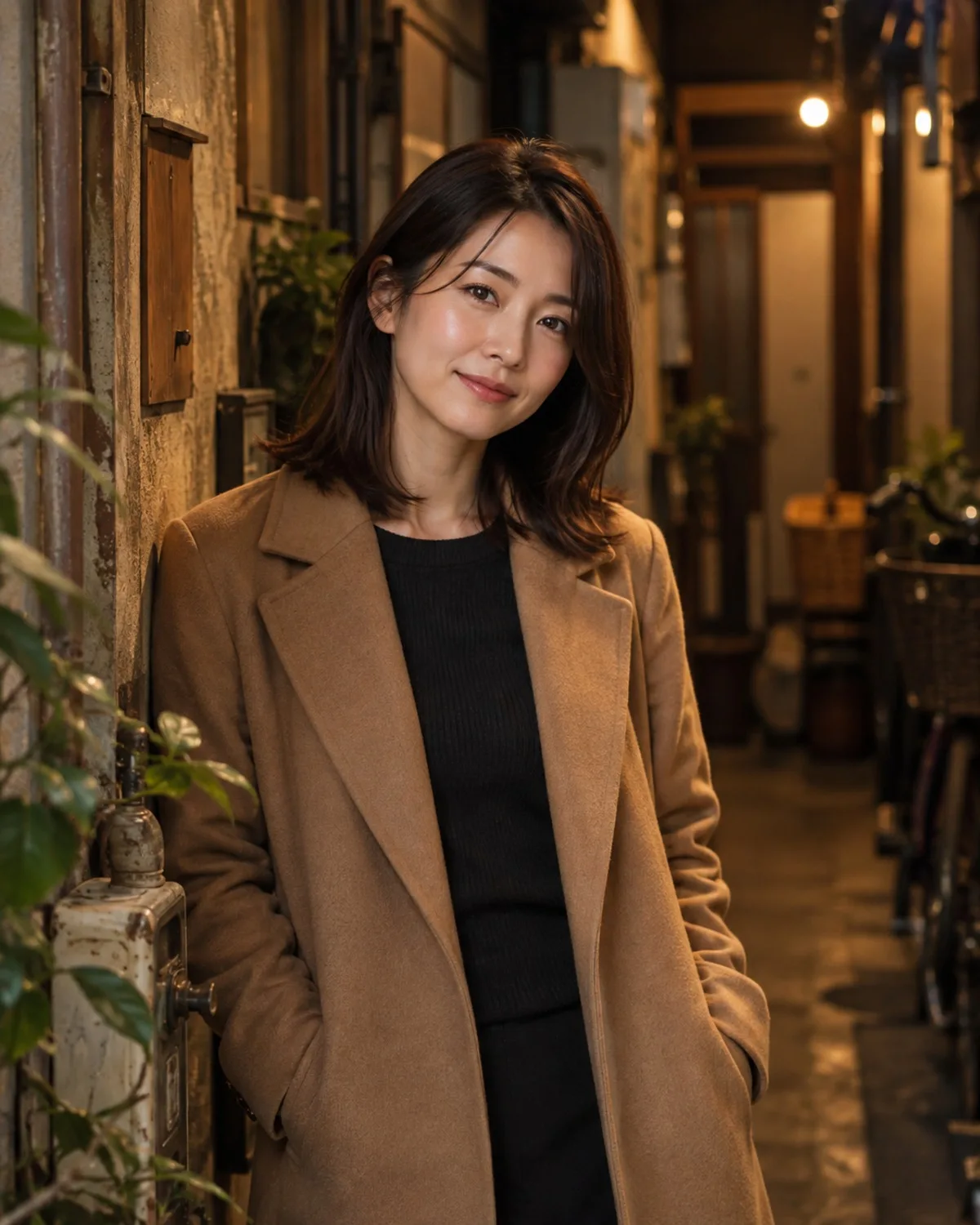
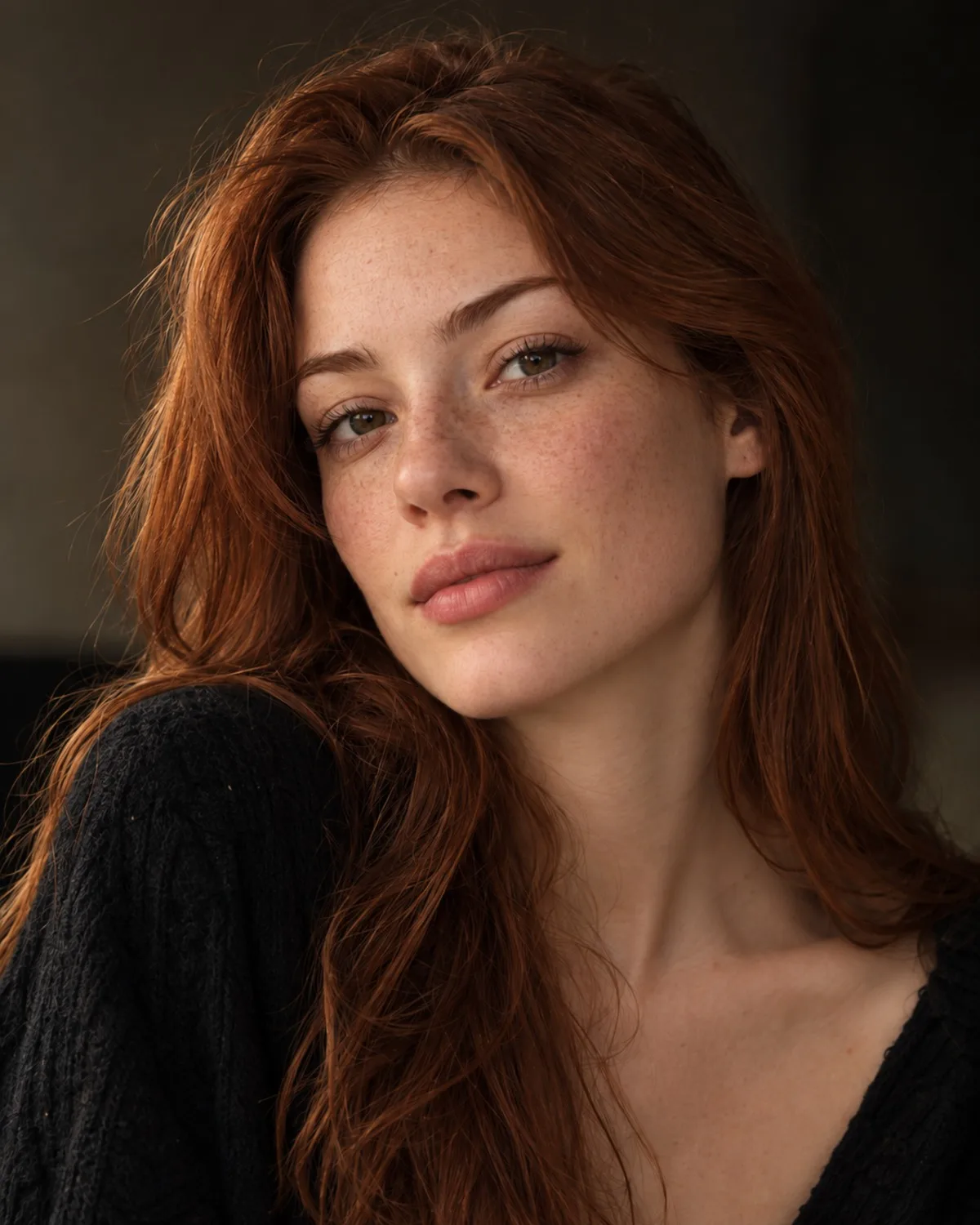
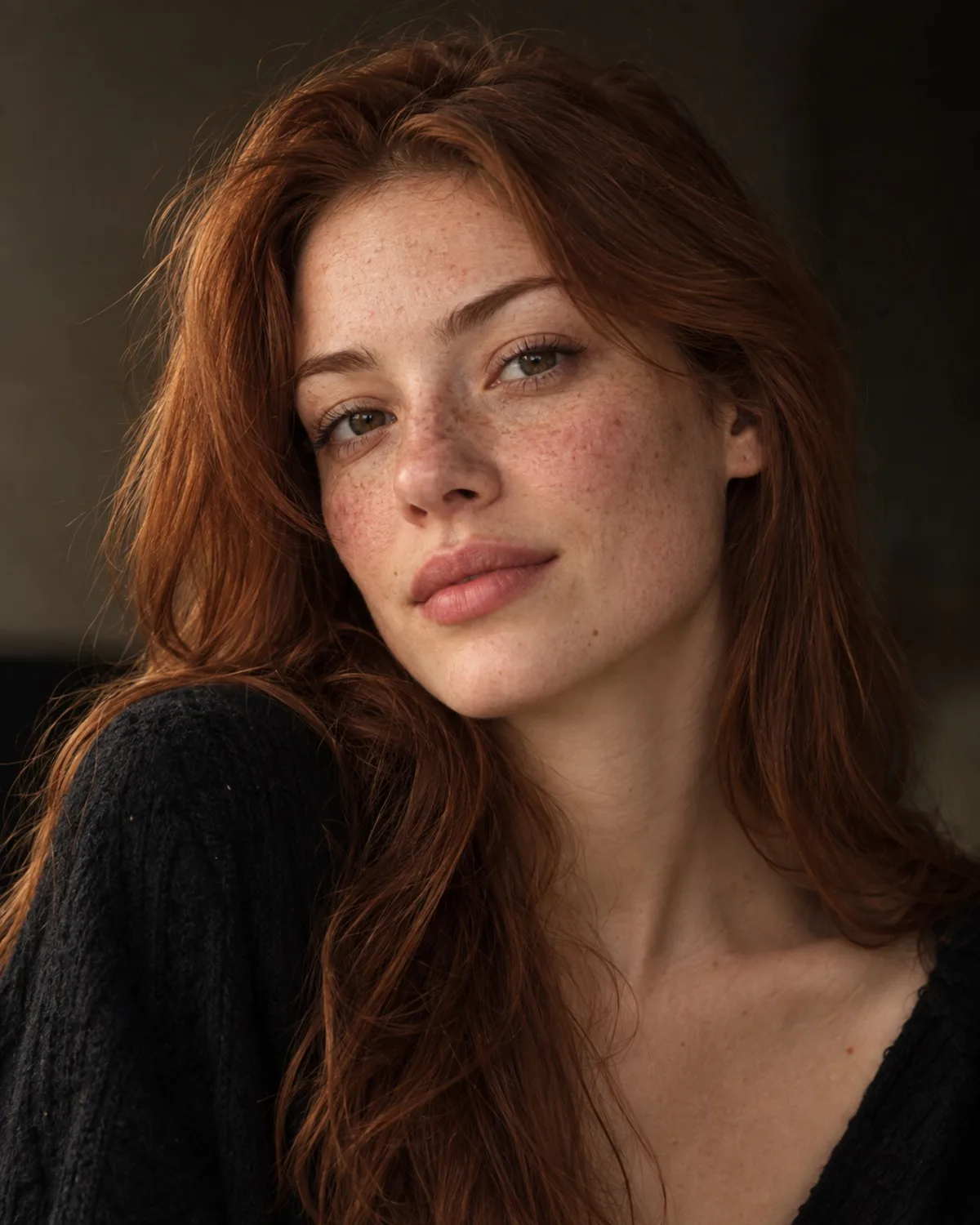
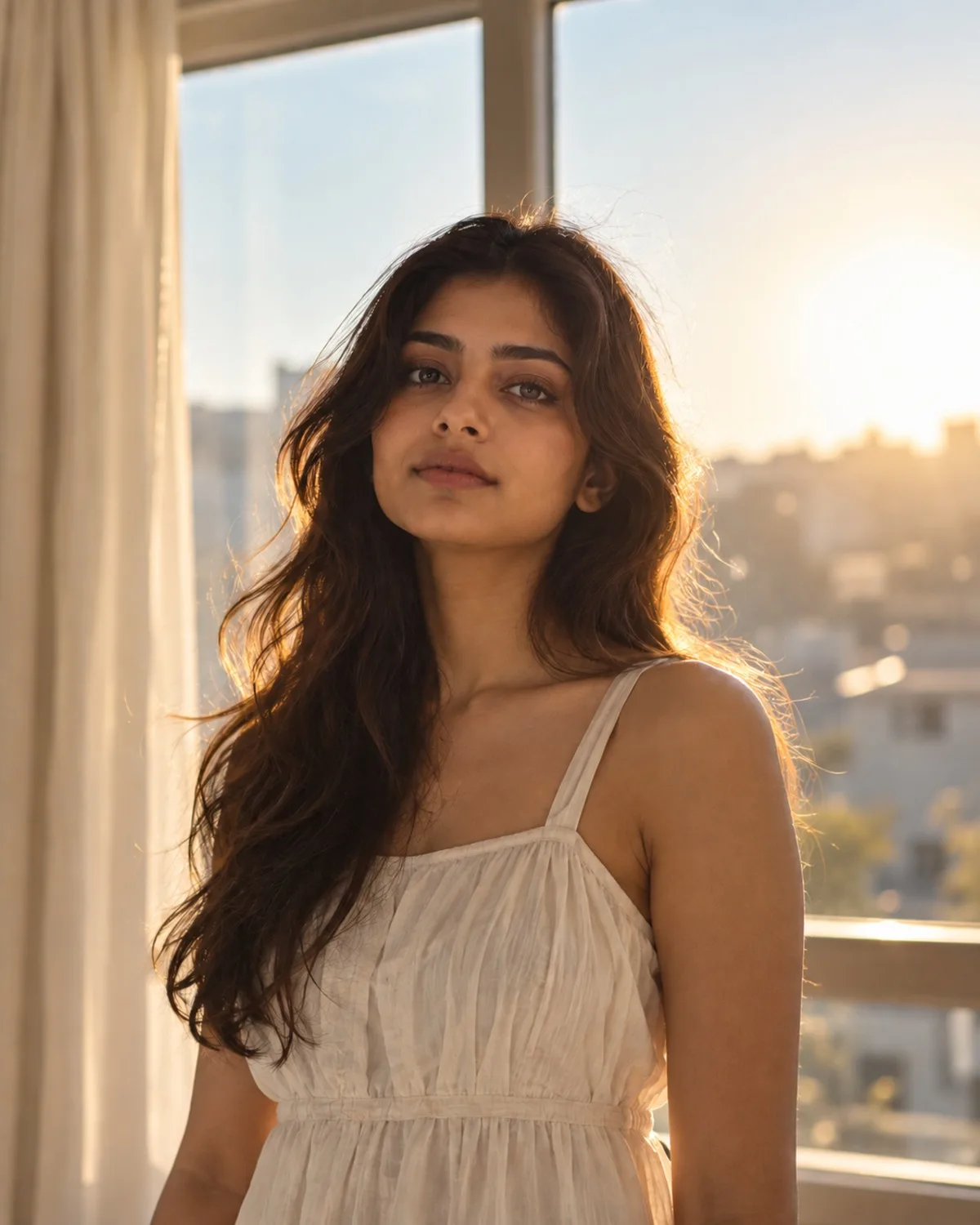
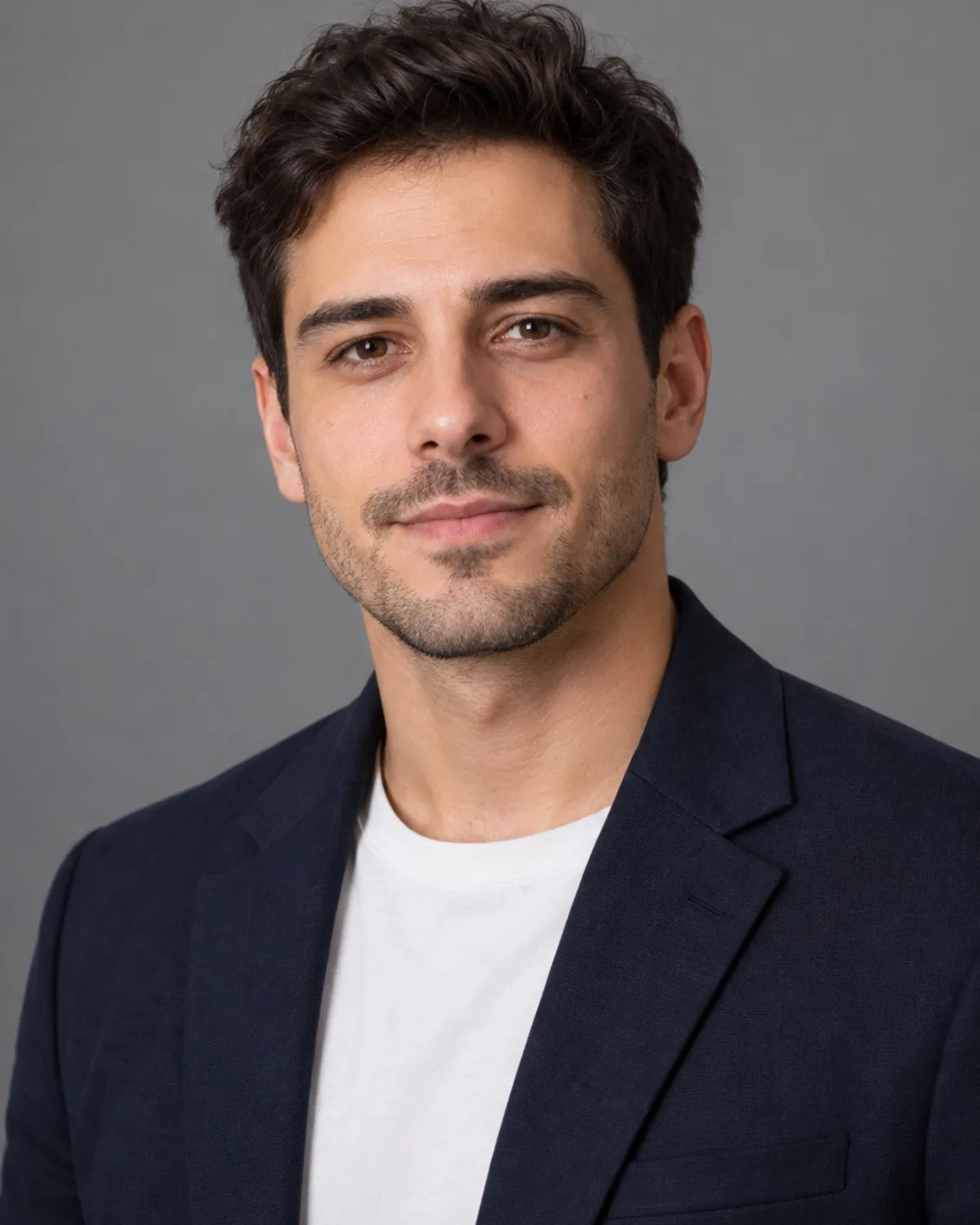
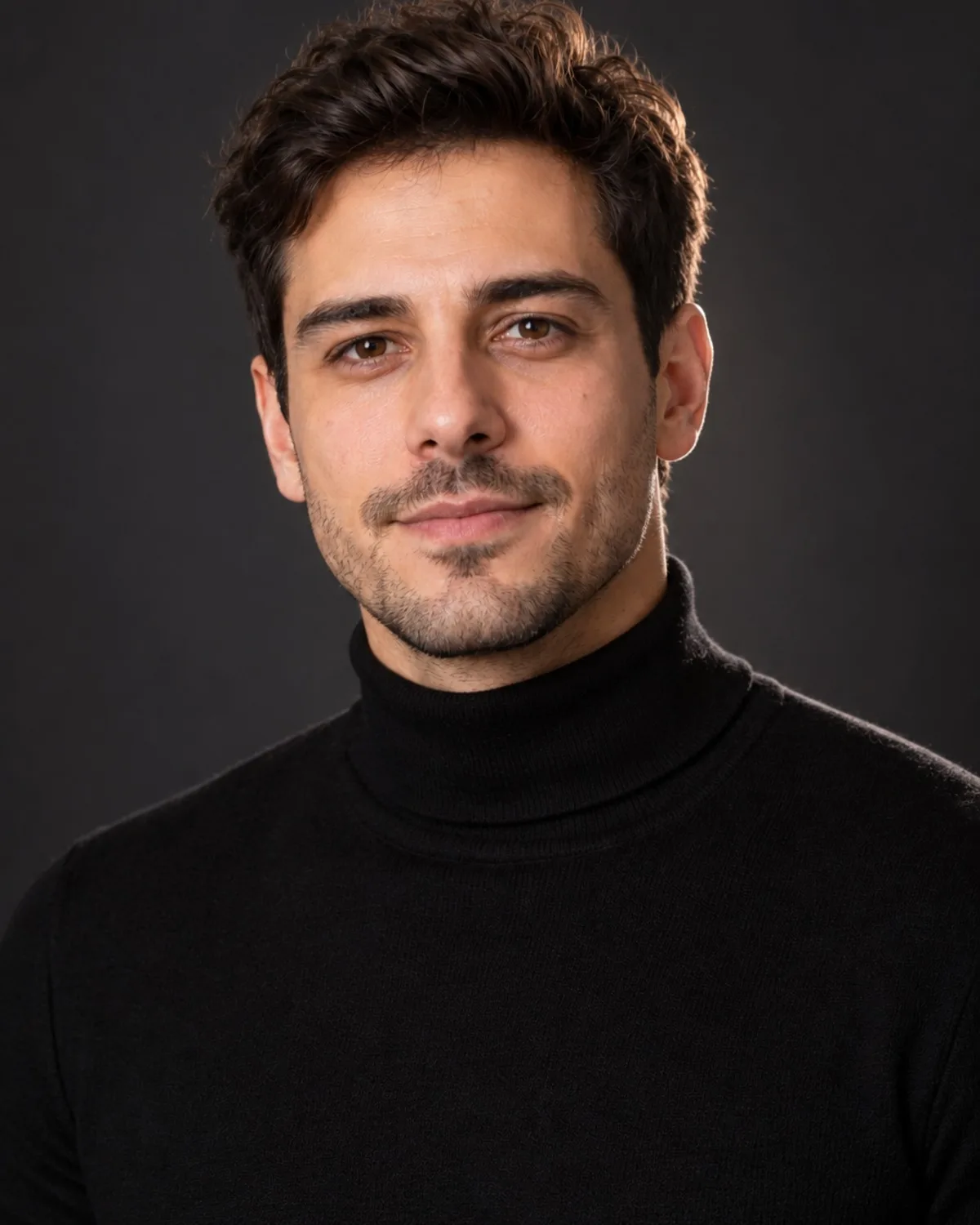
The headshot pack turns your selfies into 10 polished business portraits, each in a different look, so you can choose the one that fits your field instead of settling for a single attempt. They are made for LinkedIn, CVs, company websites, speaker bios and email signatures.
You pay $14.99 once. There is no subscription to cancel, and like every purchase on Photogenic AI, the pack can be refunded in full within 14 days, no questions asked. Your headshots are saved in your private Library, where only you can see them, and you can delete them, or your whole account, at any time.
Selfies that make better headshots
The AI keeps your real features, so a better selfie gives a better headshot. Face a window in daylight so the light is soft and even, and avoid harsh overhead lamps or direct midday sun. Hold the camera at eye level and at least an arm's length away; close-up phone shots distort proportions.
Keep your whole face visible, with no sunglasses, hats or hands in the way, and wear your hair the way you usually do. If you wear glasses every day, wear them here too. Turn off beauty filters and portrait effects.
Why up to 3? Slightly different angles and expressions give the AI a fuller picture of your face. All of them should be recent, show only you, and show you looking the same, so not one with a beard and one without.
Pack or single headshot?
If you only need one photo and know the style you want, the Professional Headshots tool may be enough. It creates one headshot per generation for 1 credit, in styles such as Classic Grey, Corporate Navy or Outdoor Natural, or in a setting you describe. New accounts get 3 free credits, which is a simple way to see how the AI handles your face before you buy anything; free results carry a small watermark.
The pack suits you when you want variety: 10 looks to compare, a choice for different platforms and a single one-time price instead of generating image by image.
Getting the most from your headshots
Choose the result that looks like you on a good day, not the one that looks like someone else. Check ears, teeth, glasses and hairline before you publish. Then use the same photo everywhere, from LinkedIn to your email signature, so people recognise you across platforms.
Profile photos are usually shown as small circles, so a result with your face centred and some space around your head crops best. If you need a larger file for print, run your favourite through AI Photo Upscale 4K. And keep it current: when your hair or style changes noticeably, a new set of selfies gives you an updated headshot.