Portrait & Beauty
AI portrait tools that keep you looking like you
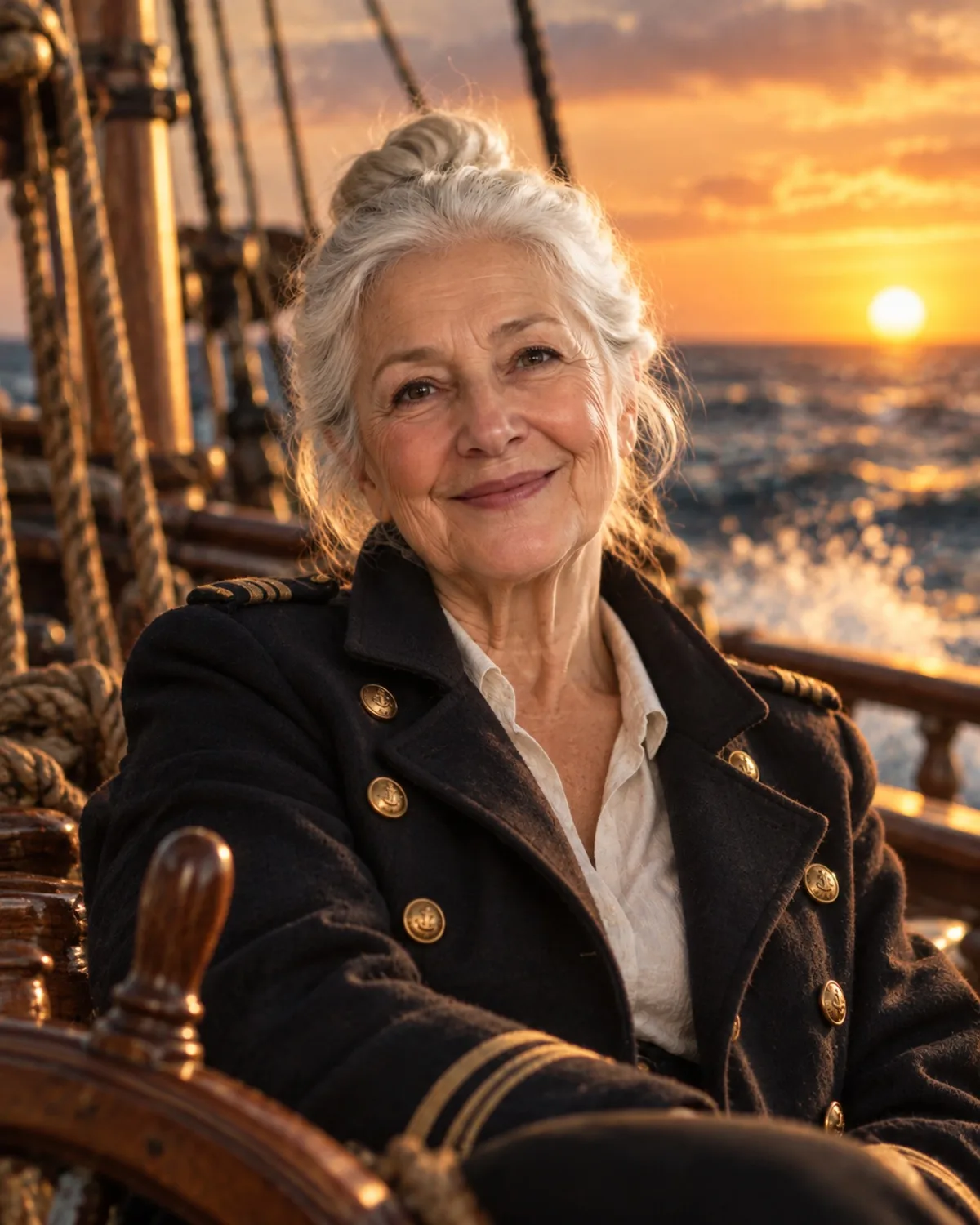
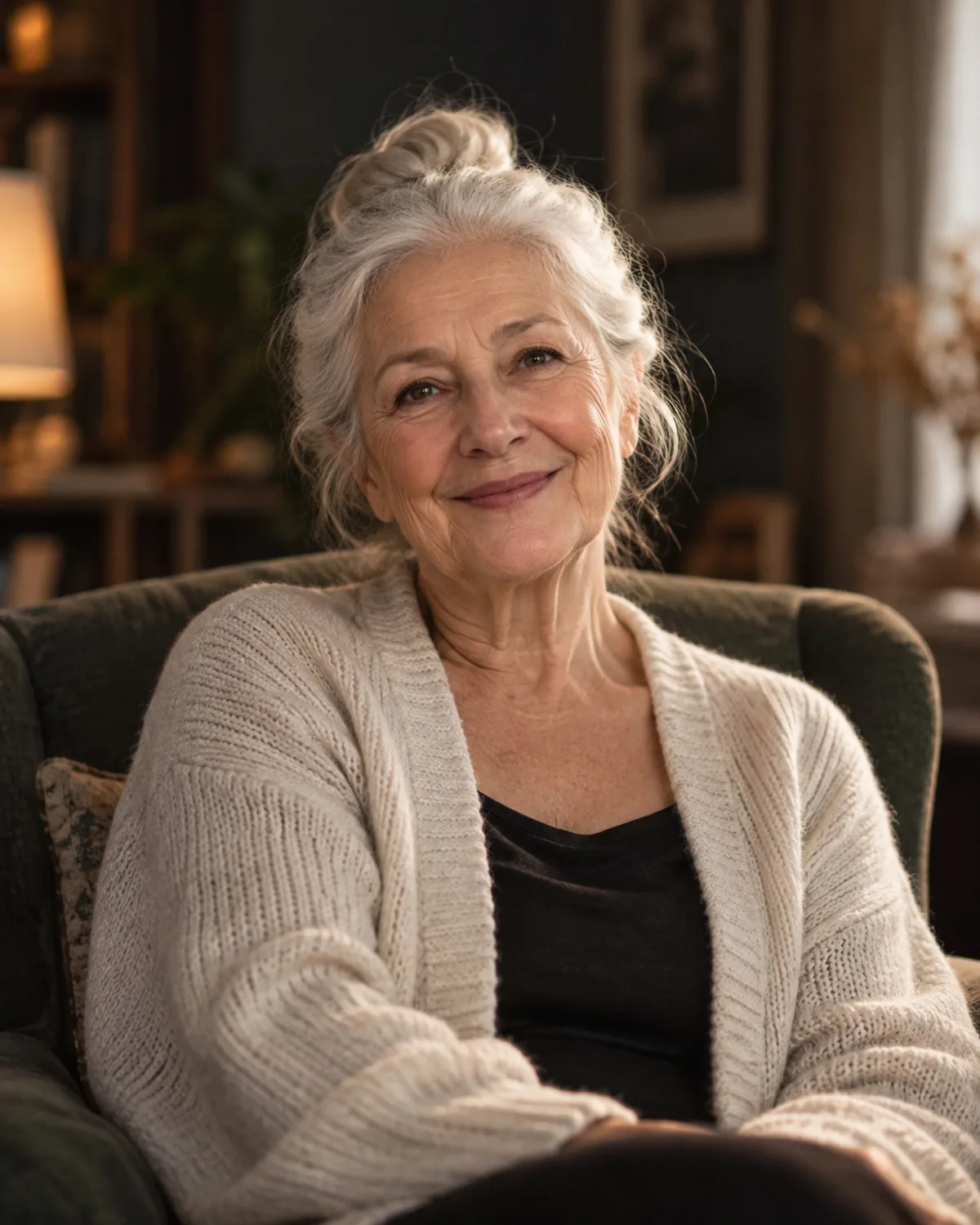
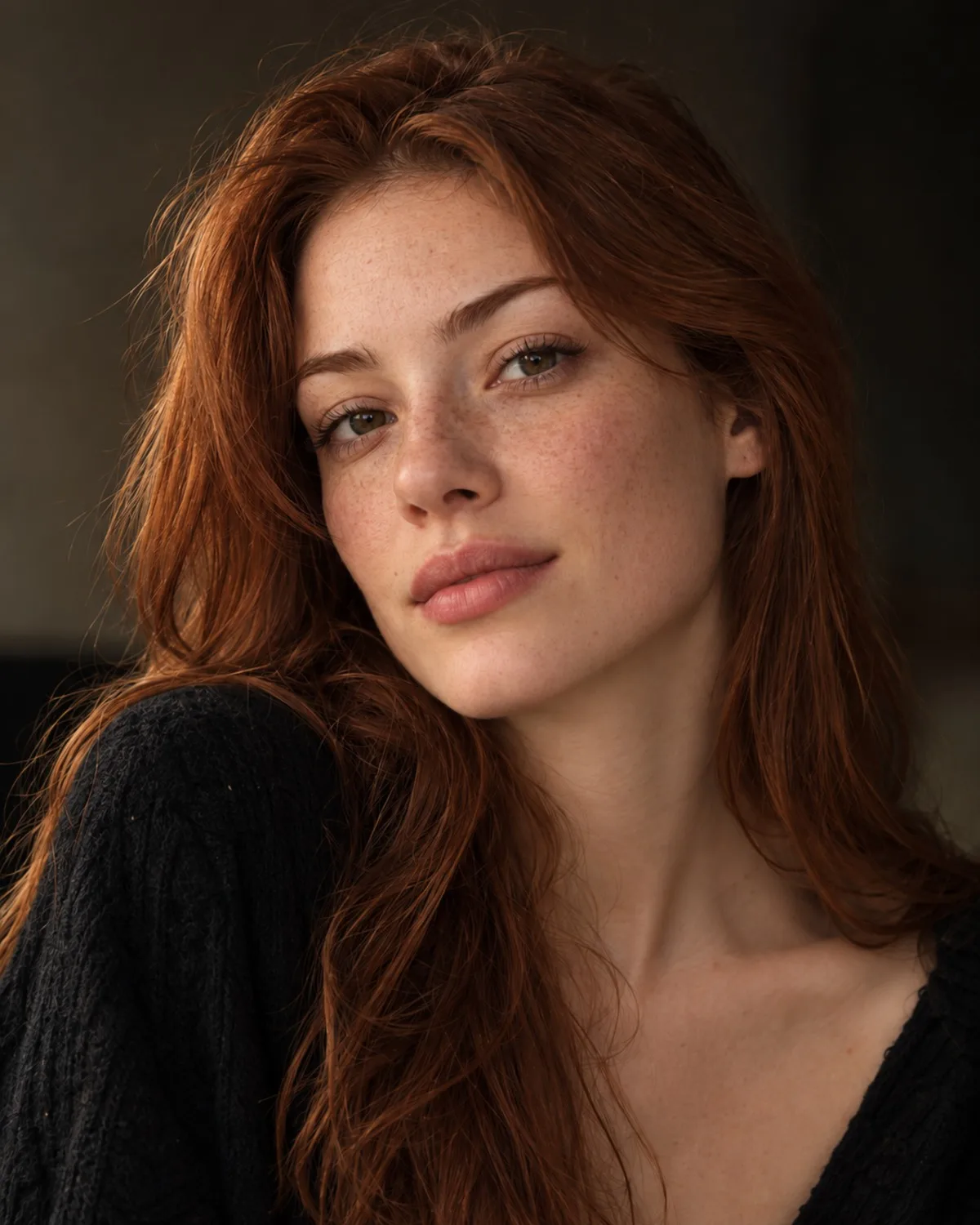
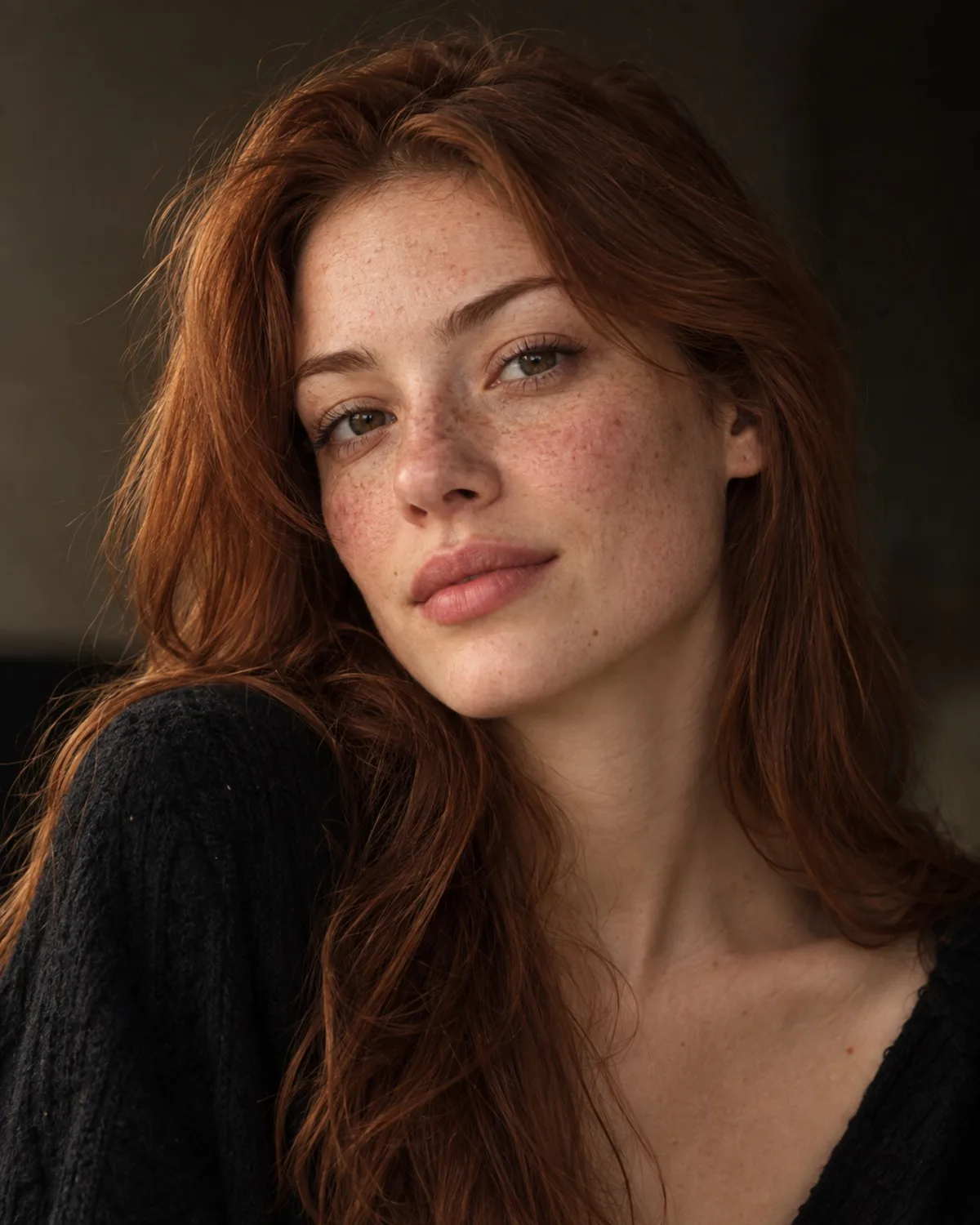
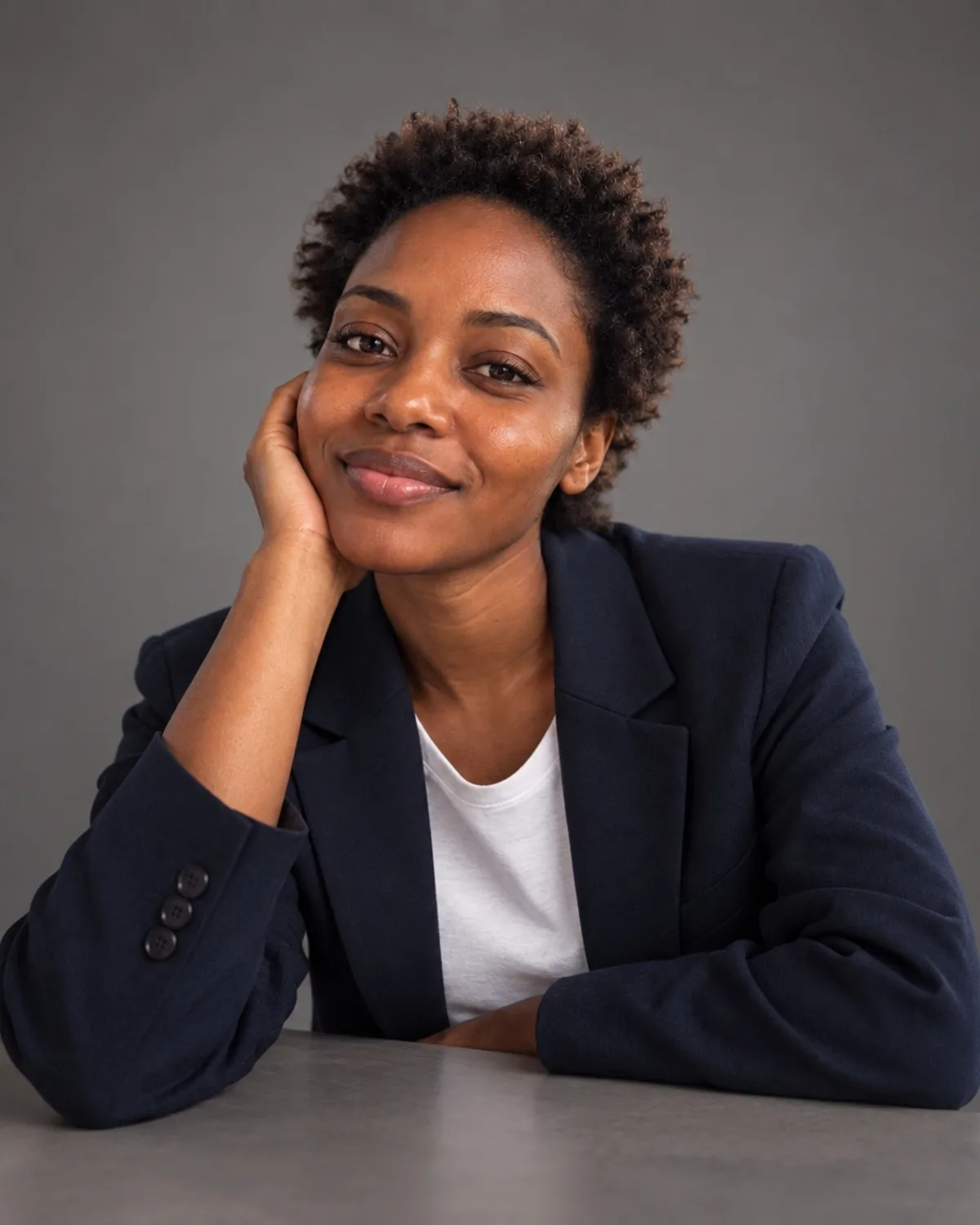
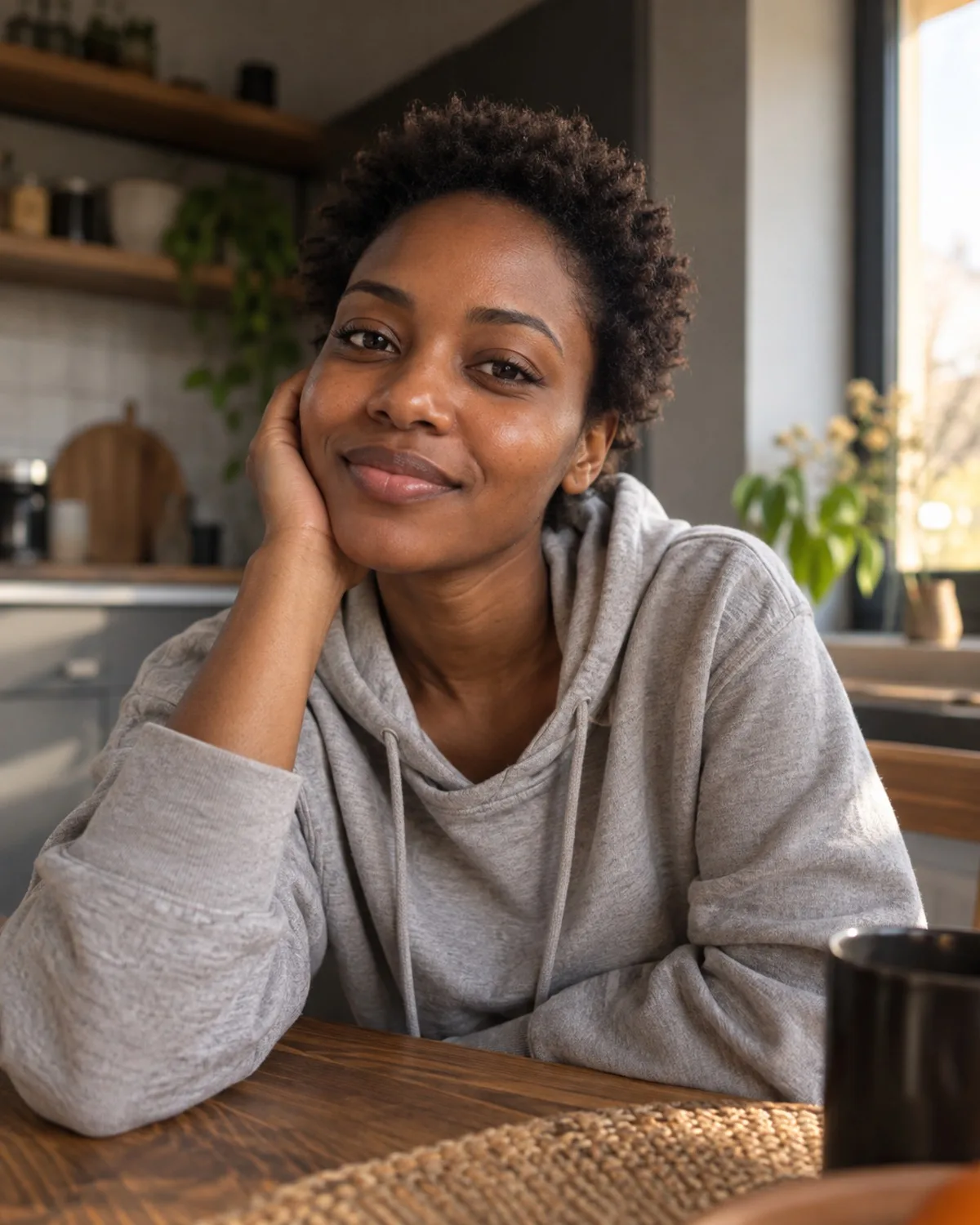
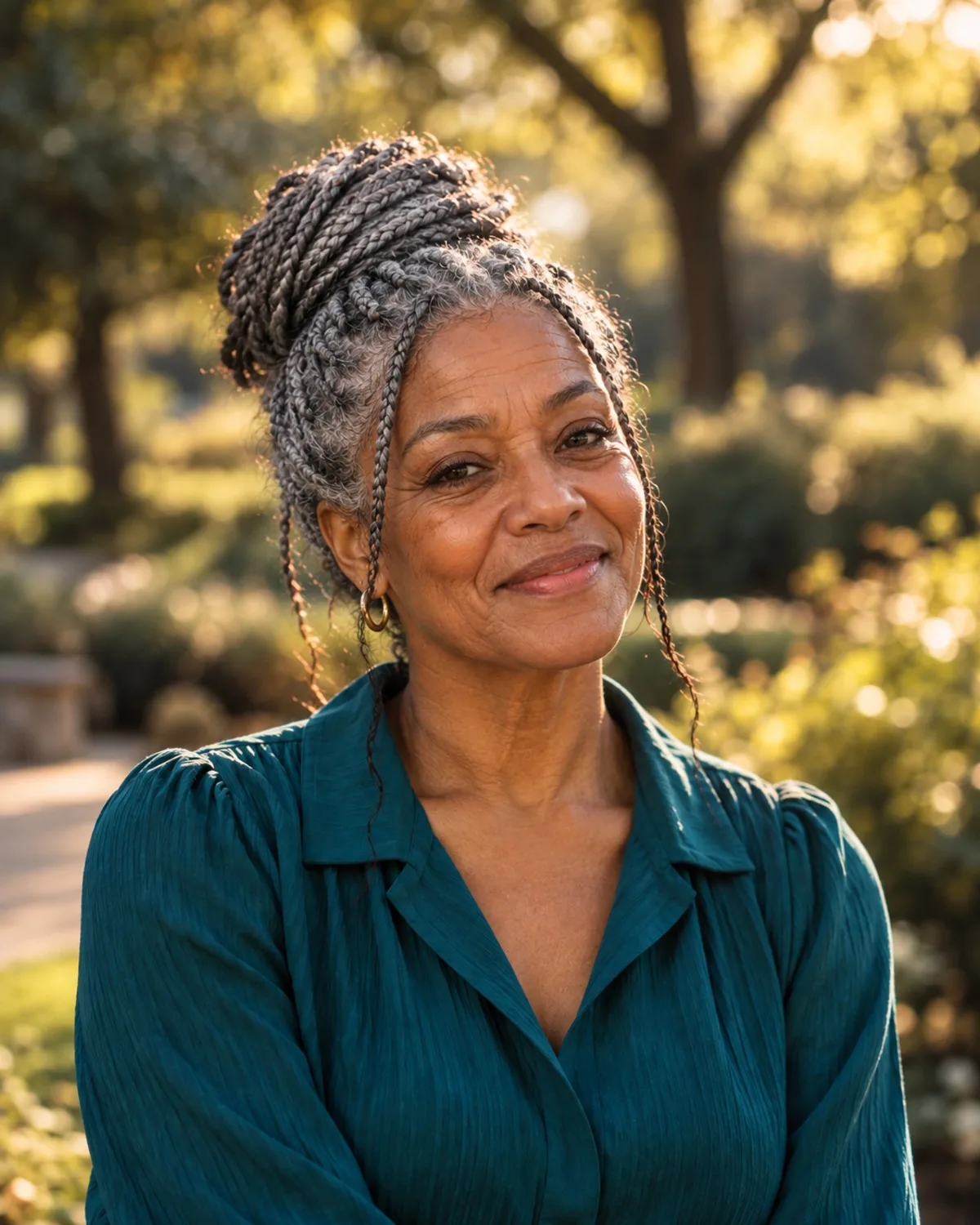
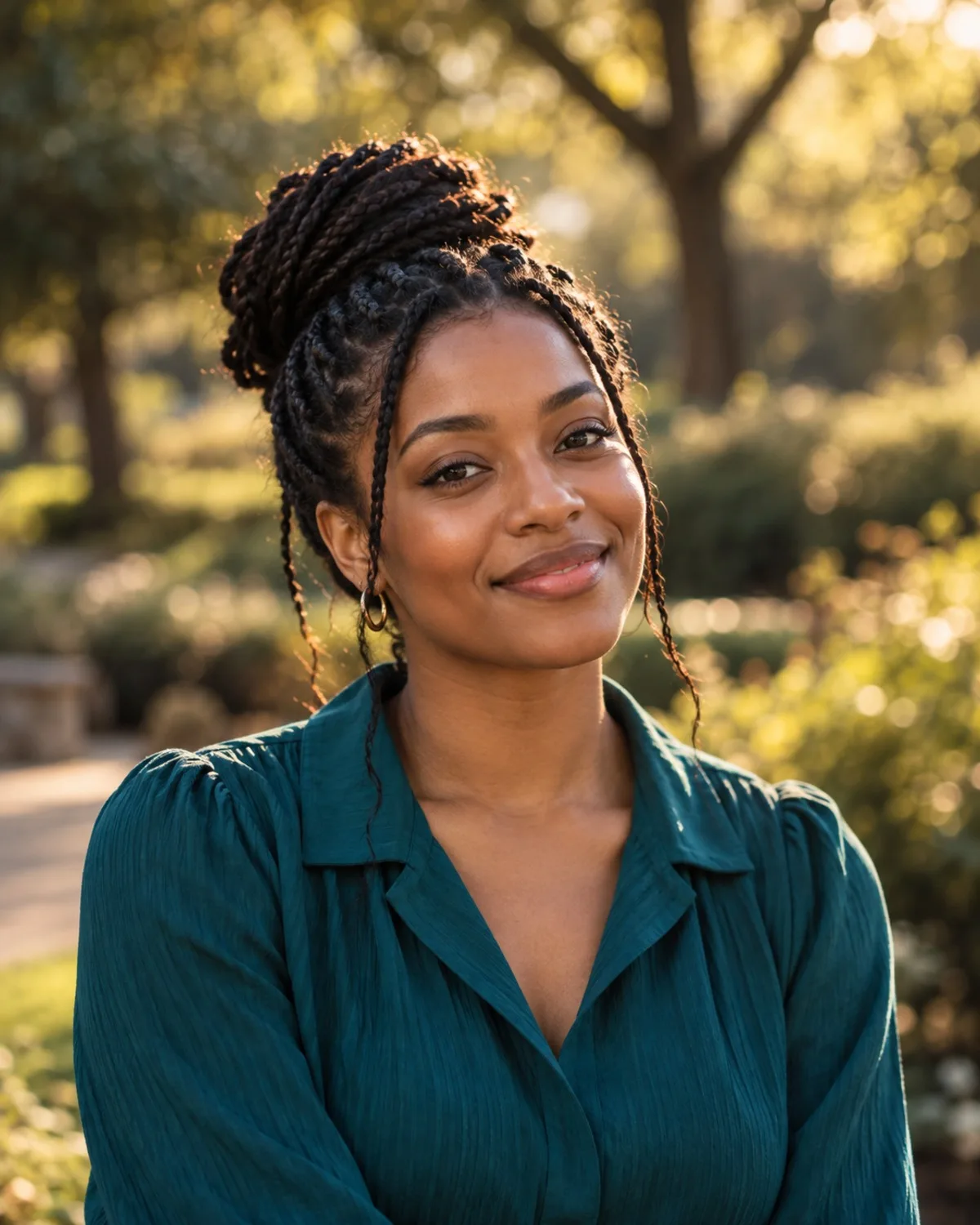
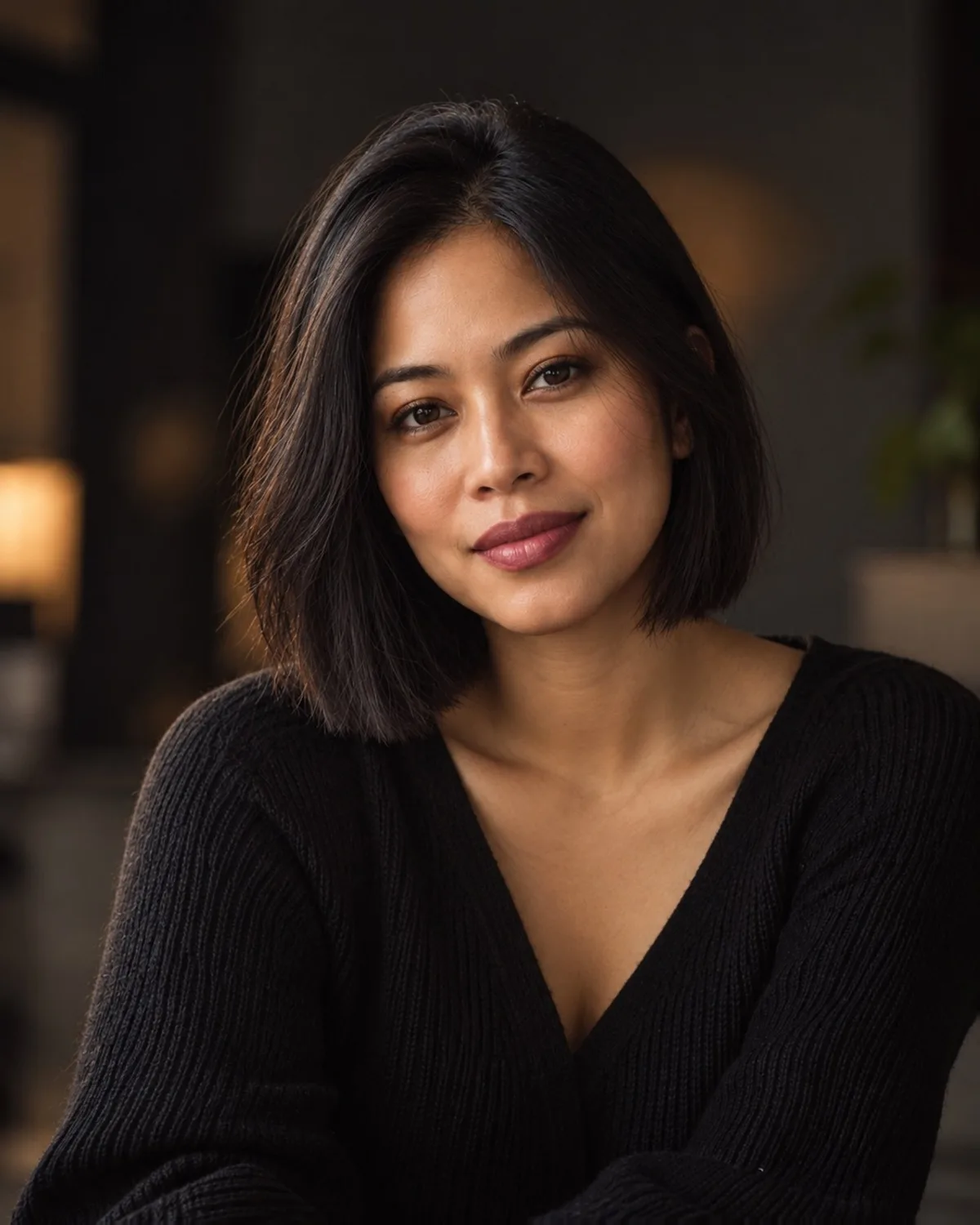
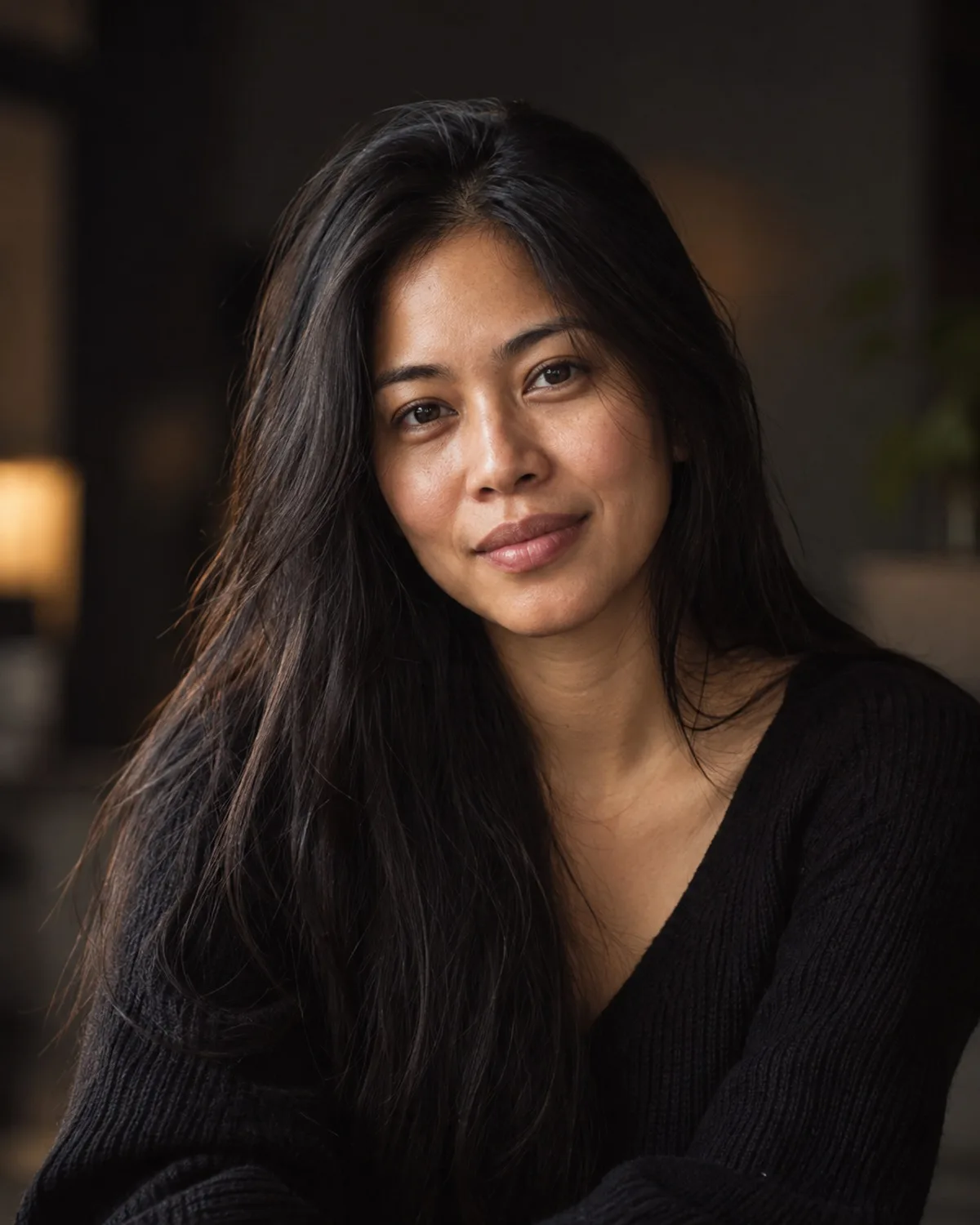
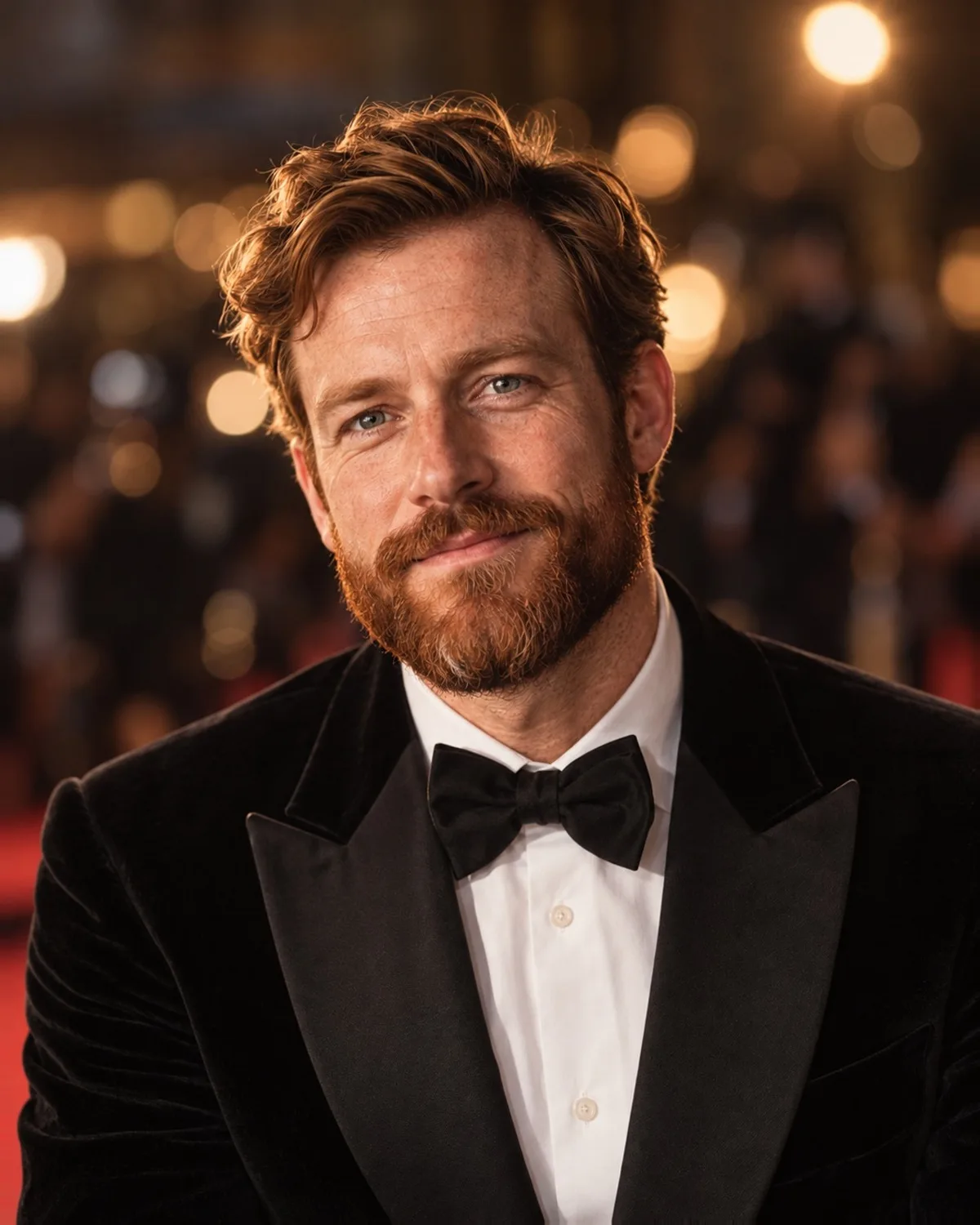
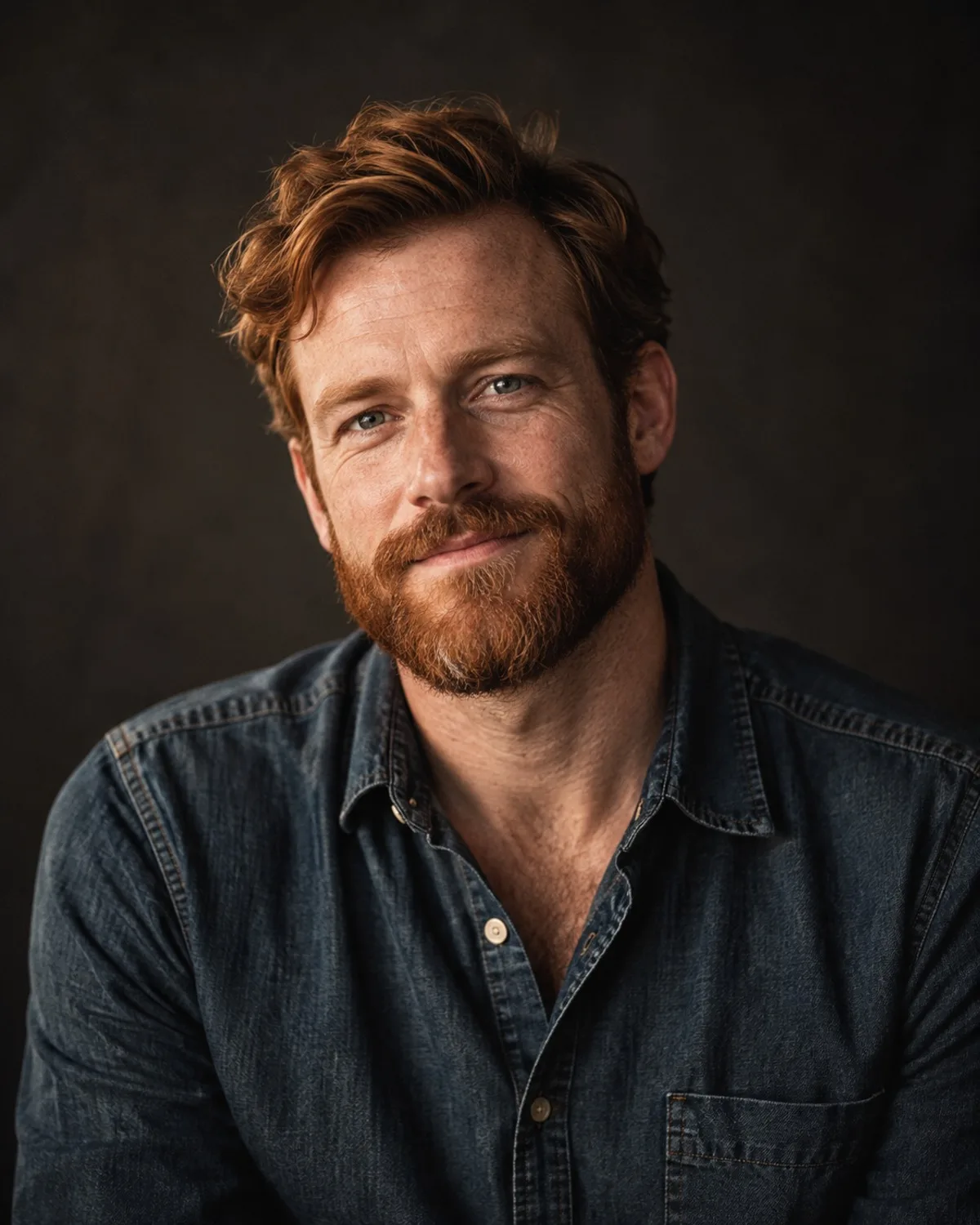
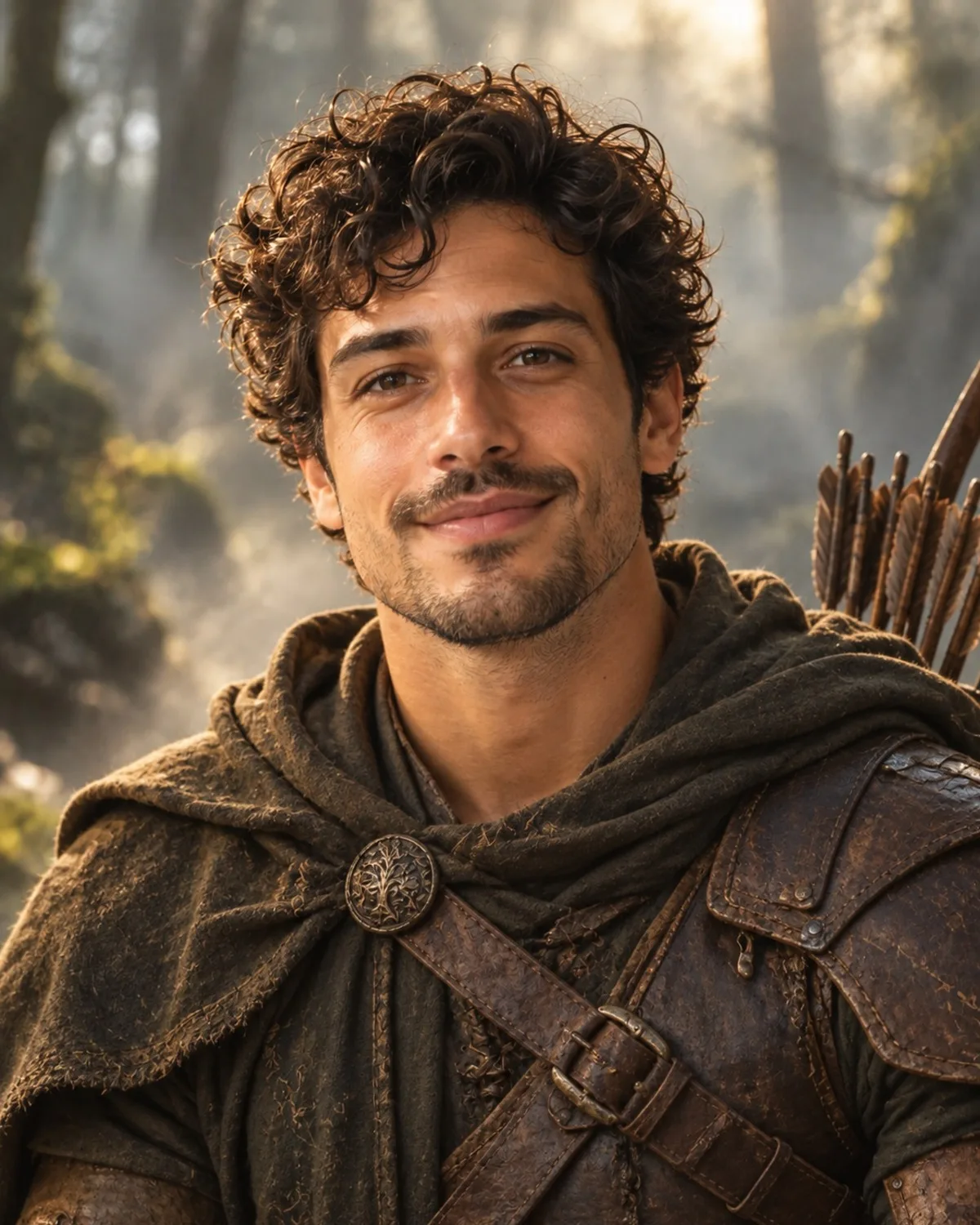
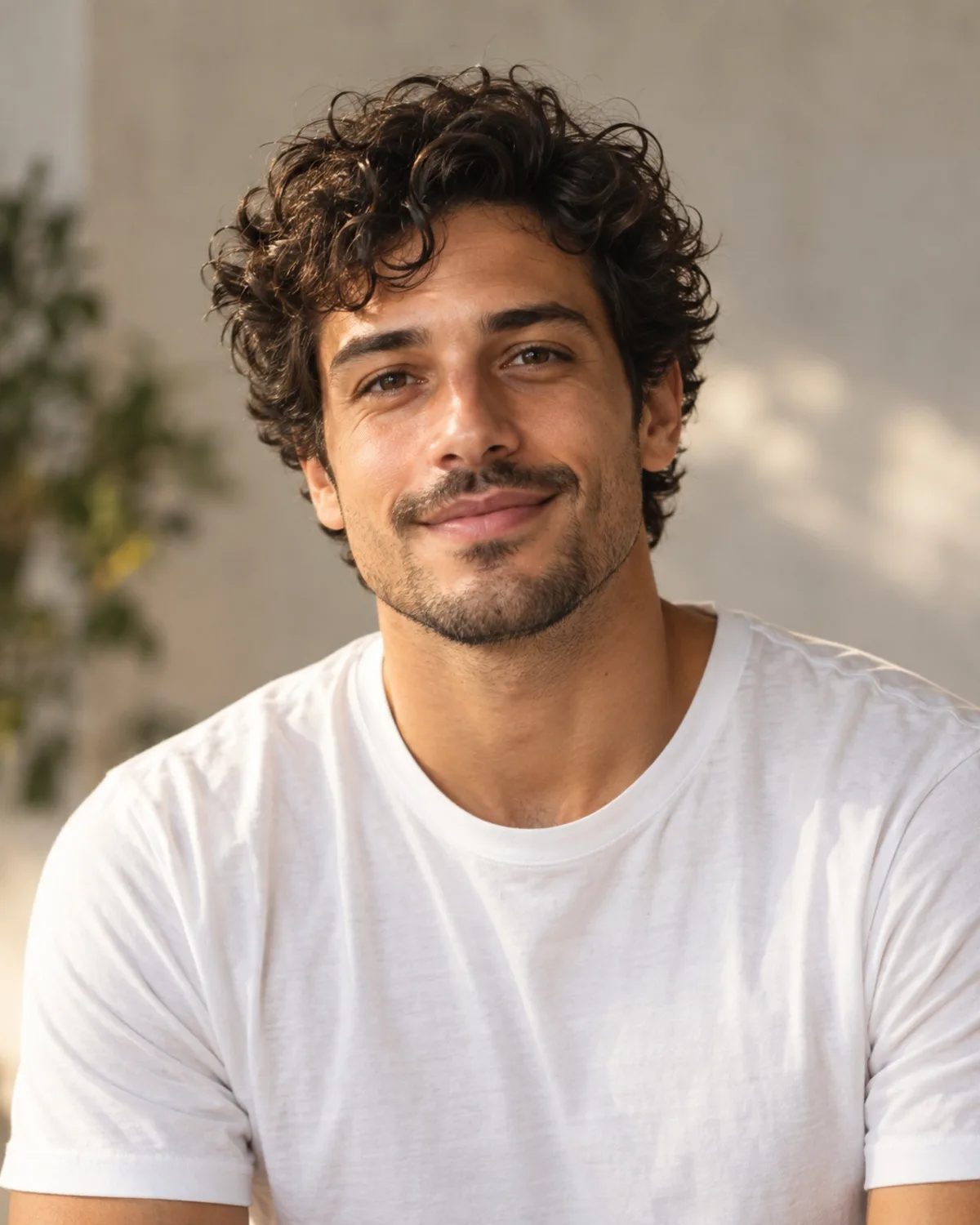
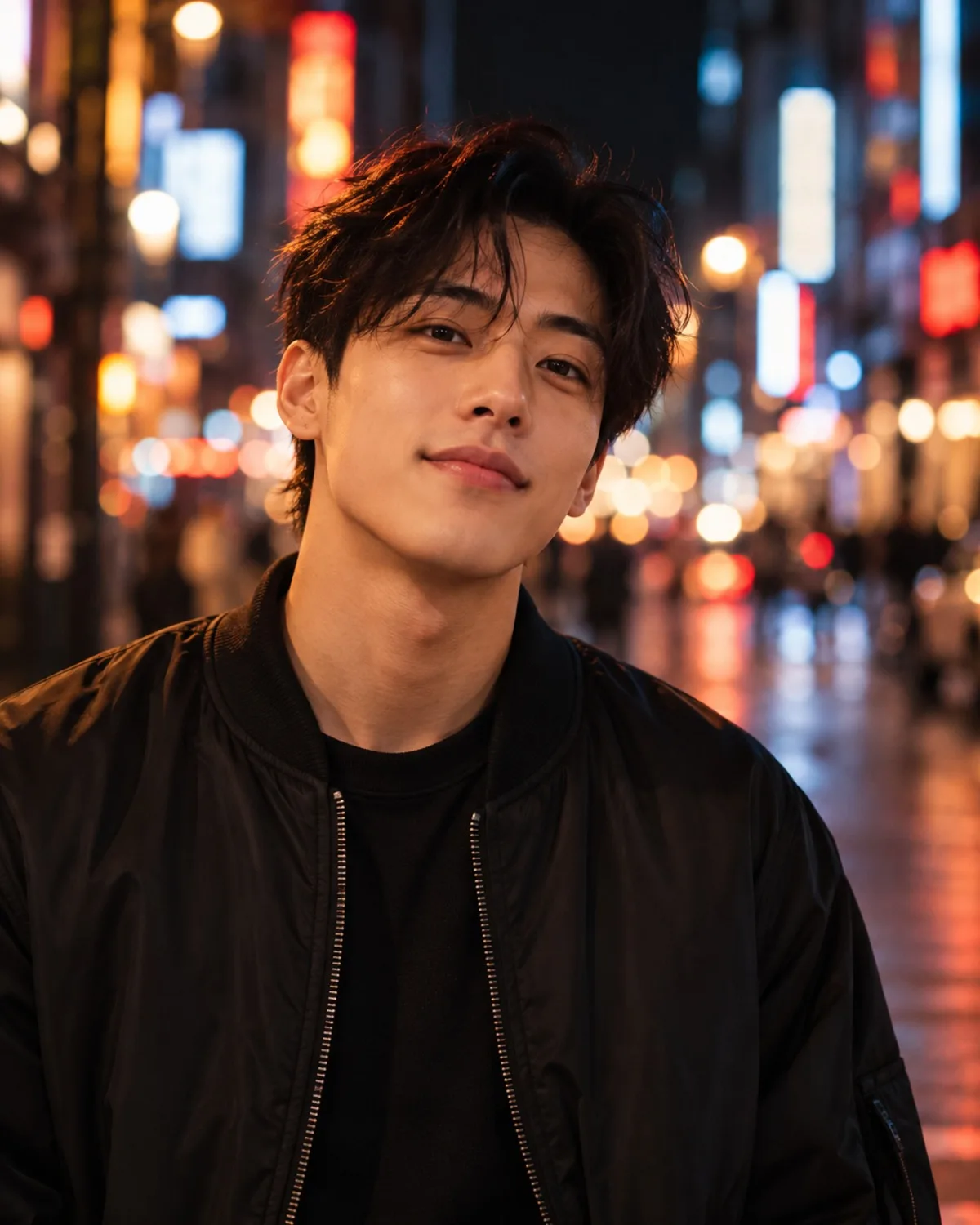
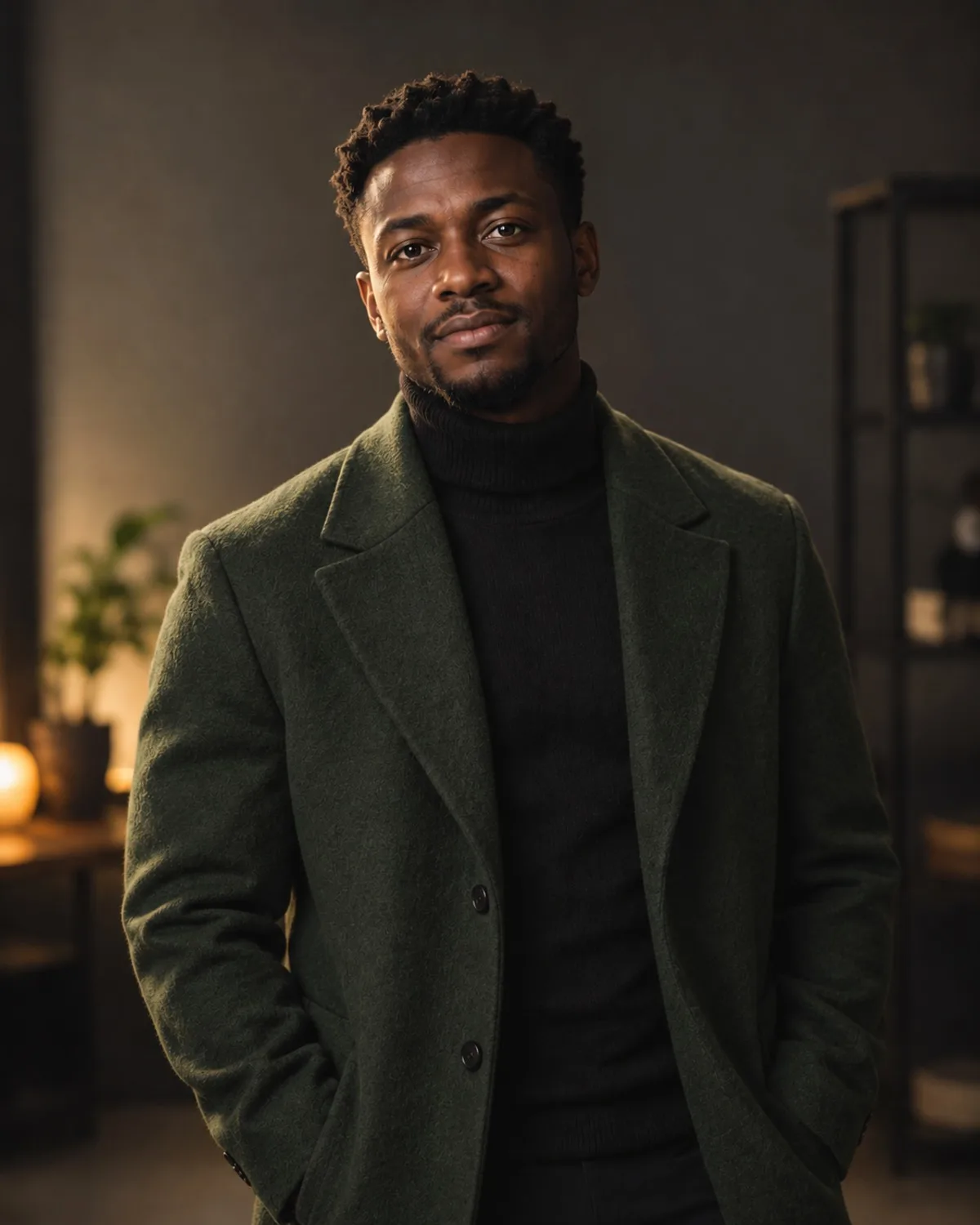
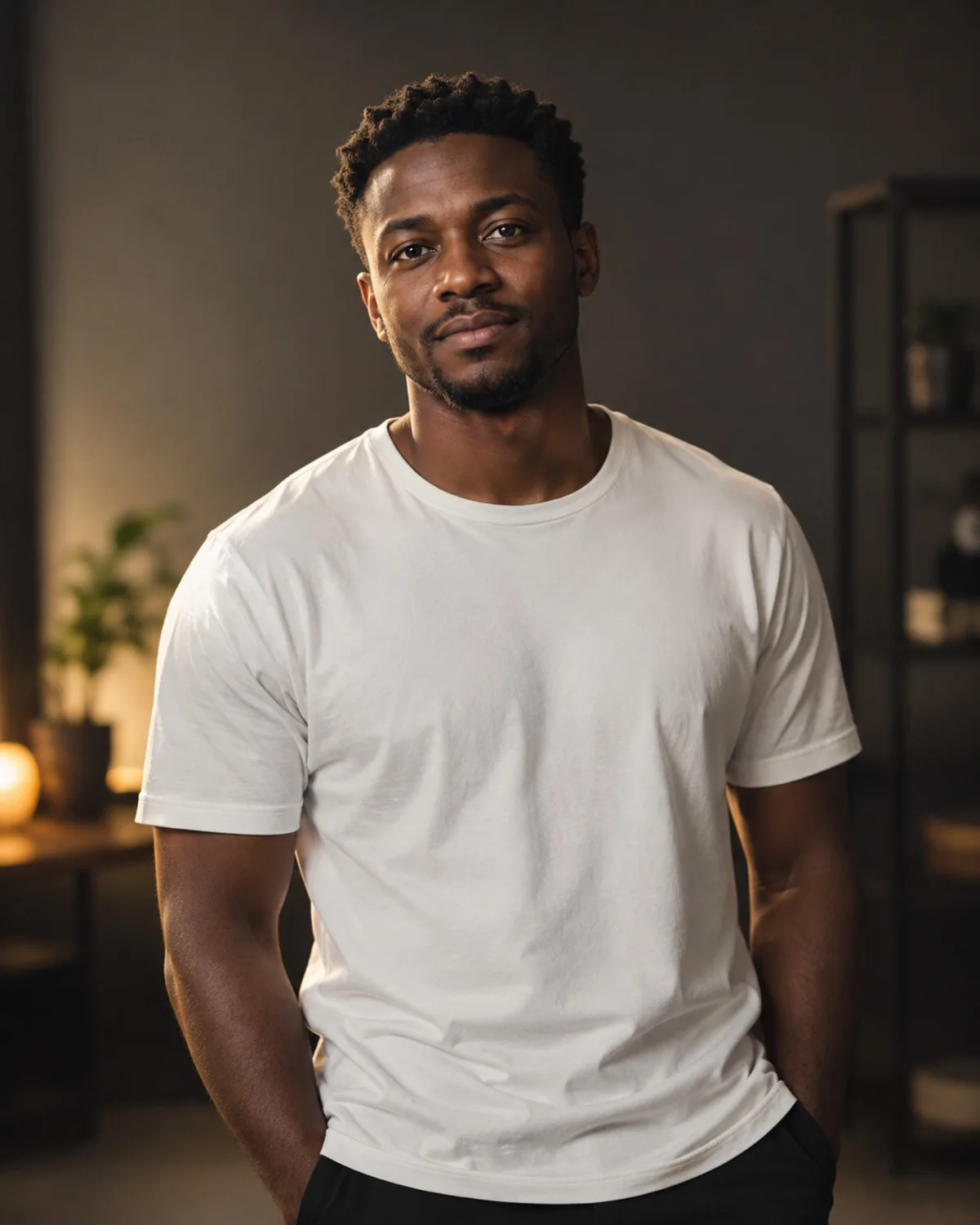
Portraits are the photos people judge fastest and edit most carefully. The tools in this category change the things around your face, such as clothing, lighting, hair, backdrop or drawing style, while your features, skin tone and expression stay recognisably yours. That makes them useful for real-world jobs like a CV photo or a fresh profile picture, as well as for playful looks you would never stage in a studio.
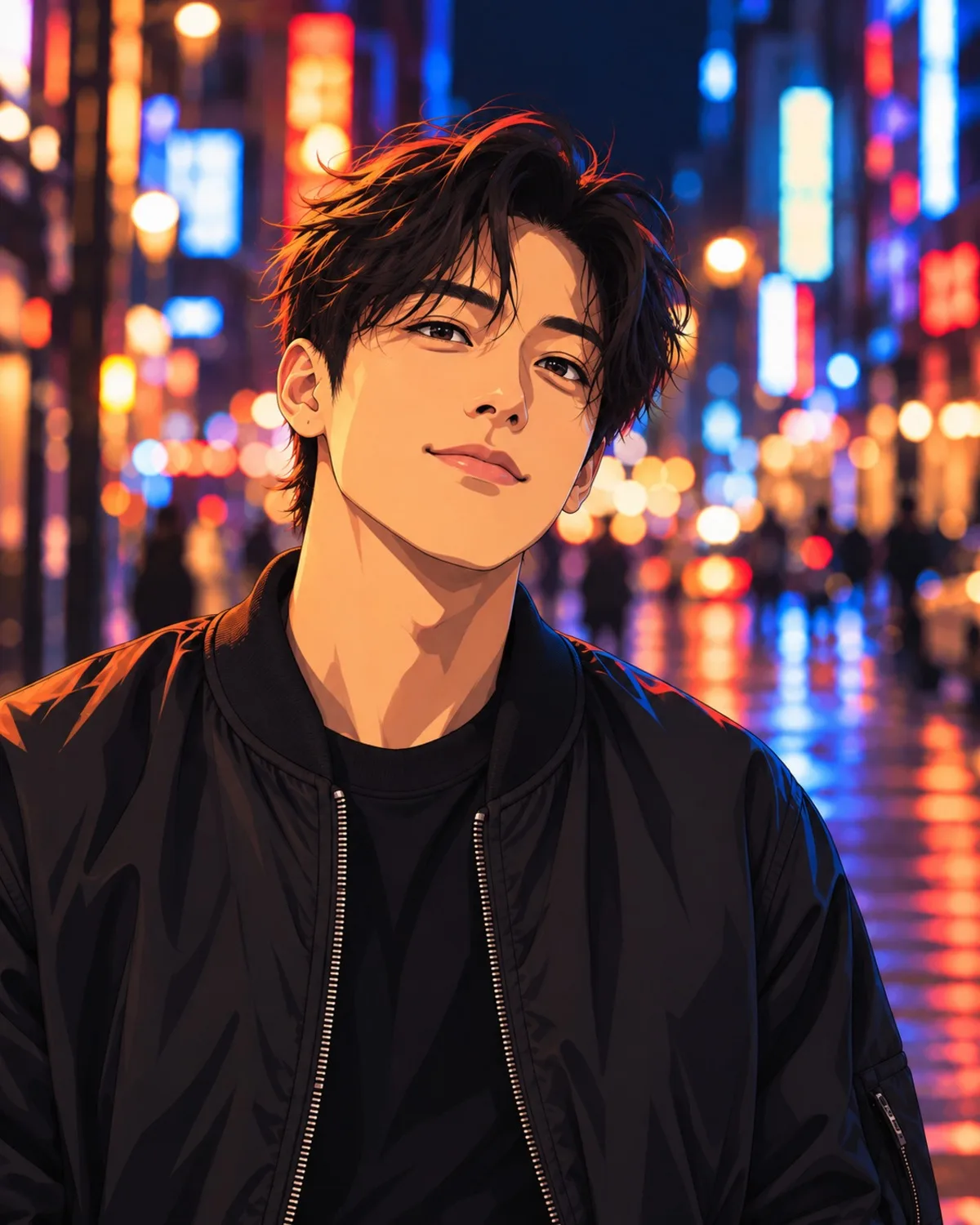
Choose by the result you need. For work, start with Professional Headshots, or Face Retouching if you already like the photo and only want a light polish. For a profile picture with personality, AI Avatars and Cartoon & Anime redraw you as a character. Hair & Makeup and Virtual Try-On answer a practical question before you spend money: will this cut, colour or garment suit me? Age Transformation and Star Style are for fun and storytelling. When none of the presets fits, Creative AI lets you describe the edit in your own words. Whatever you pick, start from a sharp, well-lit photo where your face is clearly visible, and only upload photos of yourself or of adults who have agreed.
9 tools in Portrait & Beauty
Frequently asked questions
Try it on your own photo
Open any tool without an account. You only sign in when you generate, and new accounts get 3 free credits.