Hair & Makeup
Try a new hairstyle before the salon
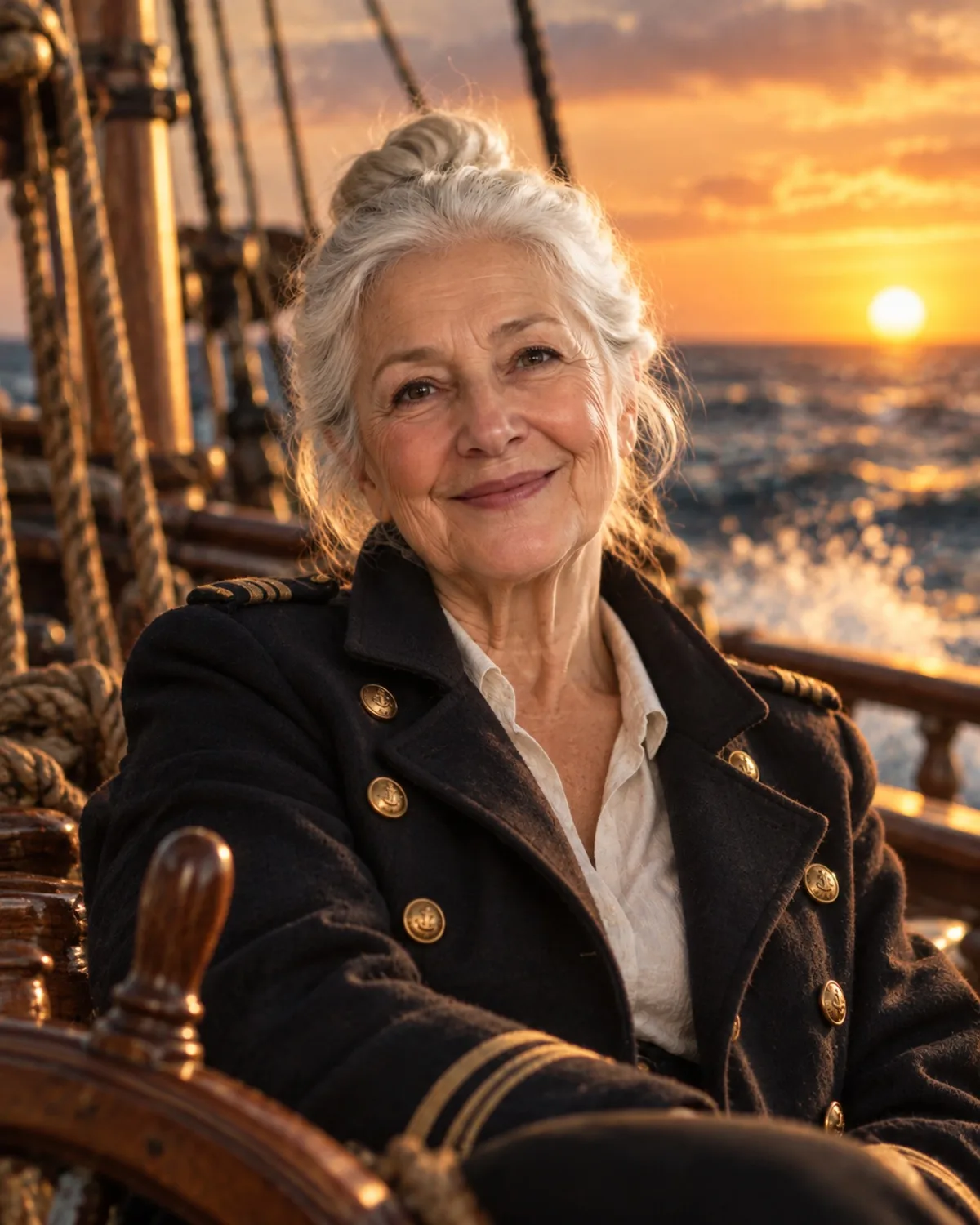
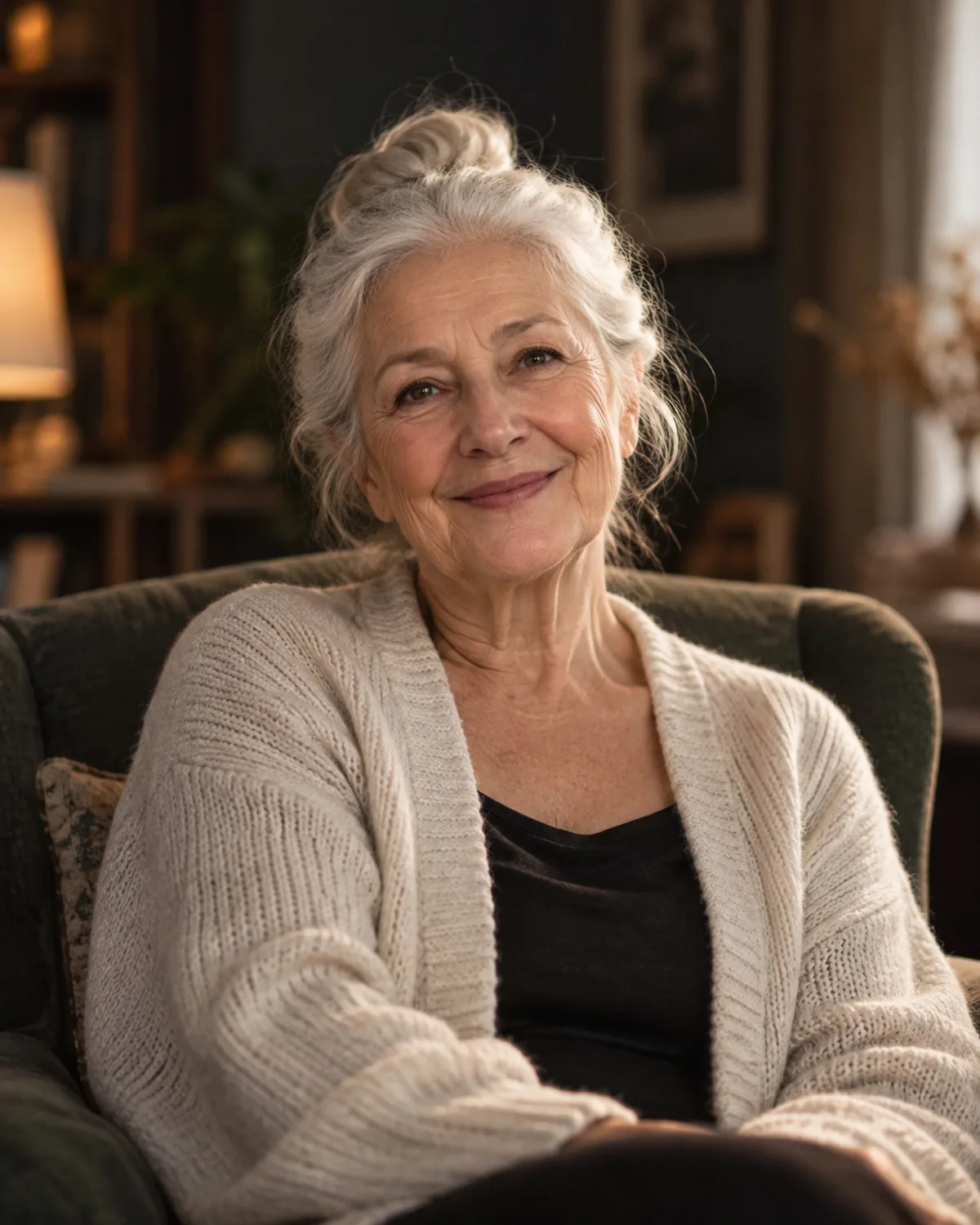
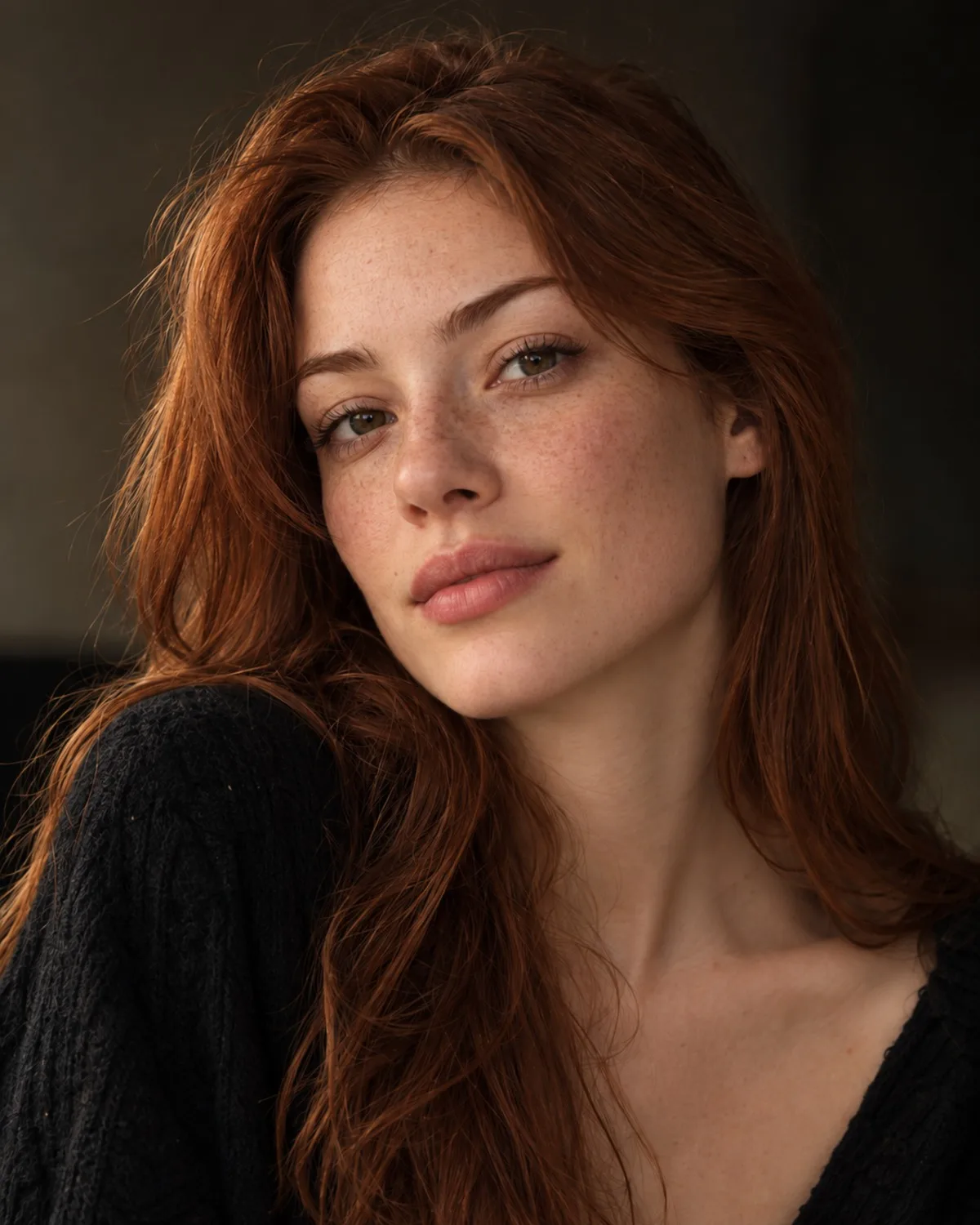
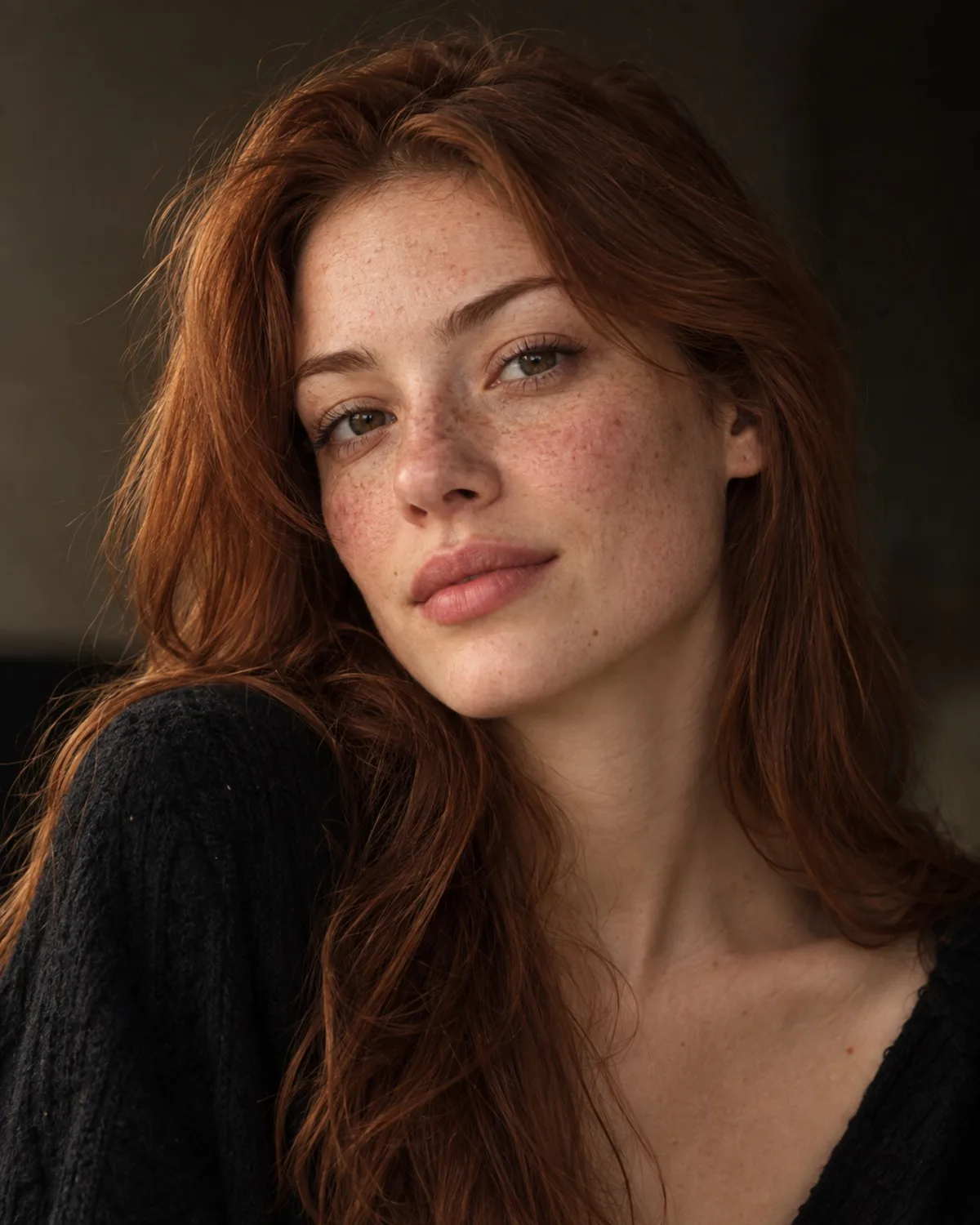
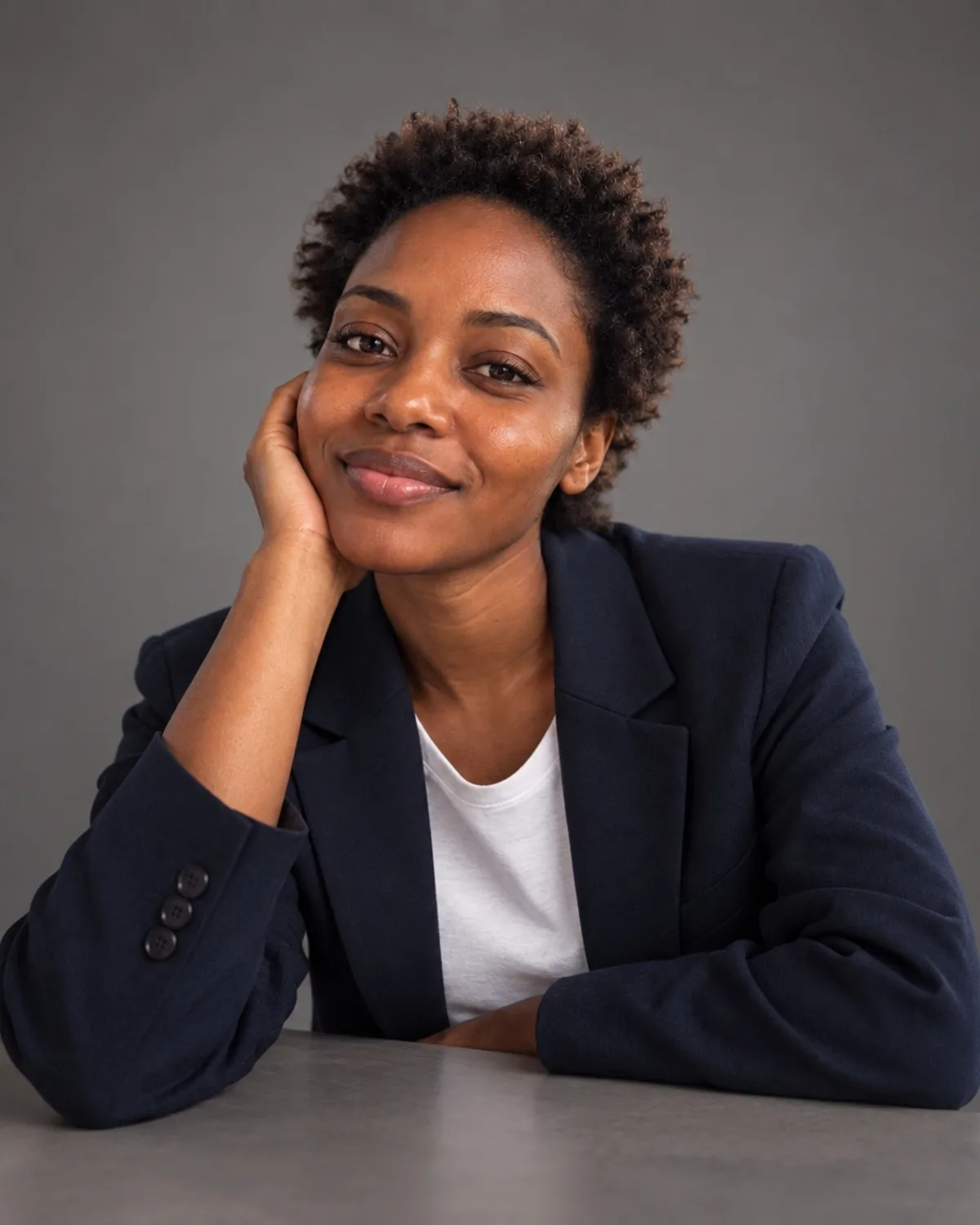
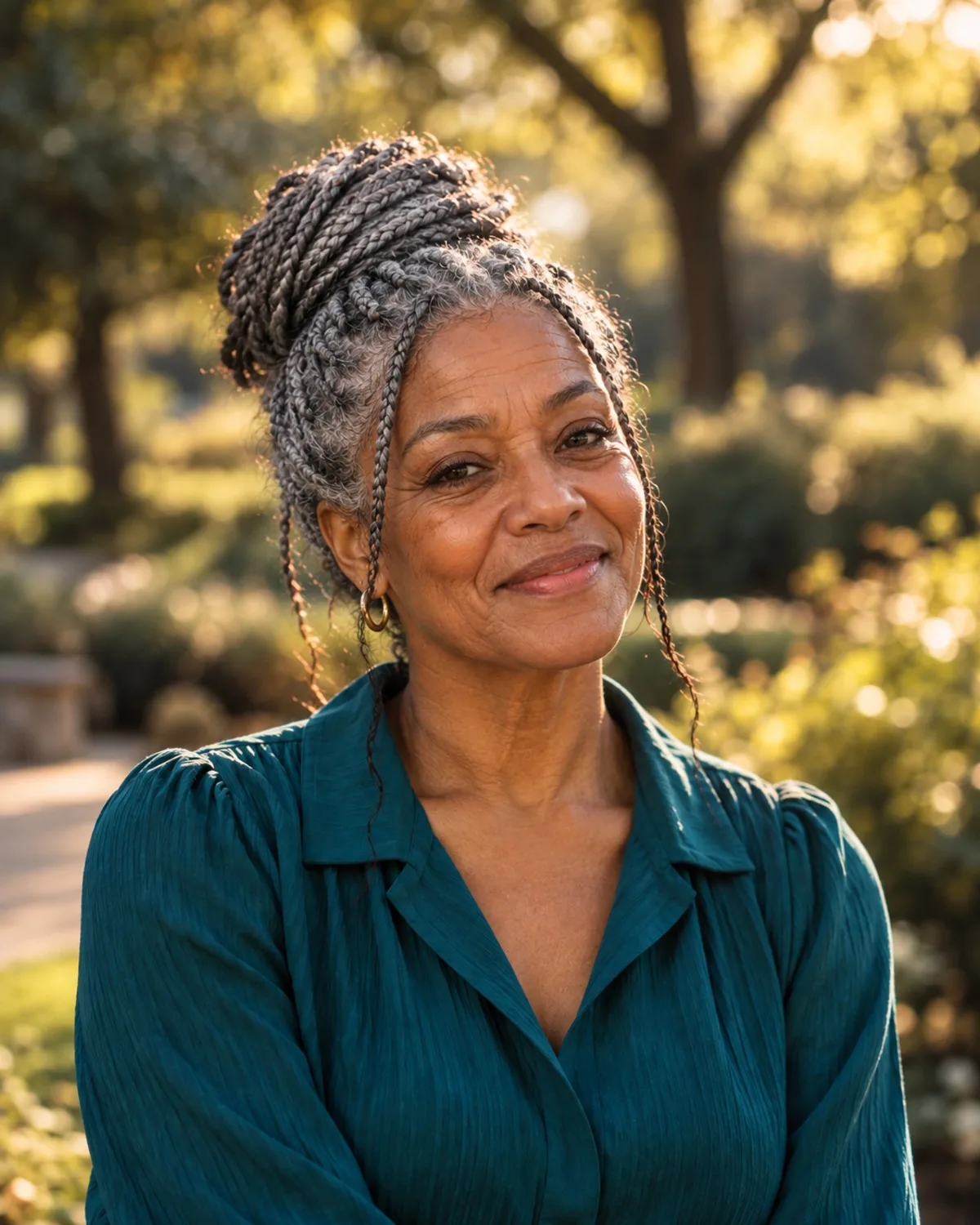
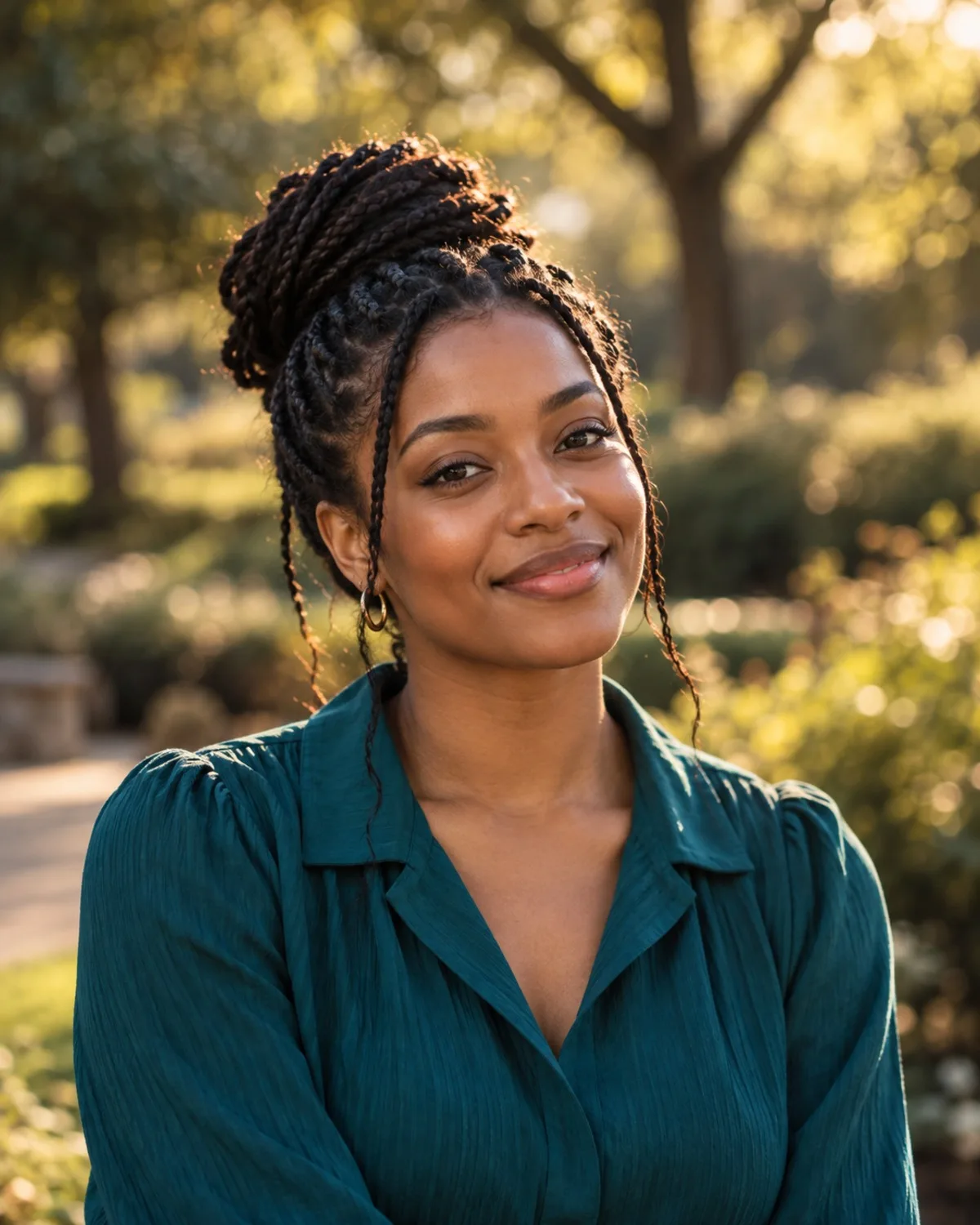
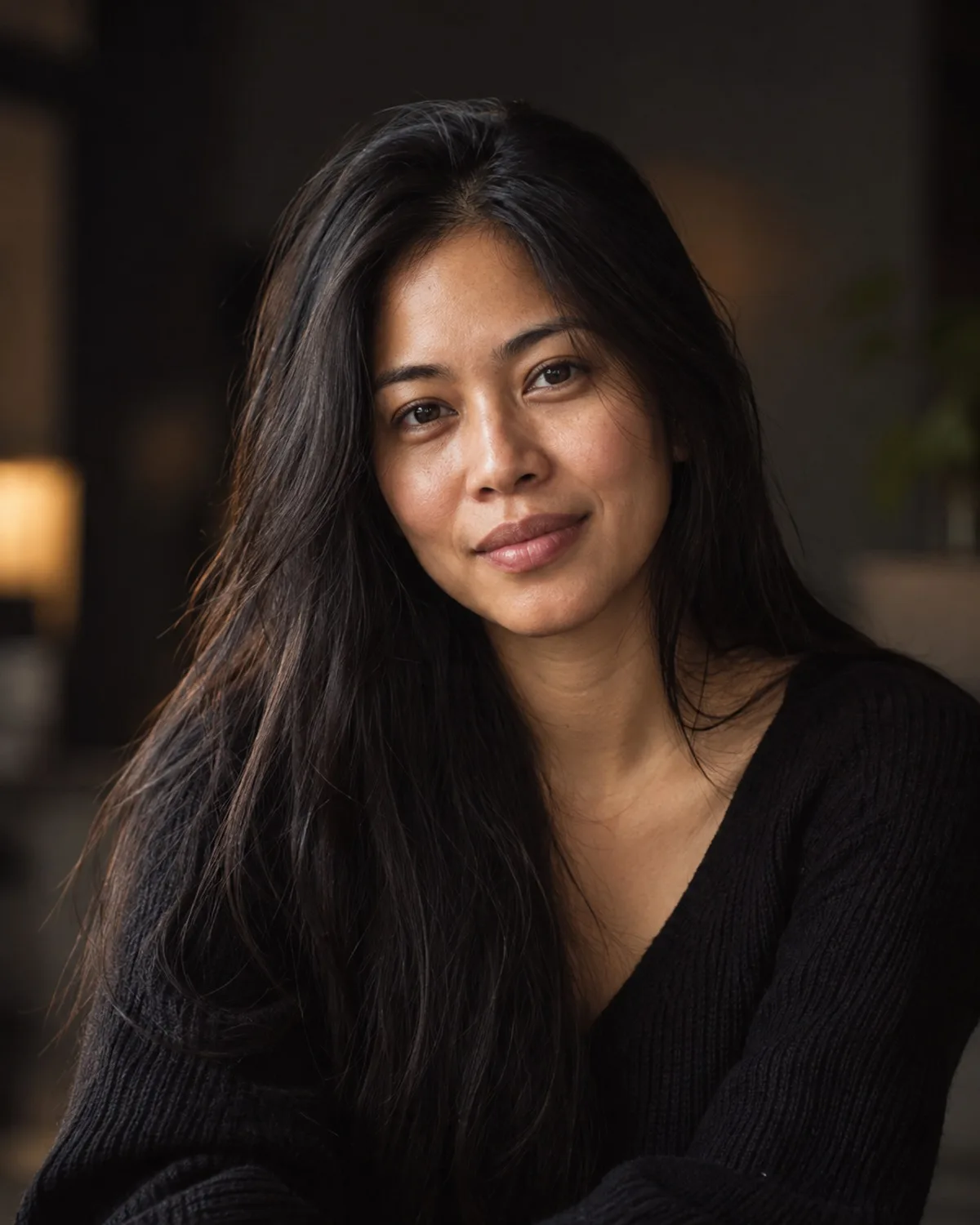
Choose a cut, a colour and a strength, and see the new look on your own photo with realistic strands and natural blending. Perfect for anyone planning a change or just curious.
1 credit per image
Try Hair & Makeup on your photo
Choose a photo to continue. Sign in when you're ready to generate.
Great for
Salon planning
Show your stylist exactly the cut and colour you have in mind.
Makeup ideas
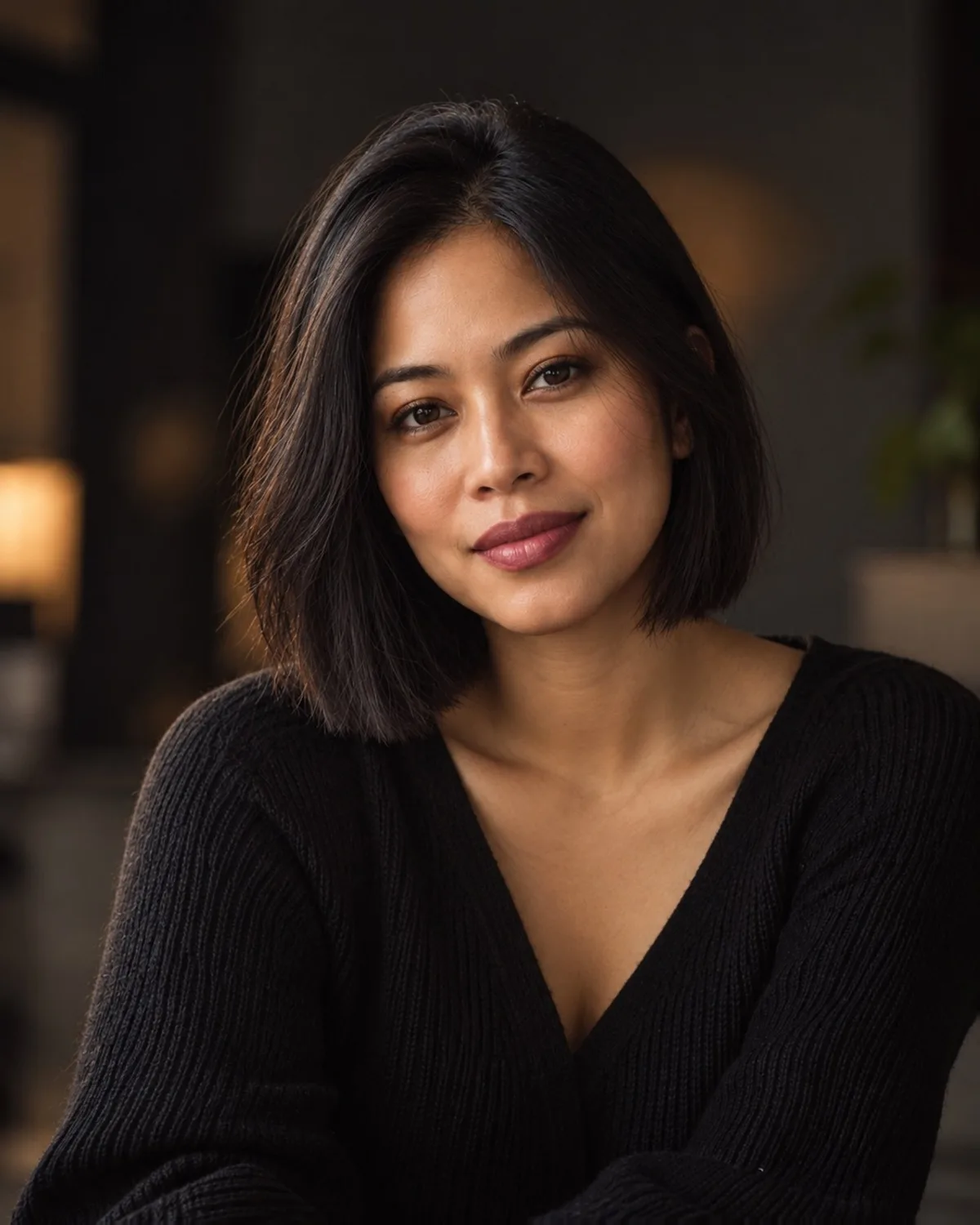
Compare natural, glam and bold-lip looks before an event.
Grooming decisions
See whether a groomed beard or a clean shave suits you better.
How to use Hair & Makeup
- Step 1
Upload a photo or take one with your webcam.
- Step 2
Adjust the options, or keep the defaults.
- Step 3
Compare before and after, then download the result.
Questions about this tool
- Can I change only the colour?
- Yes. Choose a style and a colour, or keep the colour on Natural to change just the style.
- Will my clothes or background change?
- No. Only the selected hair, makeup or facial-hair feature changes; everything else stays as it is.
- What happens if a generation fails?
- The 1 credit charged before generation is refunded to your balance automatically.