A profile picture that matches your brand
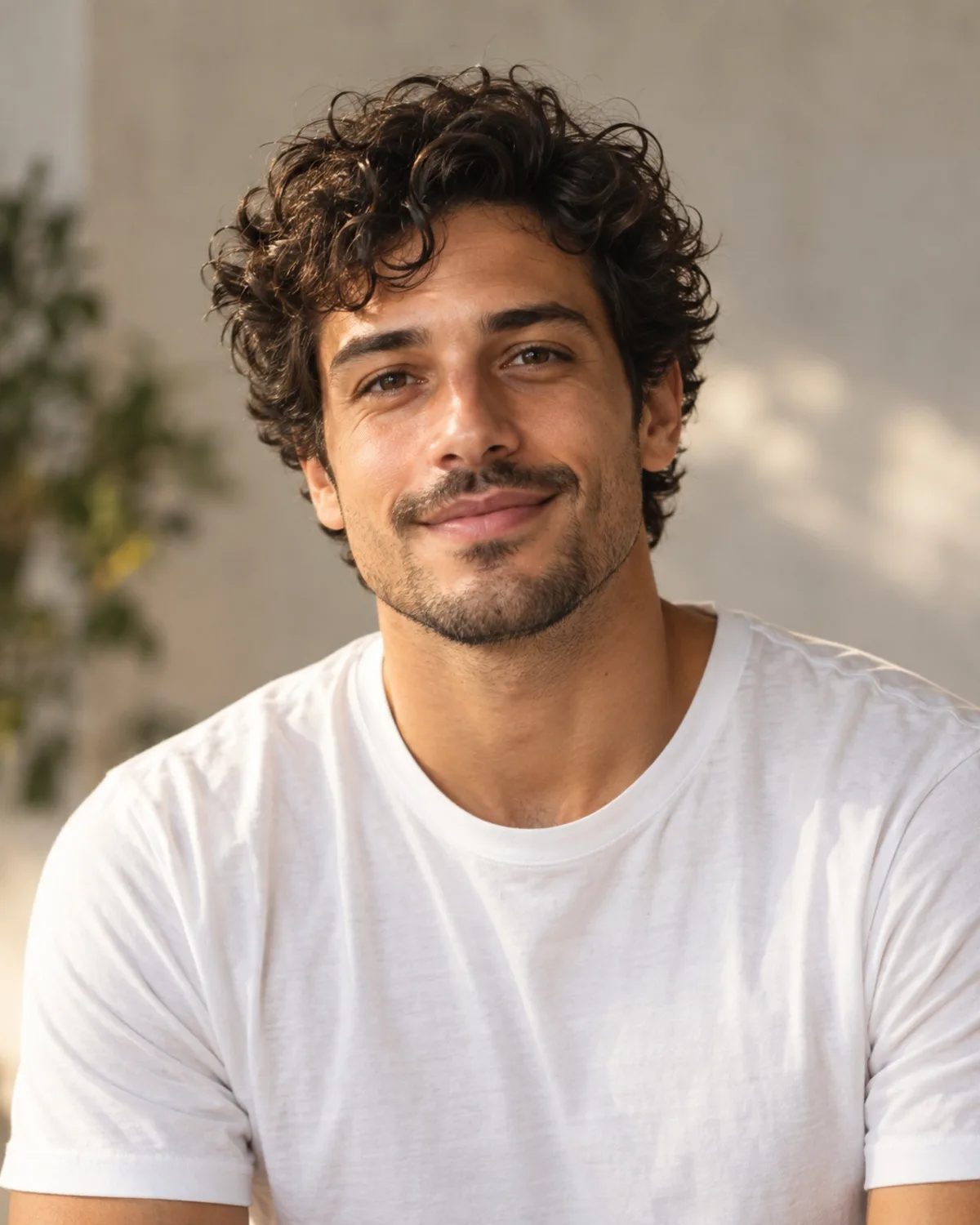
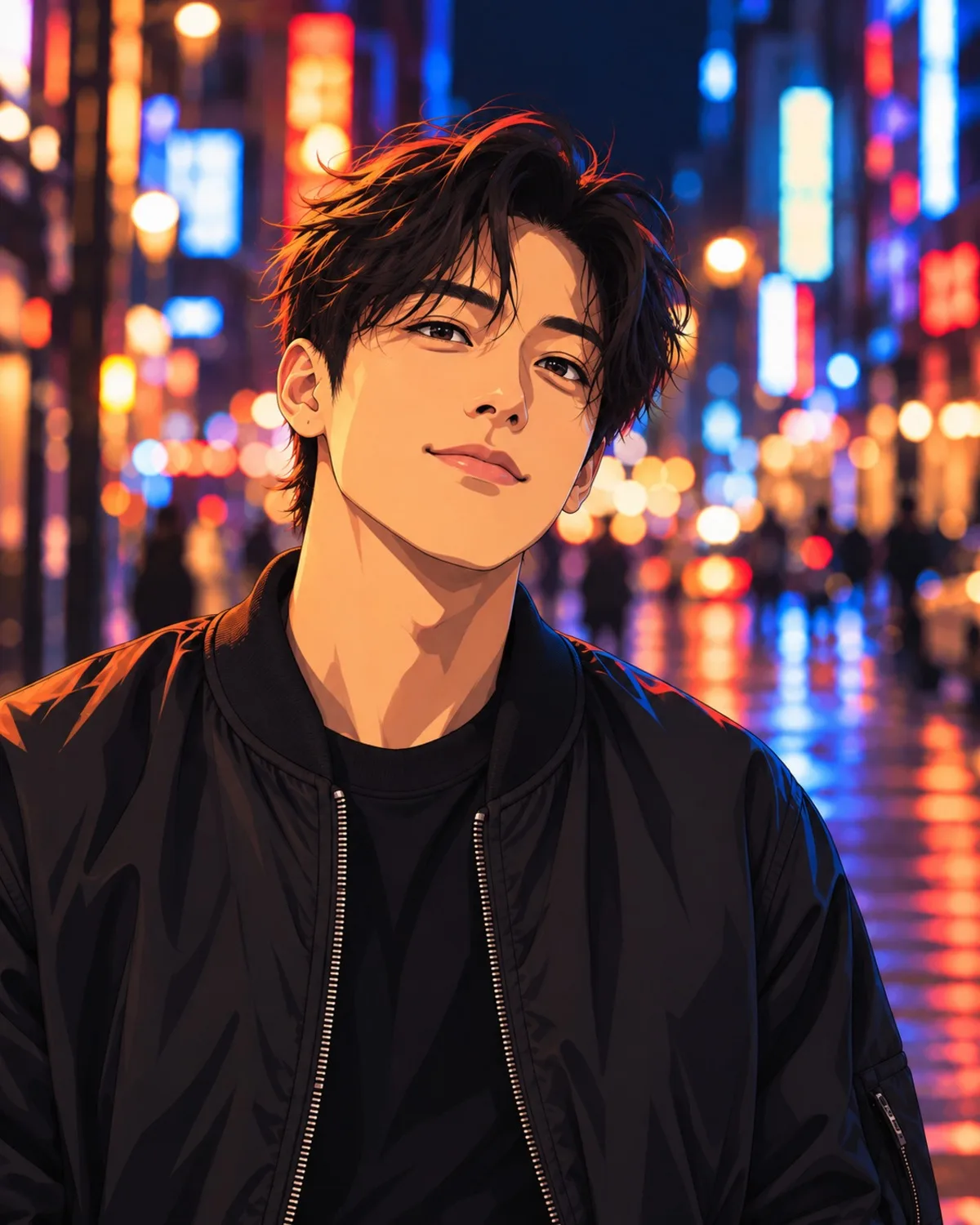
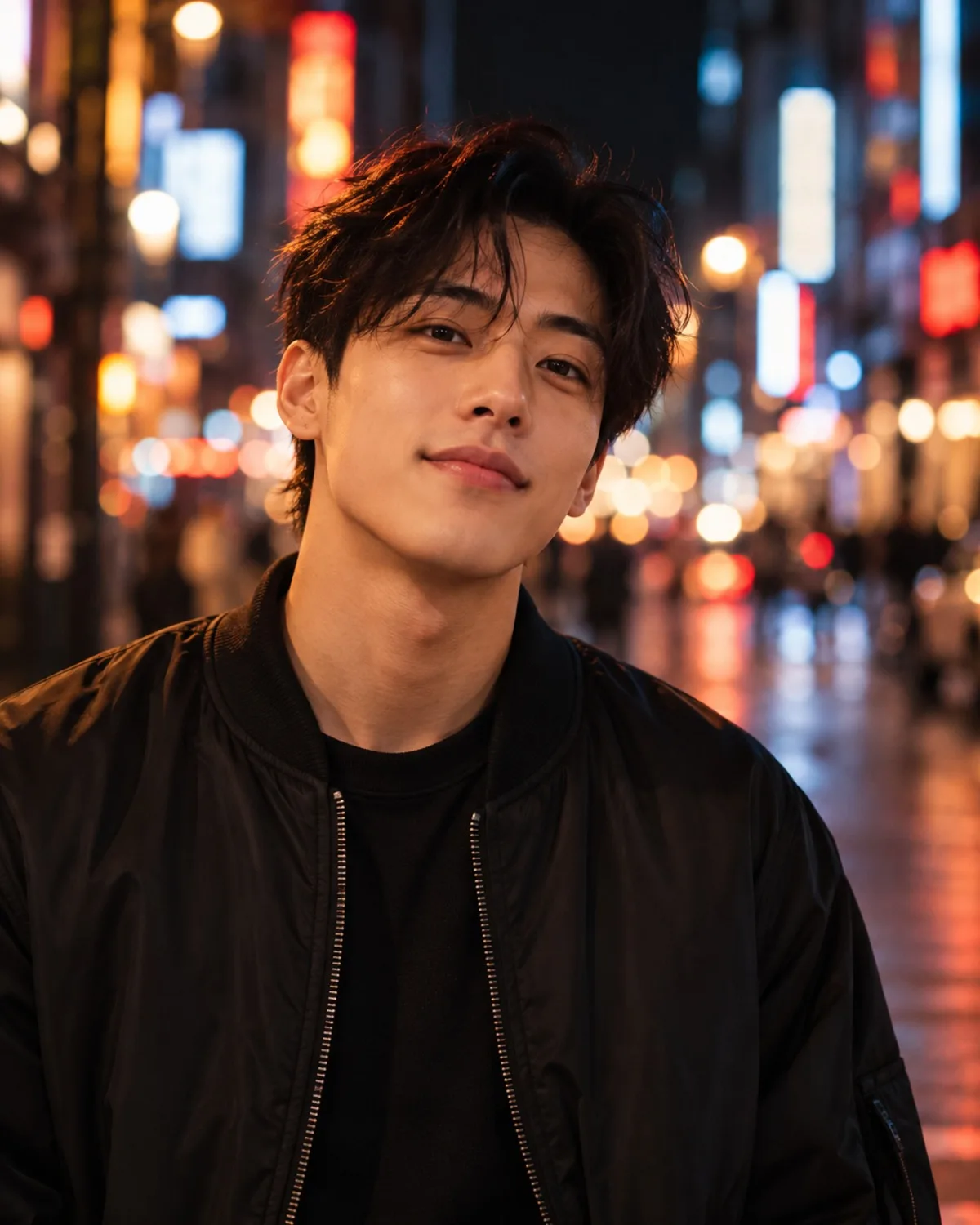
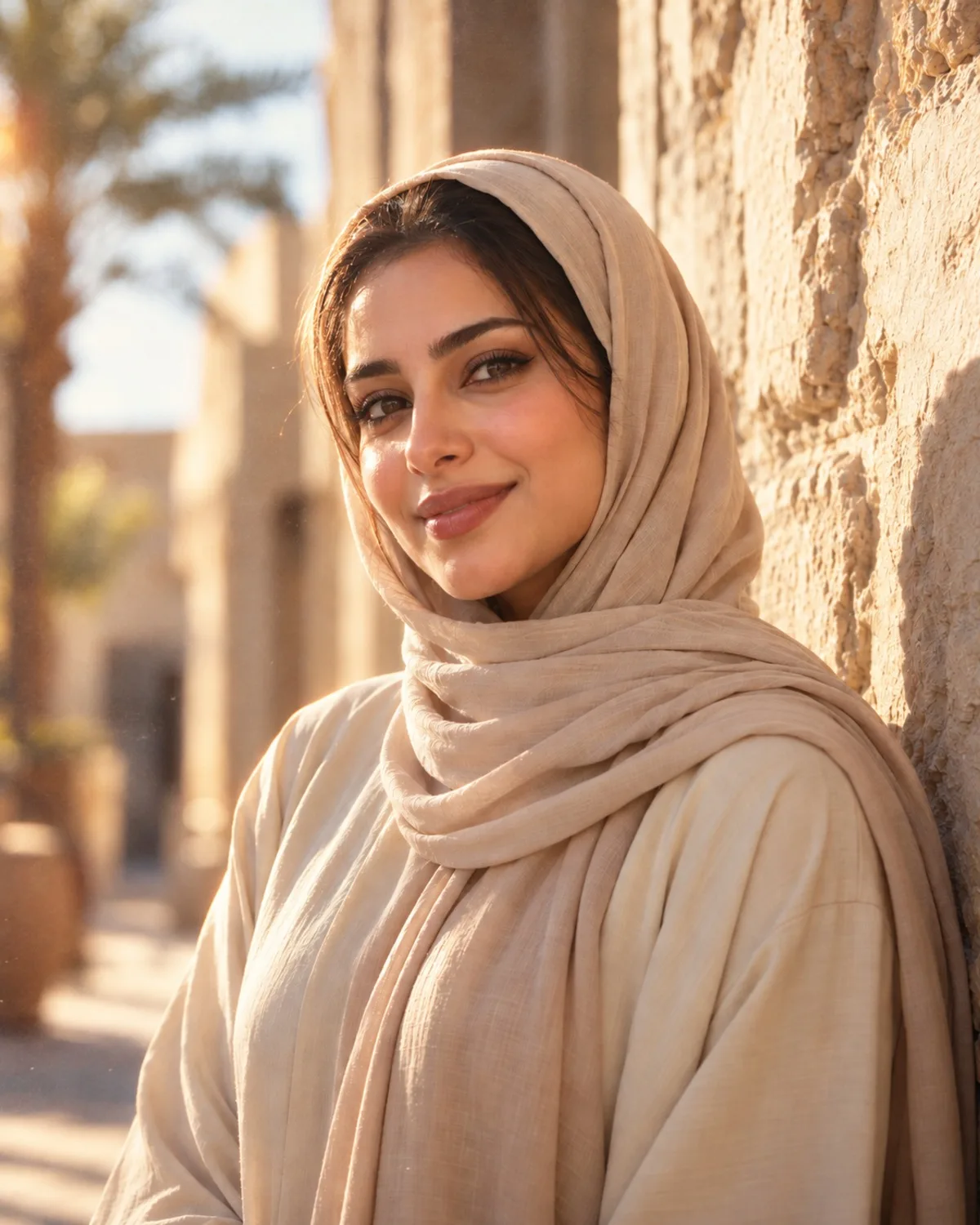
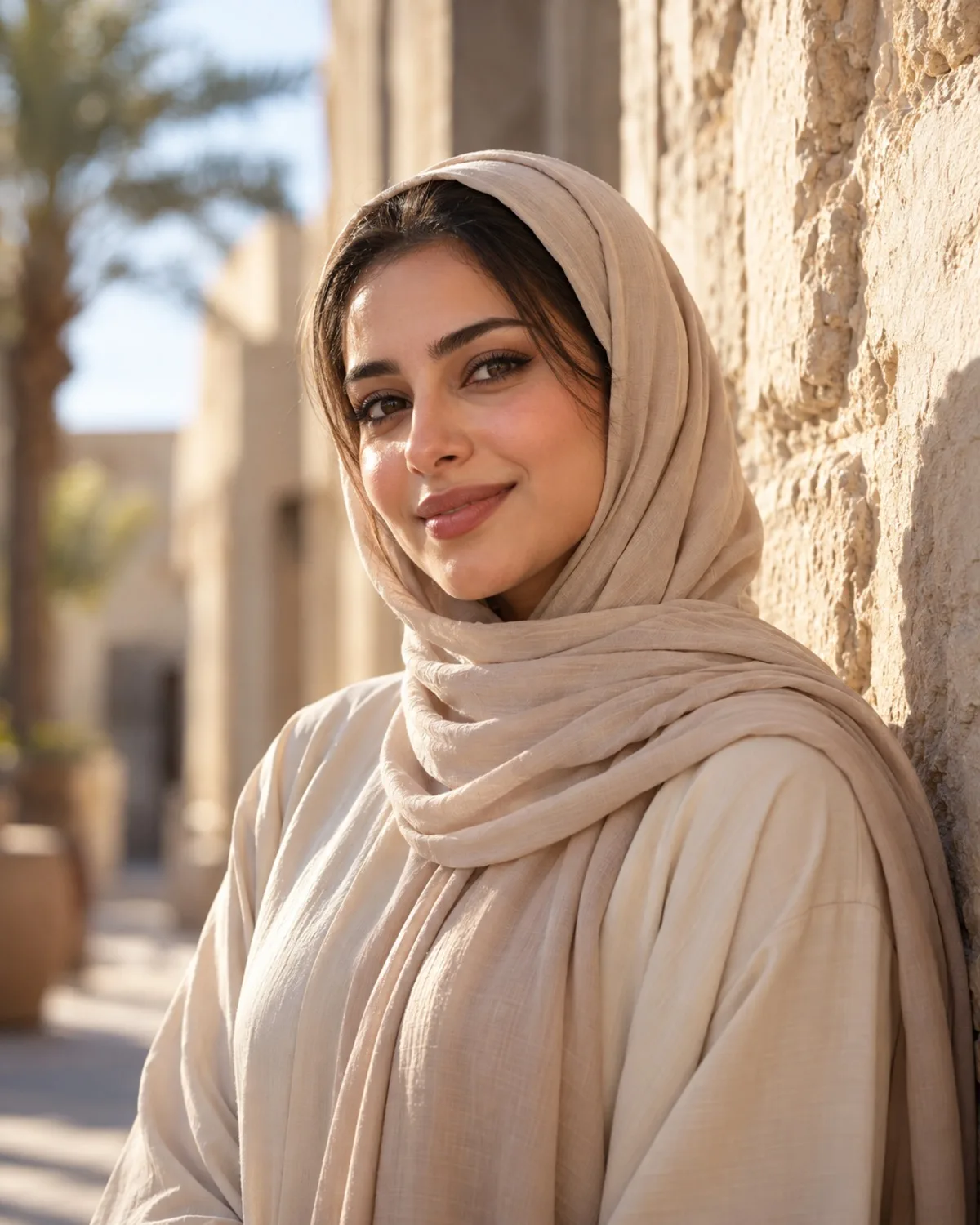
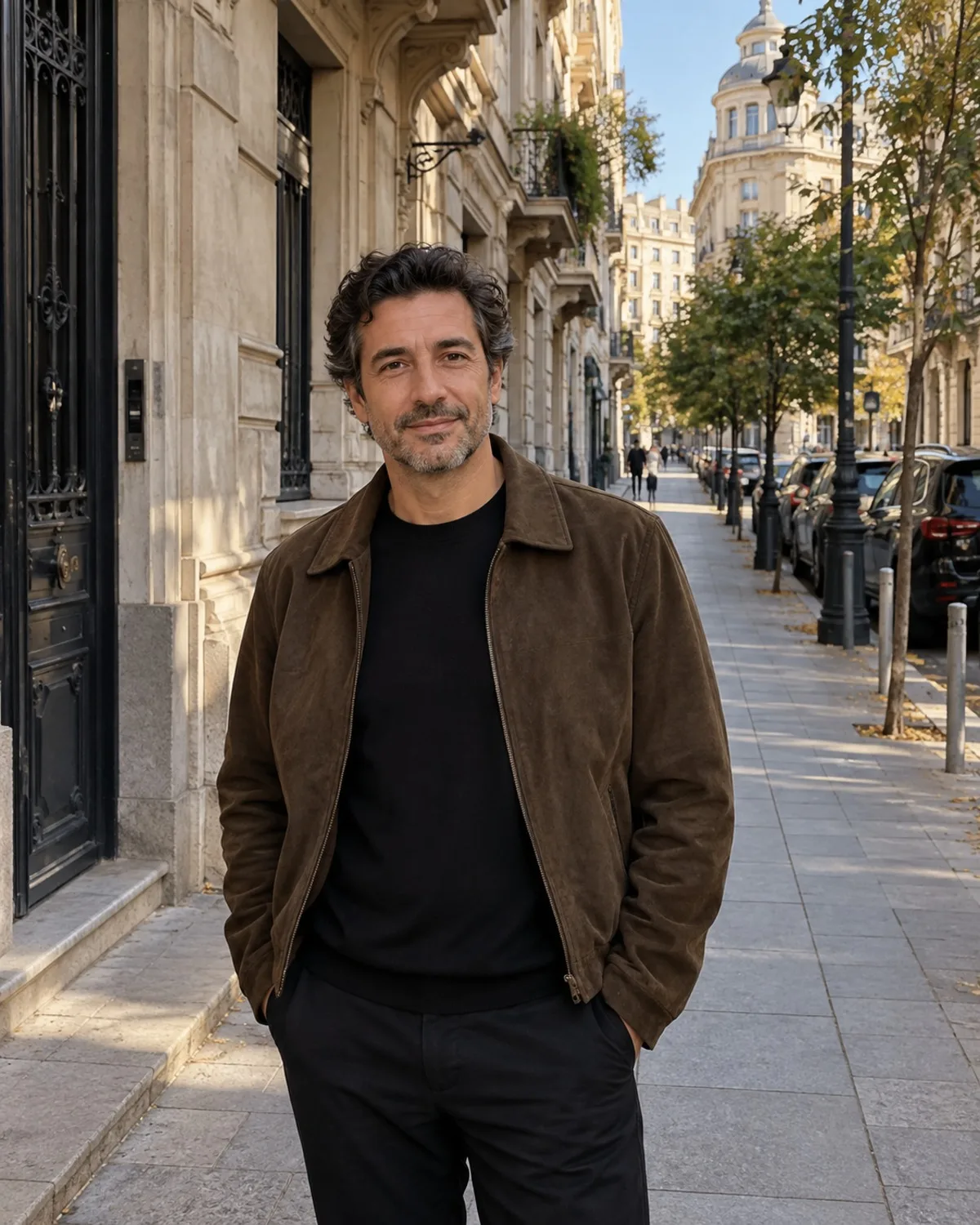
Your avatar appears tiny next to every comment, so it needs a clear face and strong contrast. If your channel is personal and professional, Professional Headshots gives a clean portrait. If it is playful, AI Avatars turns you into a character such as a cyberpunk runner or a fantasy mage, and Cartoon & Anime redraws you as 90s anime, chibi or a 3D cartoon.
Pick one and use it on every platform, so people recognise you as they move between apps. Check the result at thumbnail size before you upload it; details that look great full screen can disappear in a small circle. A plain background behind you in the source photo helps the character read clearly at any size.
One shot, every format
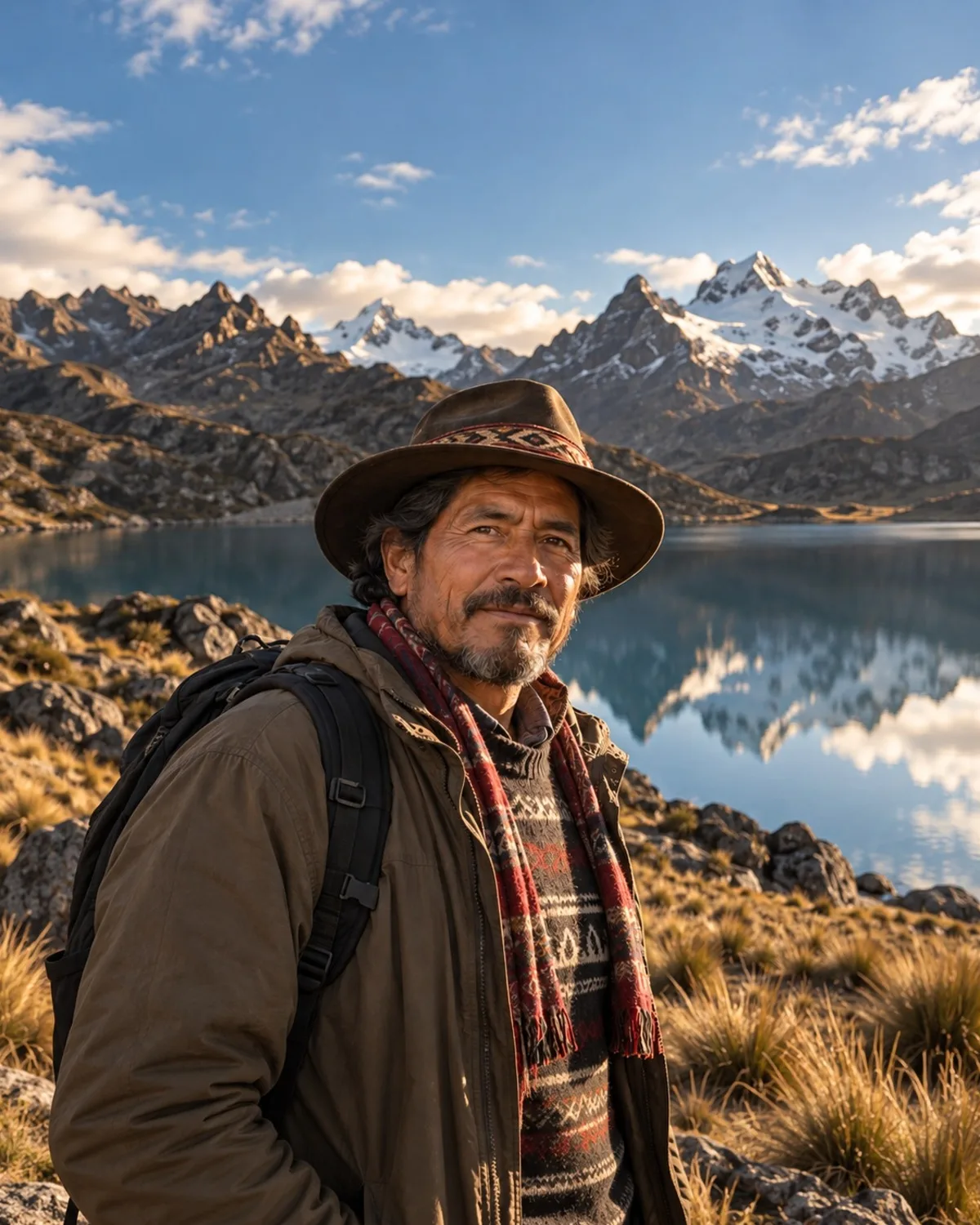
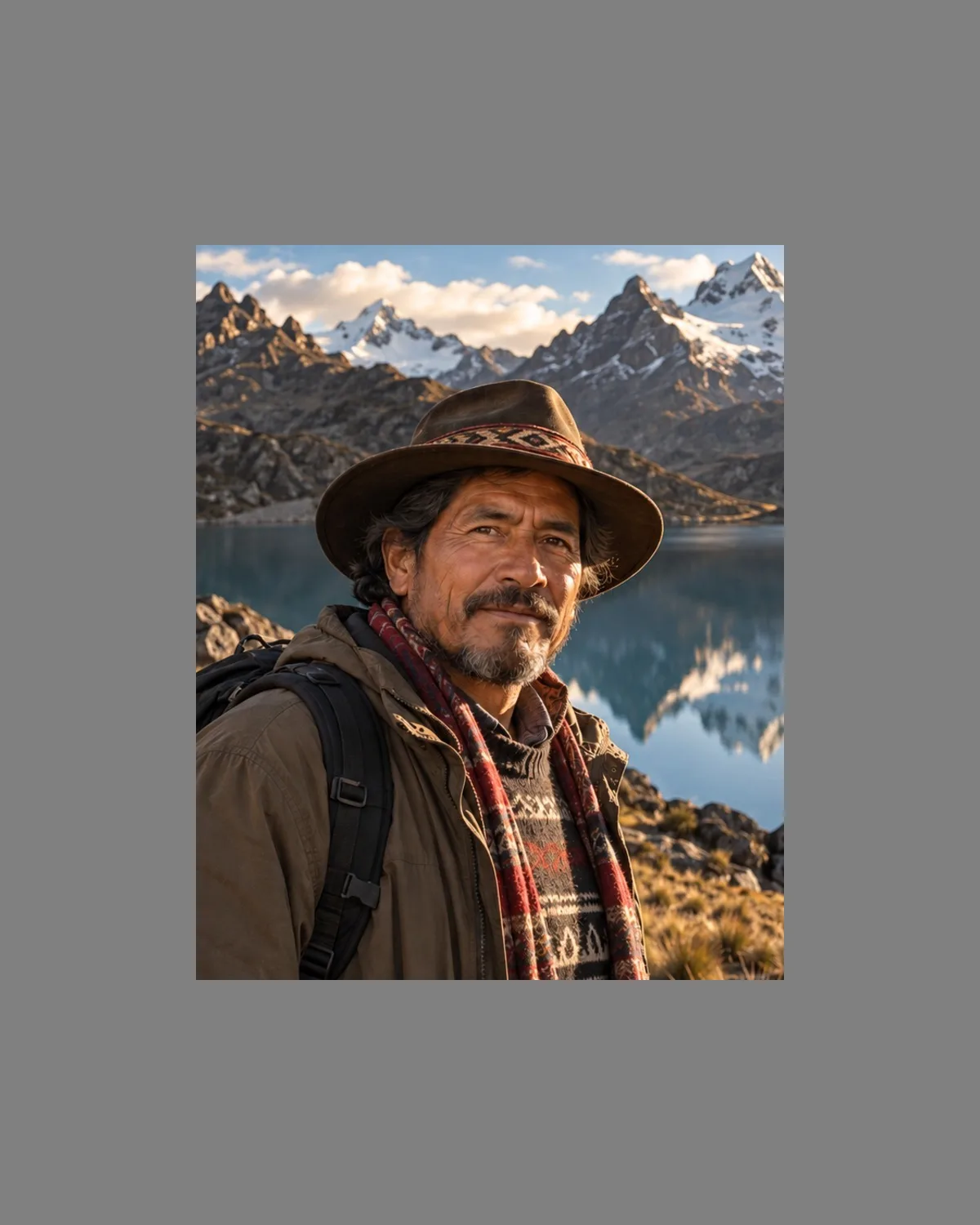
Platforms want different shapes: tall stories, square or 4:5 feed posts and wide video thumbnails. AI Expand extends the scene to 1:1, 4:5, 9:16, 16:9, 3:2 or 2:3 without cropping or stretching your original, which is useful when the best moment was shot in the wrong orientation. Leave room for titles and stickers when you choose the ratio, and keep the important part of the original, your face or the product, near the centre so it works in every shape.
For thumbnails, AI Bokeh Effect separates you from a busy background so text stays readable. Creative Filters give a series of photos one consistent grade, such as 35mm film or cinematic teal, which helps a grid look intentional.
Fresh variations without a reshoot
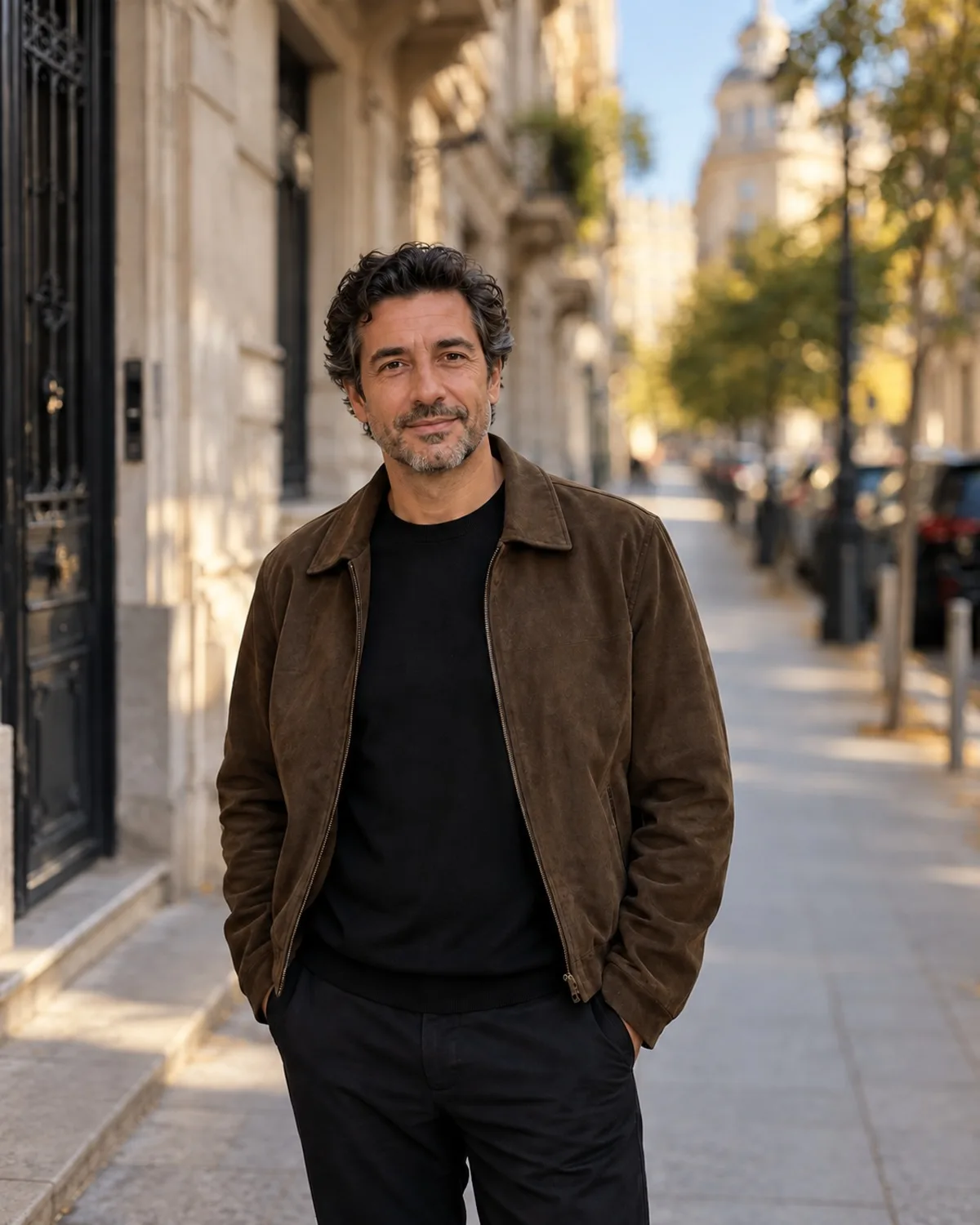
One good session can carry weeks of posts. Scene Relocation places you in a café, a rooftop at sunset or an art gallery with matched light, and Season Transform turns a summer shot into autumn or snowfall for seasonal content. When you need something specific, Creative AI or chat editing lets you describe the change in plain words and refine it message by message. Create turns a written idea into an image for backgrounds, mood boards or visuals without a person in them.
Be open about edits where it matters. Many platforms have their own rules for labelling AI-generated or altered images, so check them, especially for sponsored posts.
Working at volume
If you post often, Pro is designed for steady use: a monthly credit allowance, results without a watermark and batch editing, which applies one tool to a set of photos at once instead of one by one. Batch is handy for giving a whole shoot the same filter or background, and a consistent look across a series reads as a brand rather than a collection of one-off edits.
A few ground rules keep your account safe. Only edit photos of yourself or of collaborators who agreed, and do not use the tools to imitate other creators or famous people; face swaps and lookalikes are blocked. Every result lands in your private Library, so you can find older edits again when you plan the next post.