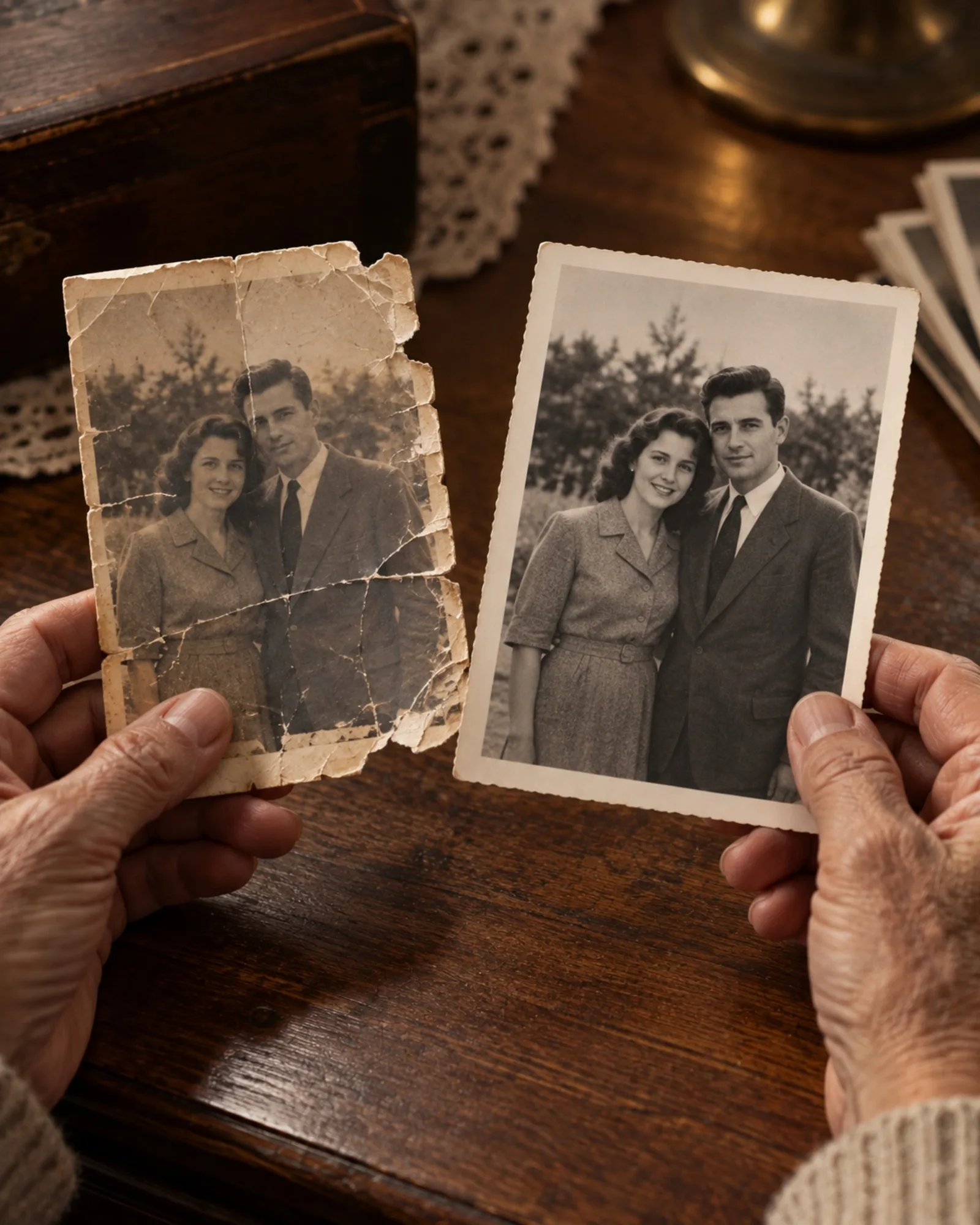
Digitise the originals first
Everything starts with a good copy of the print. A flatbed scanner is ideal, but a phone works well if you lay the photo flat, light it evenly from the side near a window and hold the camera straight above it. Avoid flash and overhead lamps, which leave glare on glossy paper.
Take prints out of glass frames and plastic sleeves if you can do so without damaging them. Crop away the table around the photo before uploading. Turn each print over, too: names, dates and studio stamps on the back are part of the story, so photograph them for your records. Very large scans are not needed here, because uploads are resized before processing, but keep your full-size master scan as the archive copy.
Which tool, in which order
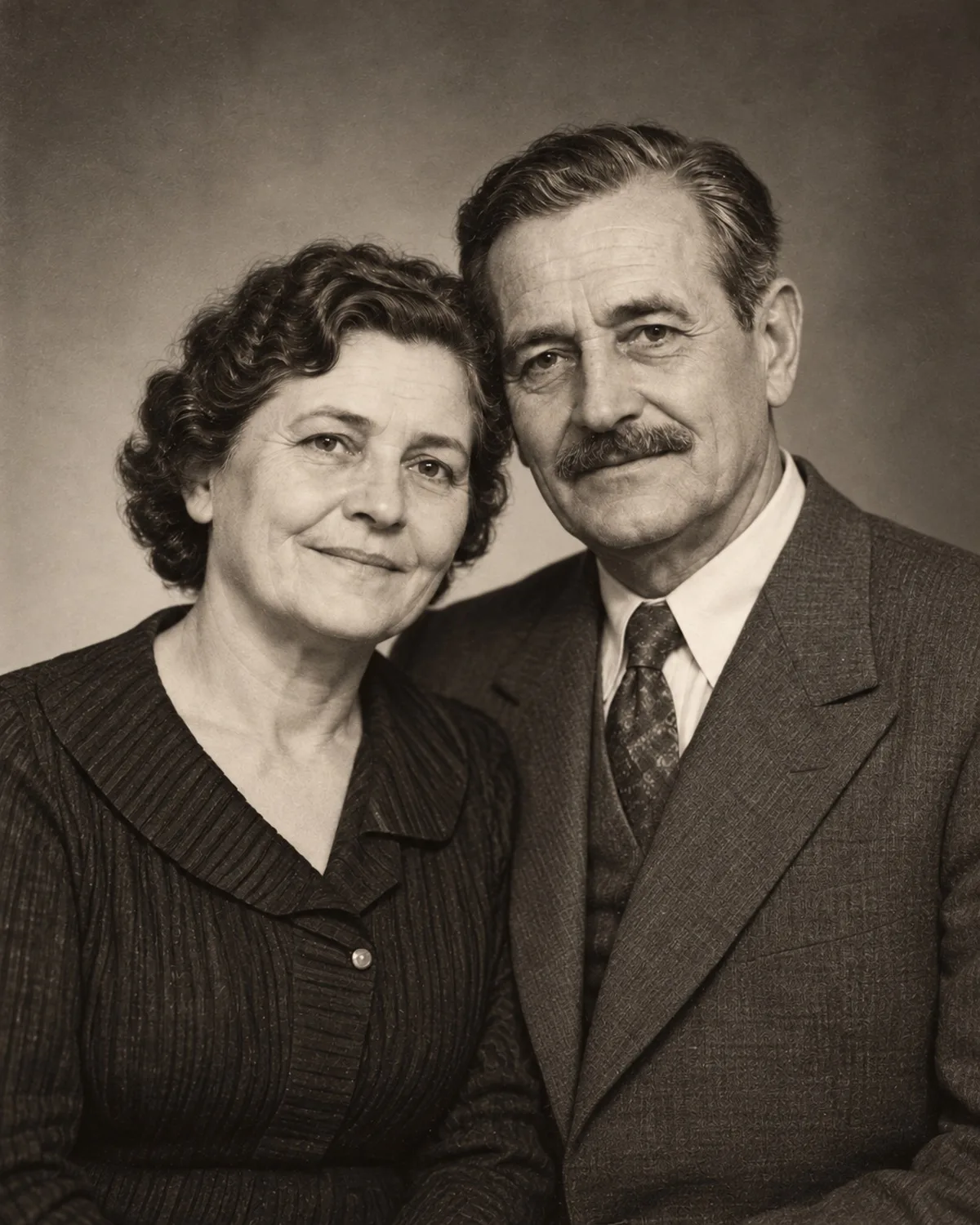
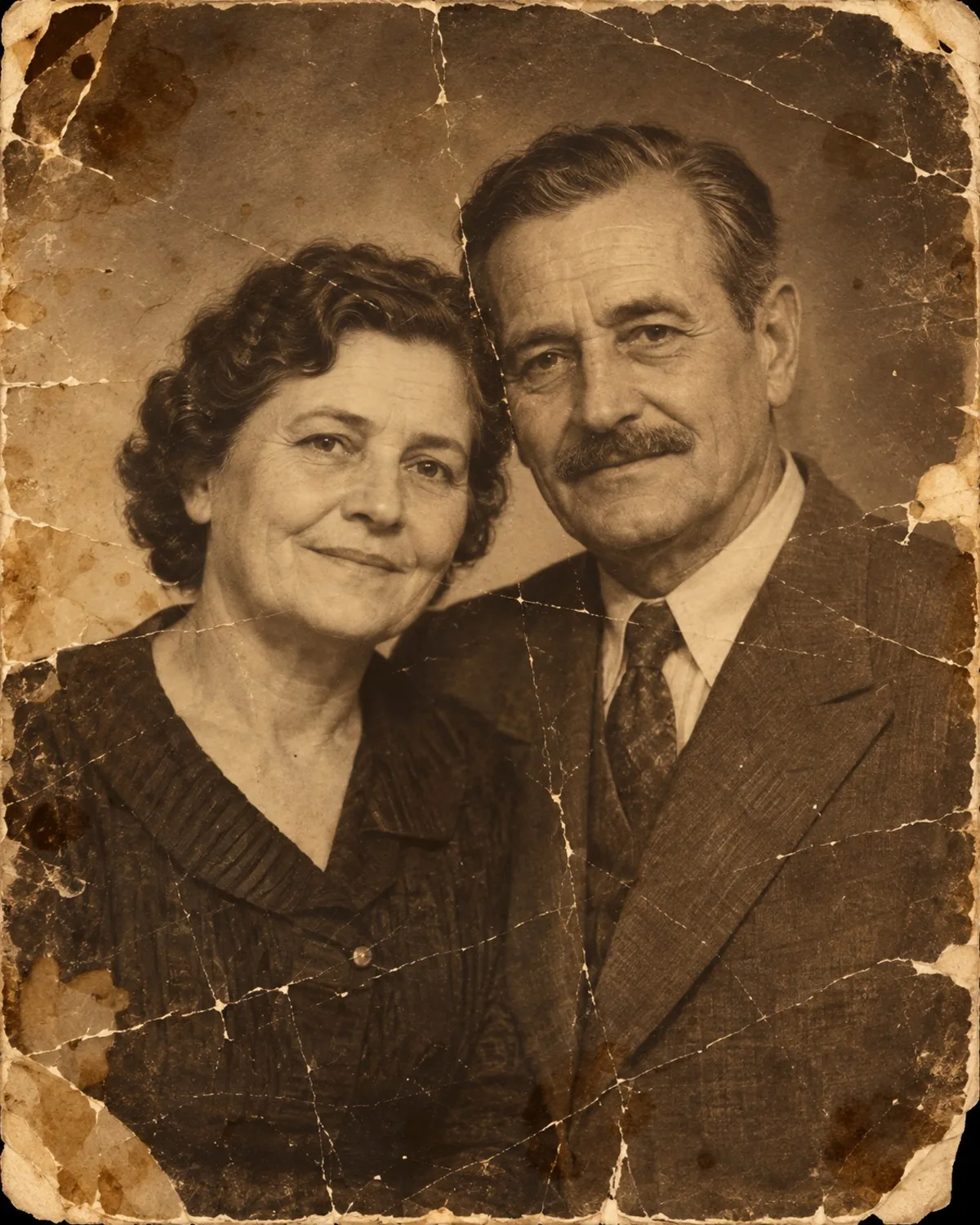
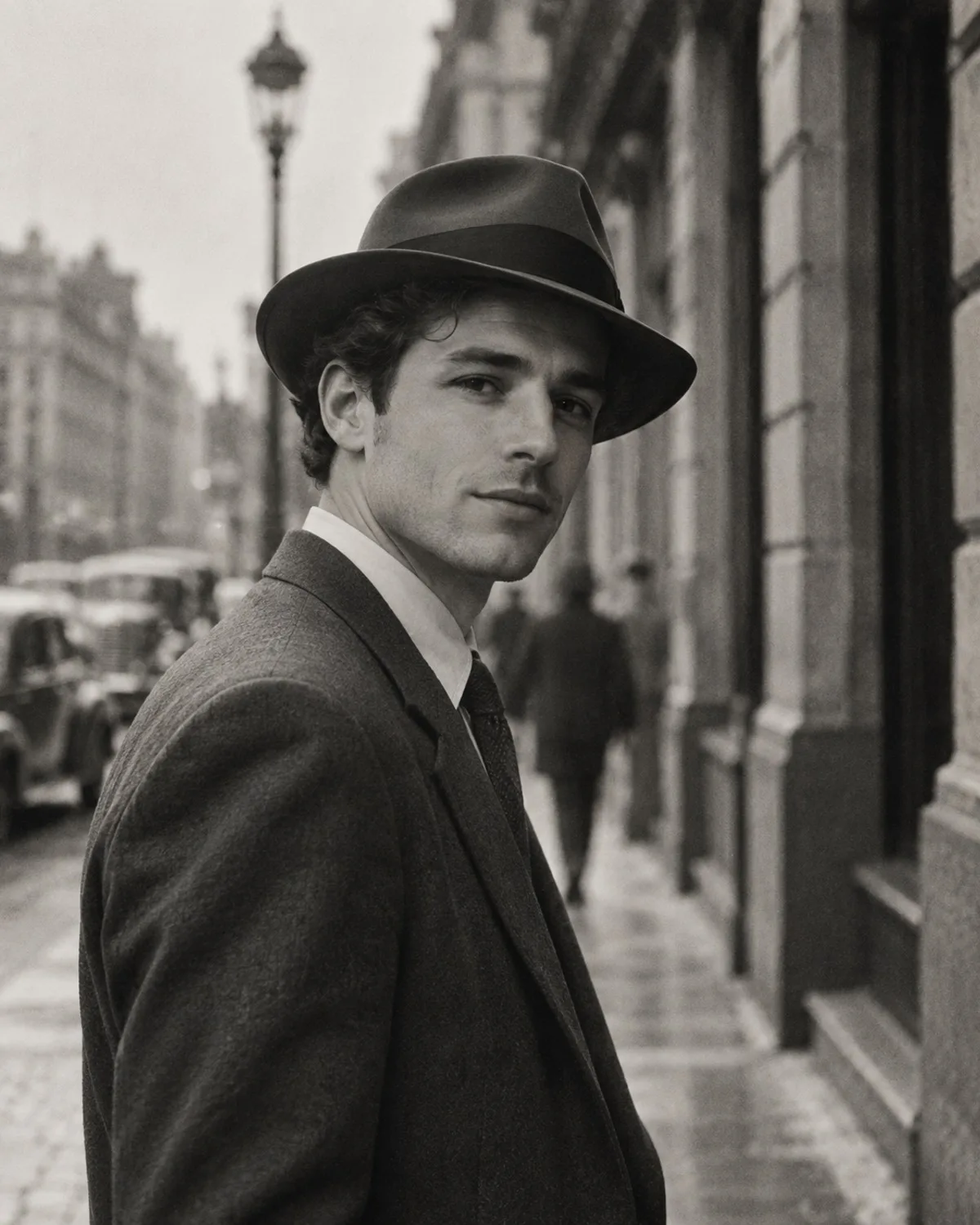
Run Old Photo Restoration first. It repairs scratches, creases, stains and fading, and recovers detail in faces and clothing while keeping the original tones. Then, if the photo is black and white, run Colorization on the restored version; colouring a damaged image first would bake the damage into the colour.
If a restored print still looks soft, Unblur & Sharpen can recover crispness. If a print was simply too dark when it was taken, Lighting & Shadow Fix can lift the shadows before you colourise. Finish with AI Photo Upscale 4K when you plan to print or frame the photo, because enlarging should always be the last step. Each step costs 1 credit, and you can download the result between steps so nothing is lost if you change your mind.
Keep the history honest
Colorization chooses colours that are plausible for the era, but it cannot know the real colour of a dress or a front door. Treat it as an interpretation, keep the black-and-white original next to it, and mark colourised copies as such when you share them for research.
Restoration repairs damage without inventing new features. Where a face is badly torn or missing, any reconstruction is a best guess, so compare it with other photos of the same person and ask relatives who remember them. If the result does not look right, the original scan is still the truest record.
Share and preserve the results
Every result is saved in your private Library, where only you can see it, until you delete it. Download the versions you want to keep and name the files with names, places and approximate dates while someone still remembers them.
Restored photos make meaningful gifts for anniversaries and memorials, and printed copies help older relatives who do not use phones. A small captioned album, or a shared folder with the names written in the file names, often prompts relatives to add memories of their own. If living relatives appear in the pictures, ask them before you upload or share. For larger prints, upscale first, and remember that results from free starter credits carry a small watermark.