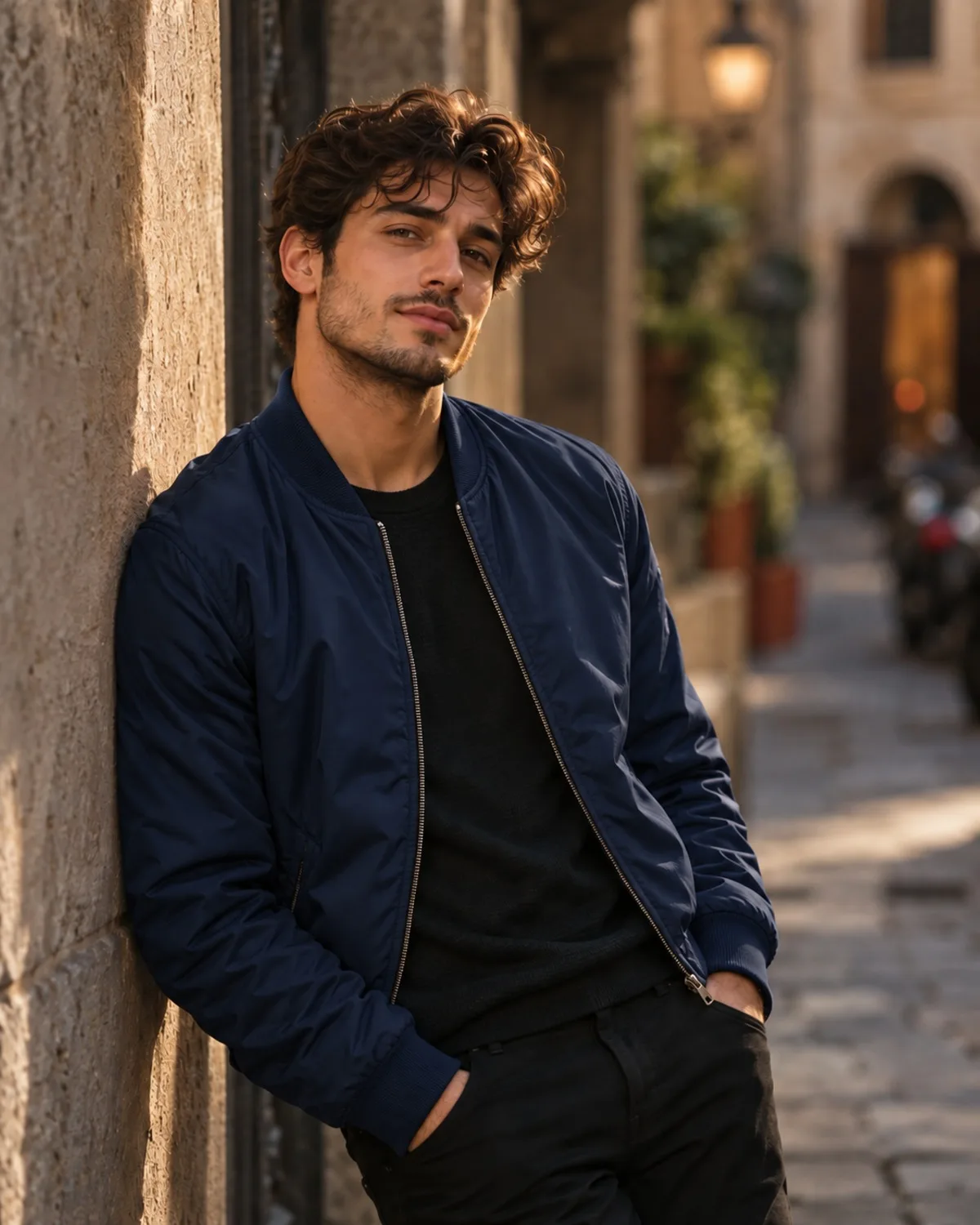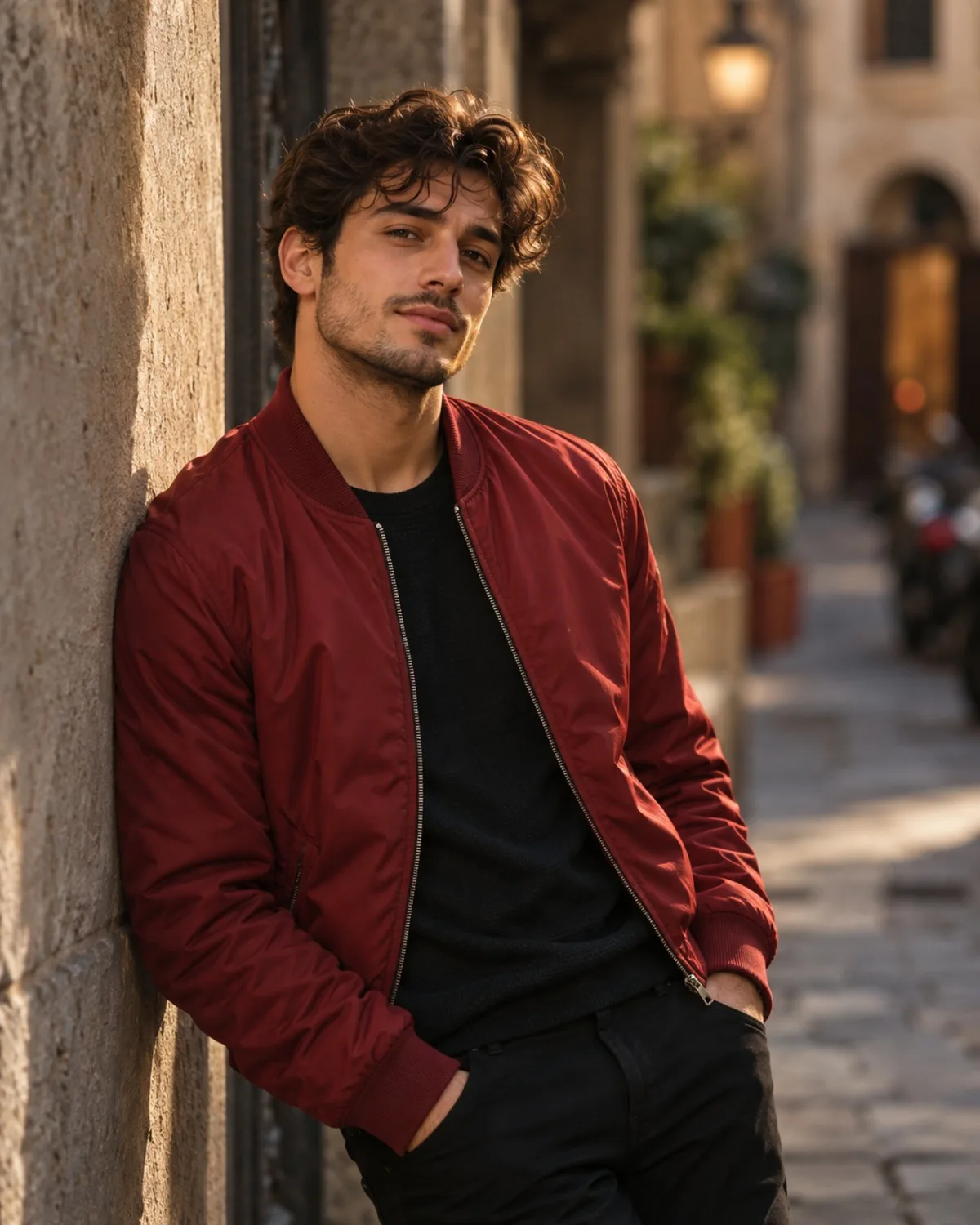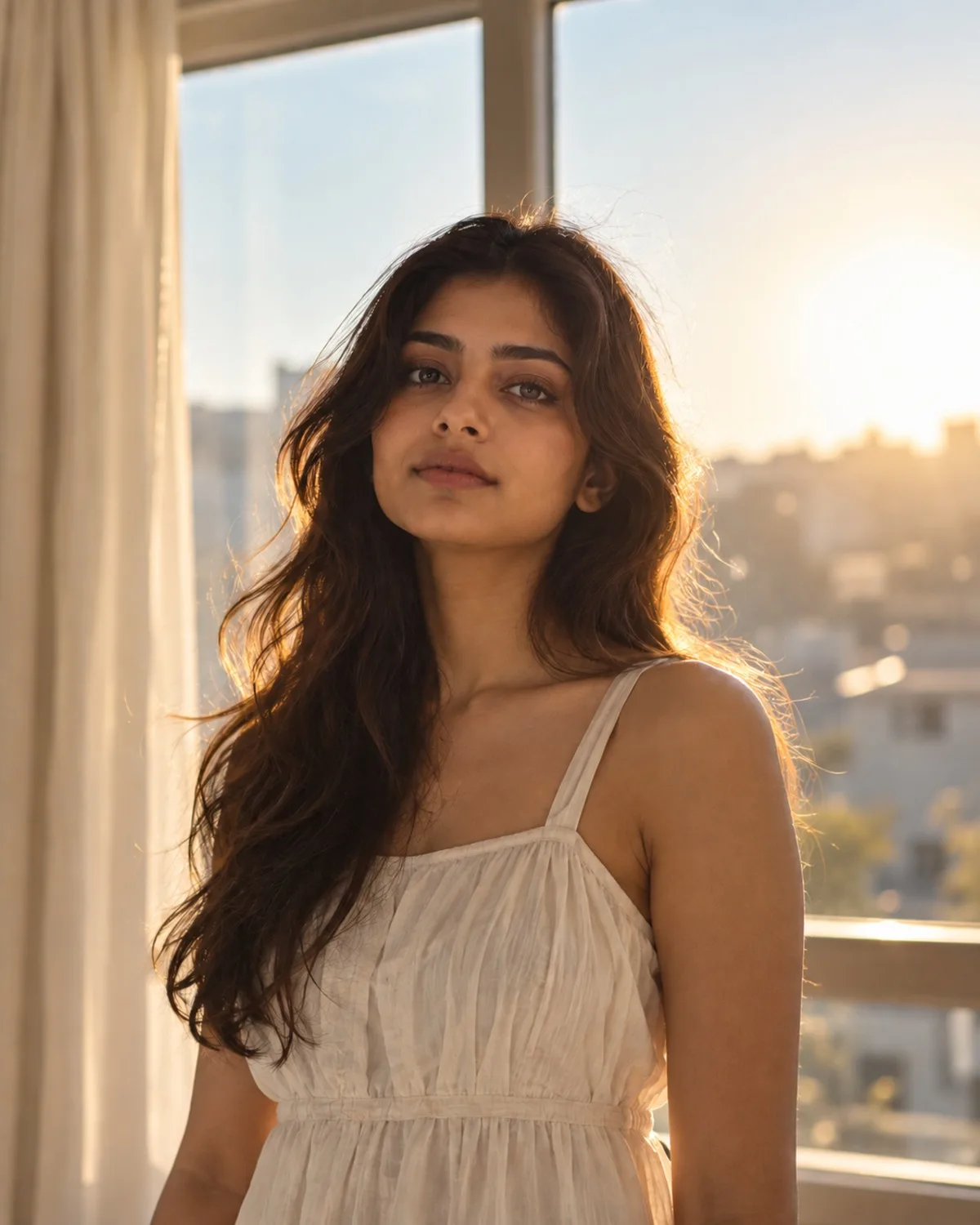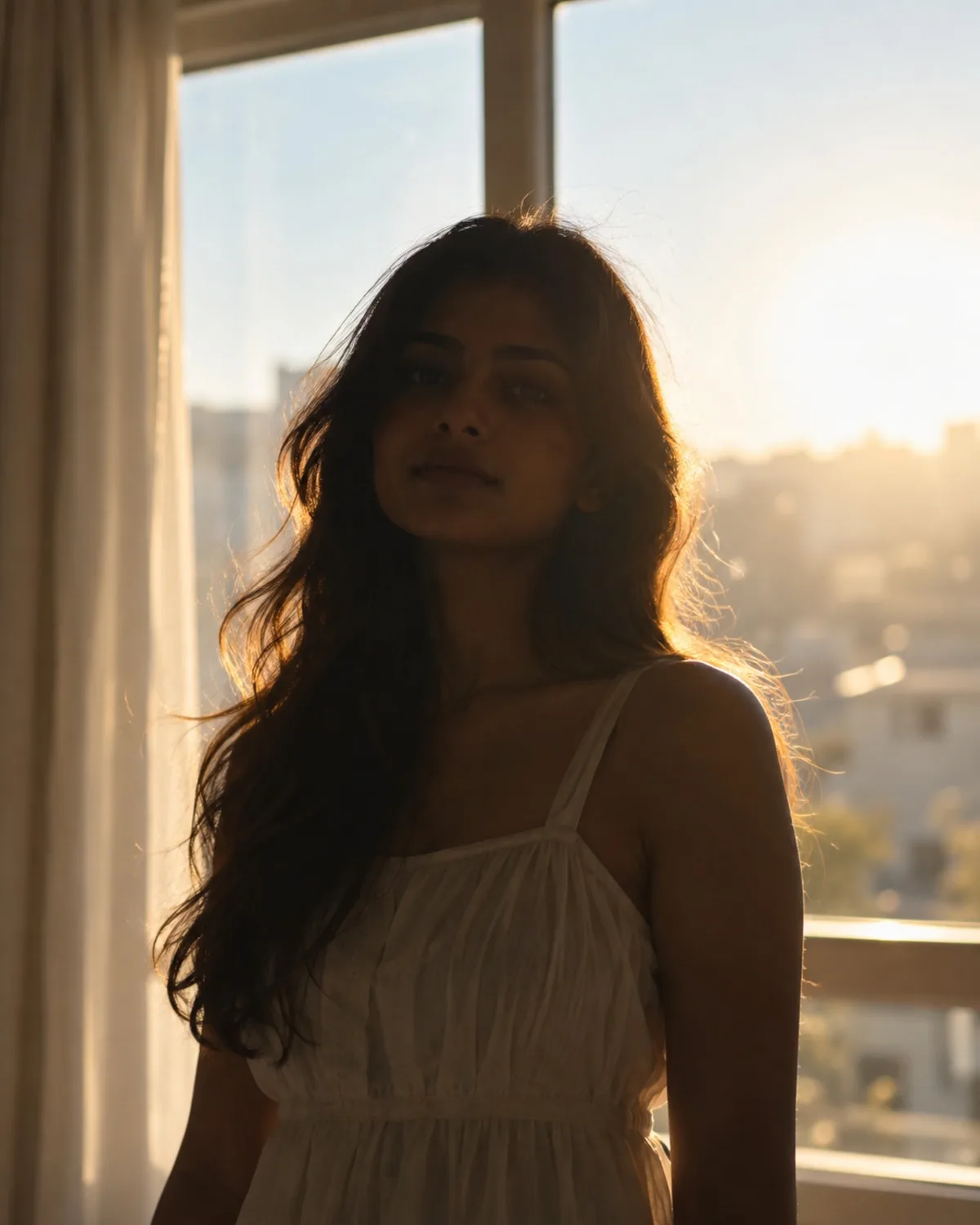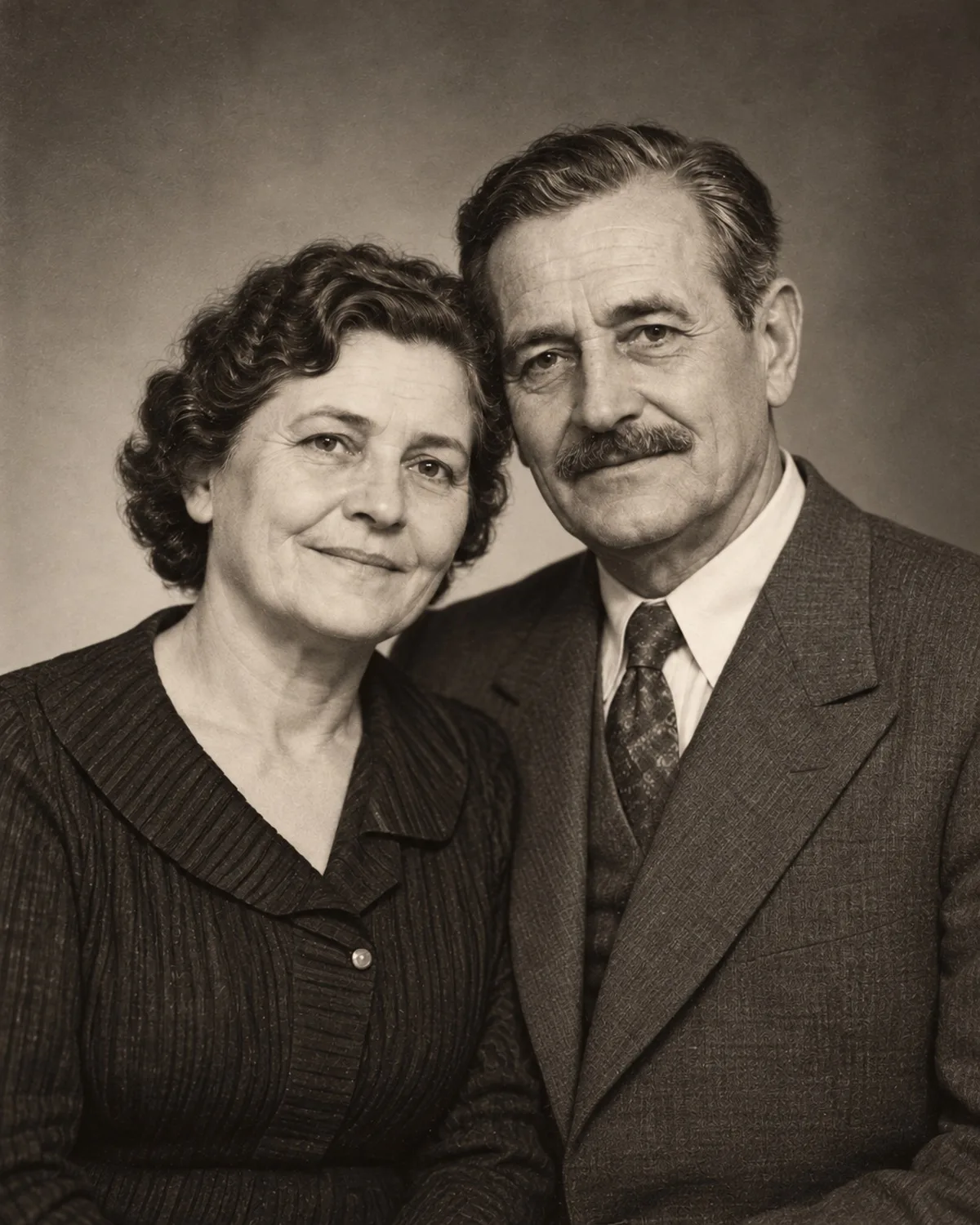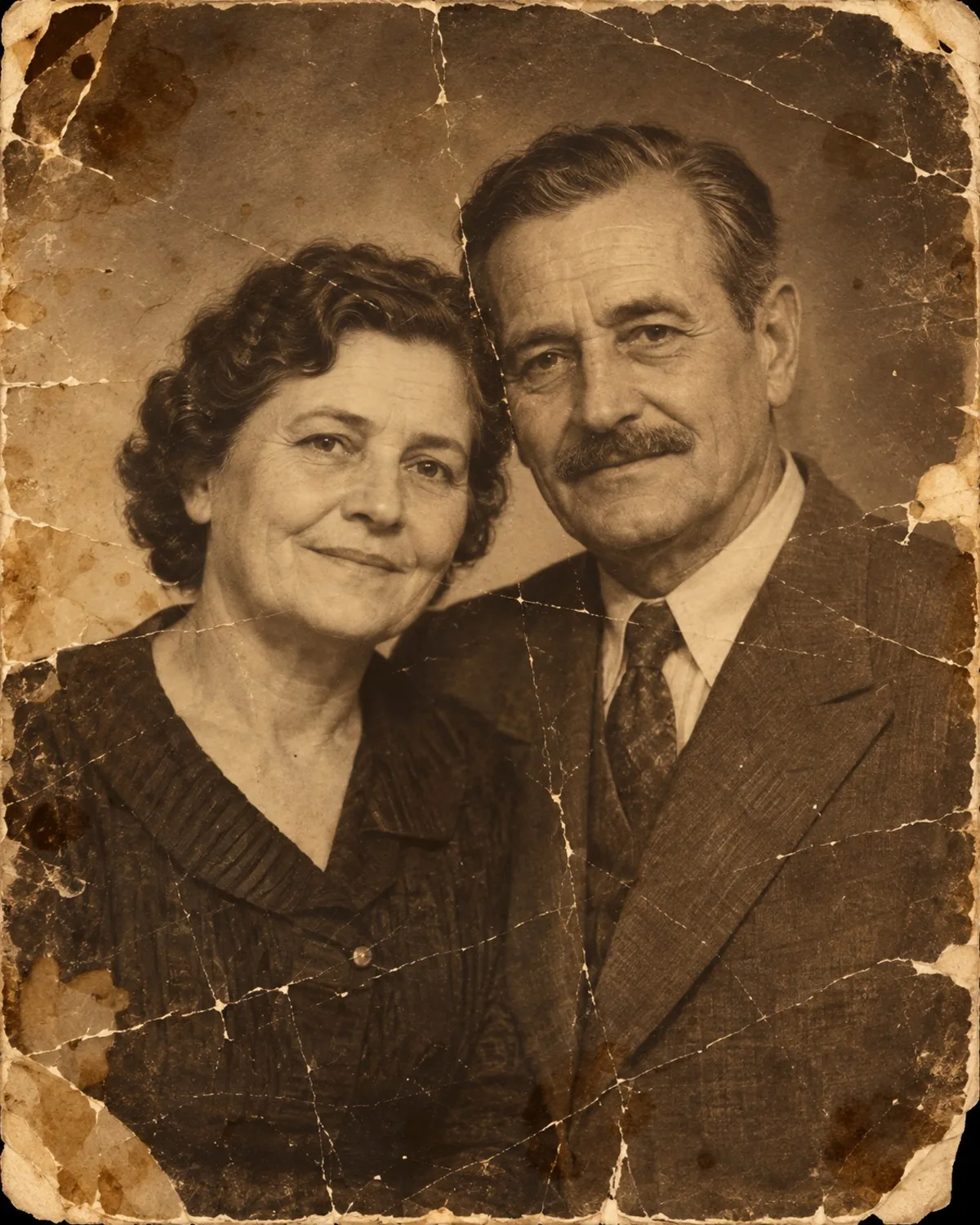

Upscaling versus simple resizing
Stretching an image in a normal editor only spreads the same pixels further apart, which looks blurry and blocky. AI upscaling instead predicts the fine detail a larger version should have, such as skin texture, hair strands and fabric weave, and removes the blocky artefacts left by compression.
The result looks like a sharper, larger photo, but it is still a reconstruction. It is excellent for prints and large screens; it cannot reveal information that was never captured, like the text on a distant sign.
The output keeps the original aspect ratio, so crop first if you need a specific shape, then upscale the cropped version.
Make upscaling the last step
Upscale only the finished version of a photo. Fix blur with Unblur & Sharpen, repair old prints with Old Photo Restoration and correct exposure with Lighting & Shadow Fix first, then enlarge the result. Running these tools on an already upscaled image does not add value and costs extra credits.
The same applies to results from other tools: a painting from Style Transfer or a card from Christmas Card can be upscaled before printing.
Good and poor candidates
The best candidates are sharp but small images: old phone photos, pictures saved from messages, tight crops and AI results you want to print. Compressed images with blocky artefacts improve noticeably as well.
Poor candidates are photos that are blurry rather than small, and tiny thumbnails where a face is only a few pixels wide. For blur, use Unblur & Sharpen instead. For very small faces, the upscaler can only create a plausible face, not recover the real one, so check the result carefully before printing photos of people you know.
Printing tips
Print services usually state the image size they recommend for each format, so check their guidance and upscale before you order. Order a small test print when colour matters, because screens and paper rarely match exactly.
For prints of people, look closely at eyes, teeth and hairline in the upscaled version before ordering, because those are the details viewers notice first. If a face was very small in the original, consider a smaller print size instead; a modest print from honest detail usually looks better than a large one built on guesswork.