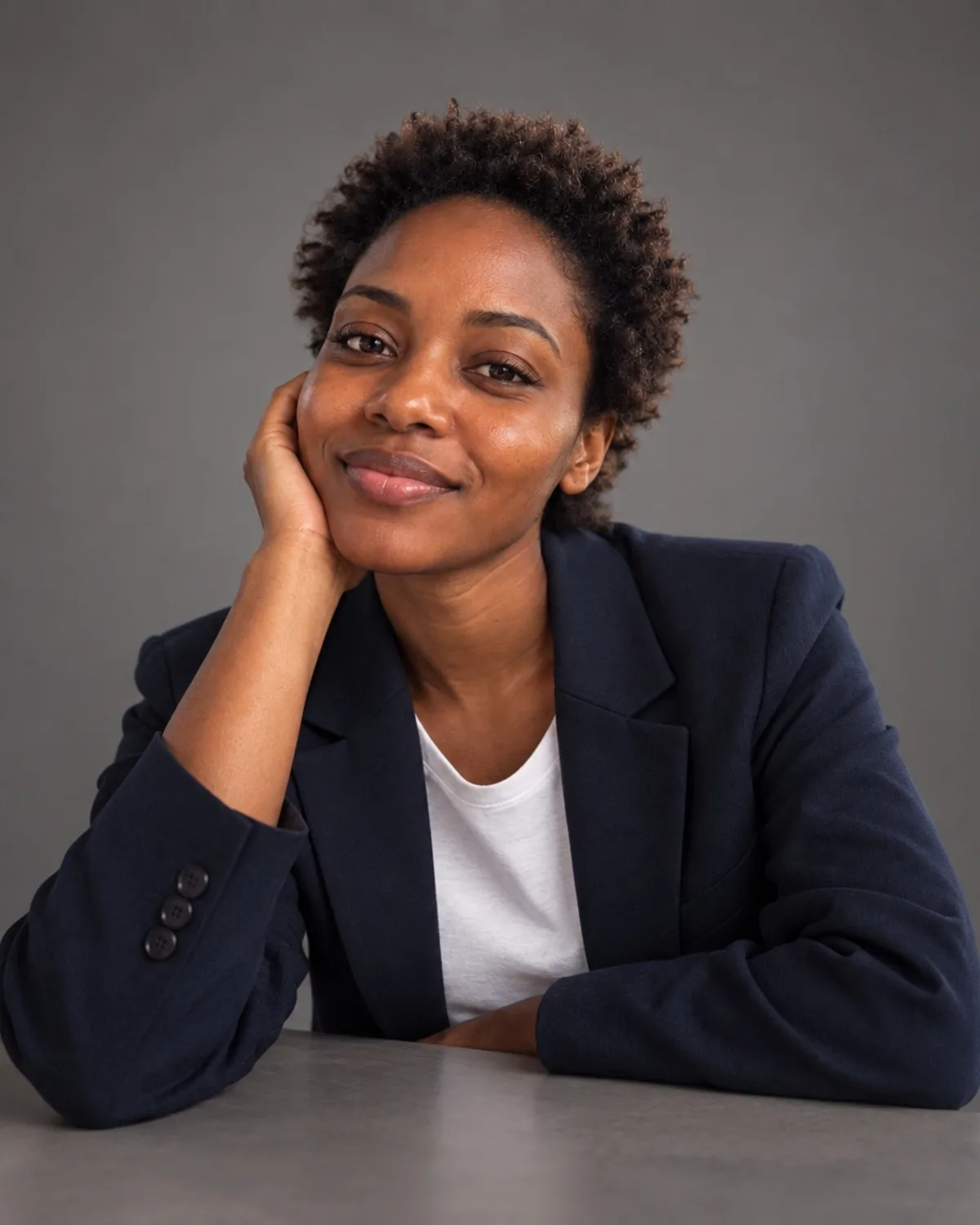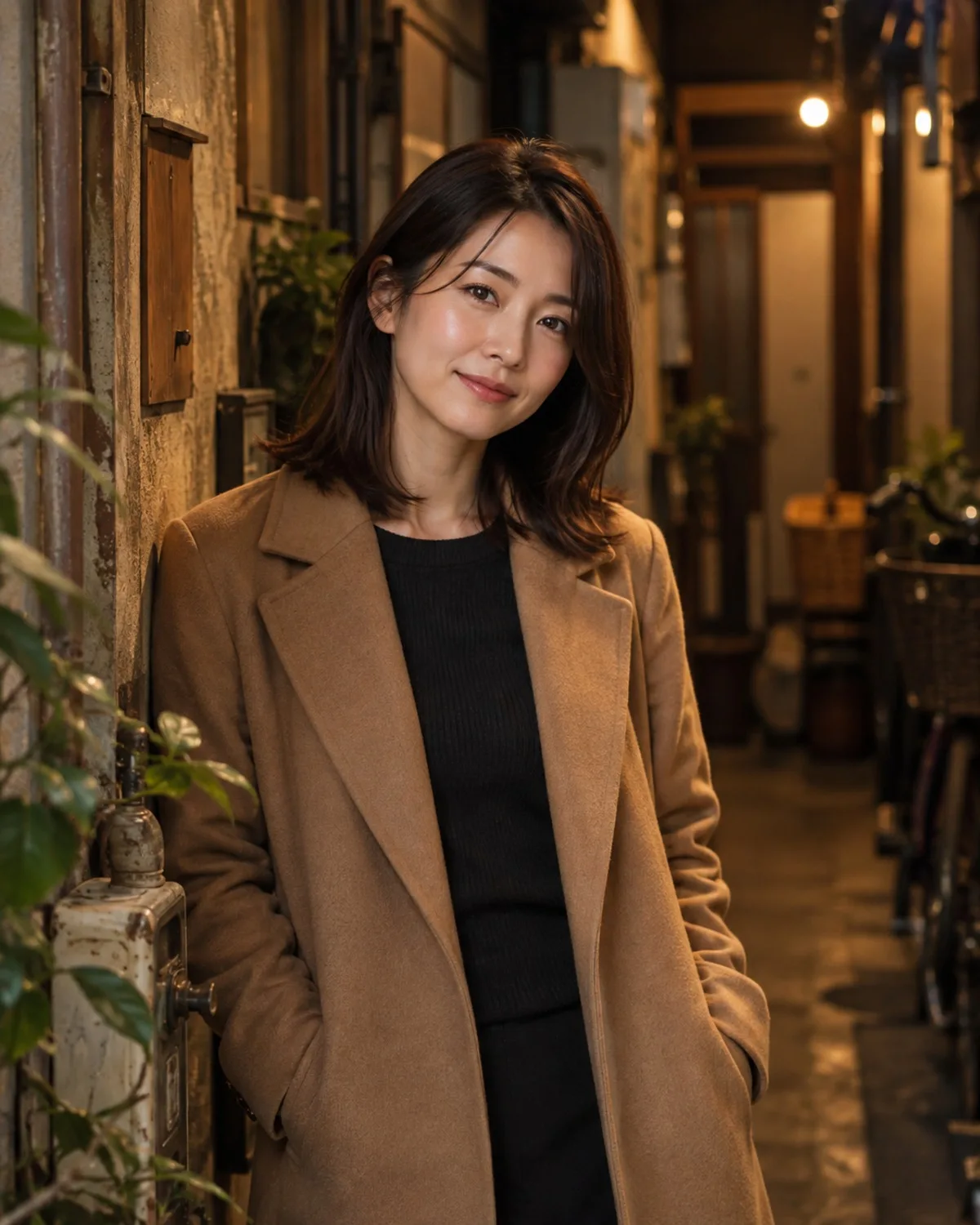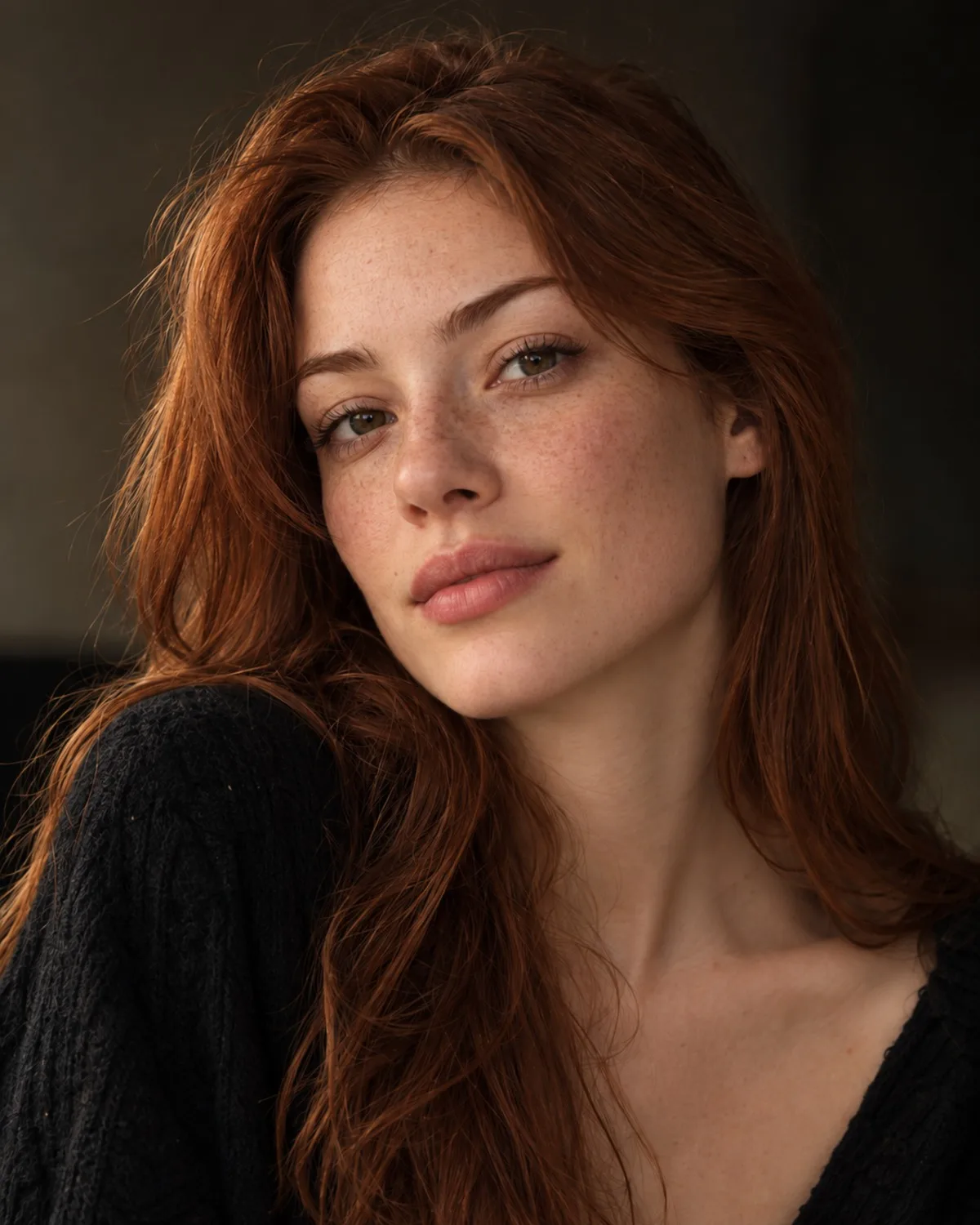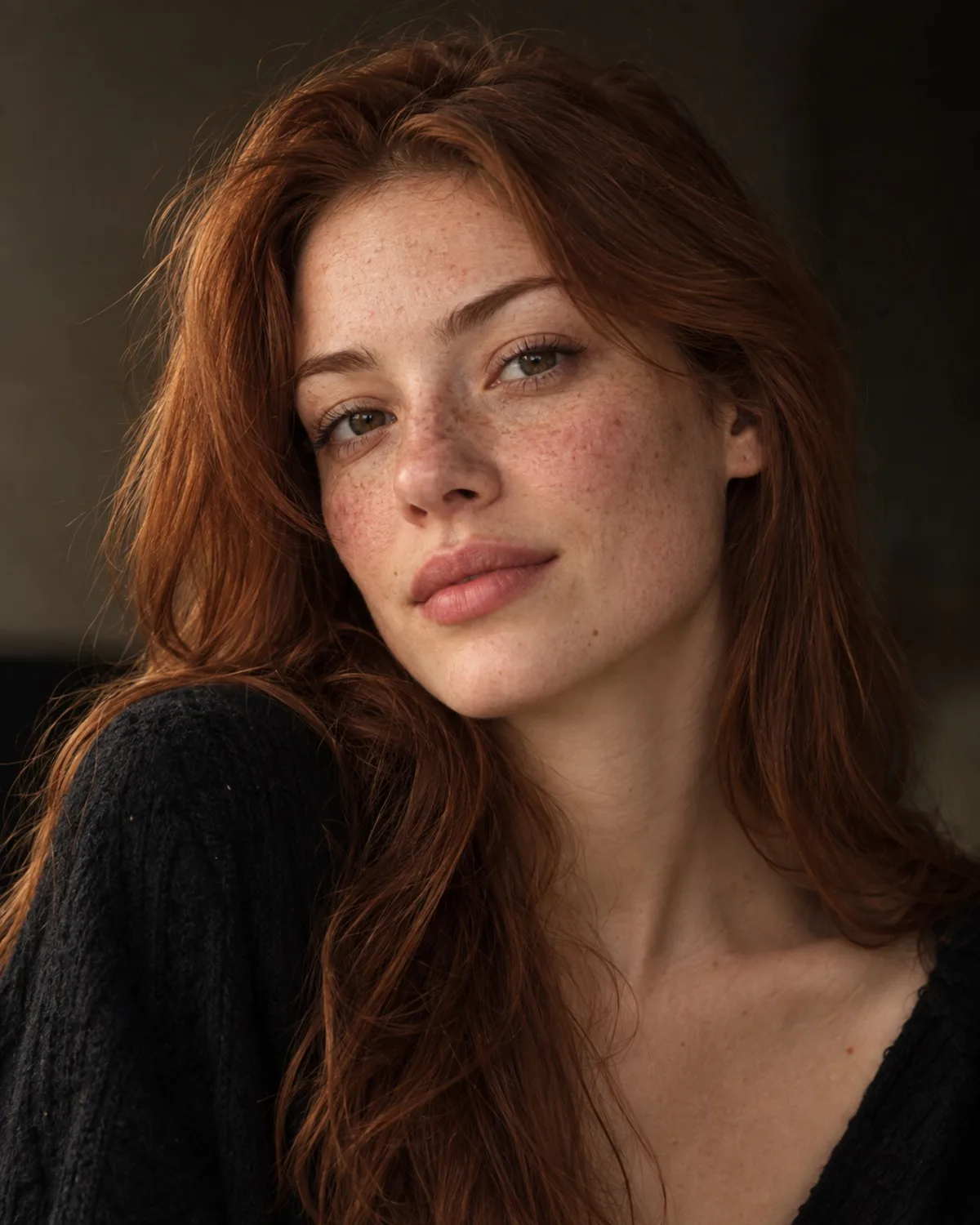
Headshot pack or a single headshot?
There are two routes. The AI headshot pack is a one-time purchase: you upload one to three selfies and get a full set of professional headshots in different looks. It suits you if you want options to compare, or one photo for LinkedIn and a slightly different one for your website.
The Professional Headshots tool makes one portrait per generation, for 1 credit. You choose a style such as Classic Grey, Corporate Navy, Startup Casual or Outdoor Natural, or describe your own outfit and setting. It suits you if you already know the look your field expects and just need one good photo today.
Prepare selfies the AI can work with
The AI keeps your features, so the quality of your selfie sets the ceiling for the result. Stand facing a window in daylight so your face is evenly lit, without hard shadows from overhead lamps. Hold the camera at eye level or slightly above, at arm's length or further, because a phone held too close makes noses and foreheads look larger.
Keep your face fully visible: no sunglasses, hats or hands near the face, and hair arranged the way you usually wear it. If you normally wear glasses, wear them in the selfie too. Switch off beauty filters and portrait effects, and use a recent photo, so the headshot matches how you look when you walk into the interview. Take several shots and keep the ones where the eyes are in sharp focus.
Match the look to your industry
A good work photo fits the room you want to be in. Corporate Navy and Executive read as finance, consulting and senior roles. Startup Casual and Creative suit tech, design and agency work. Healthcare, Legal, Academic and Real Estate are tuned for those professions, and Outdoor Natural works for coaches, freelancers and anyone whose brand feels personal.
Use the same photo across LinkedIn, your CV, email signature and company page so people recognise you everywhere. Profile pictures are usually shown as small circles, so pick a result where your face is centred with a little space around the head. If you already have a decent photo with a messy room behind you, Background Replacement or Face Retouching may be all you need.
Know the limits before you upload
These are profile photos for LinkedIn, CVs and business pages. They are not official ID, passport, visa or other biometric photos, which have strict rules on pose, lighting and editing; use an approved photo service for those.
Look closely before you publish. Check ears, teeth, glasses frames and hairline, and choose the result that looks like you on a good day rather than a different person. Results made with free starter credits carry a small watermark, so use paid credits or the pack for the version you actually publish. And if a job application explicitly asks for an unedited photo, follow that instruction.