AI Expand
Expand your photo beyond the frame
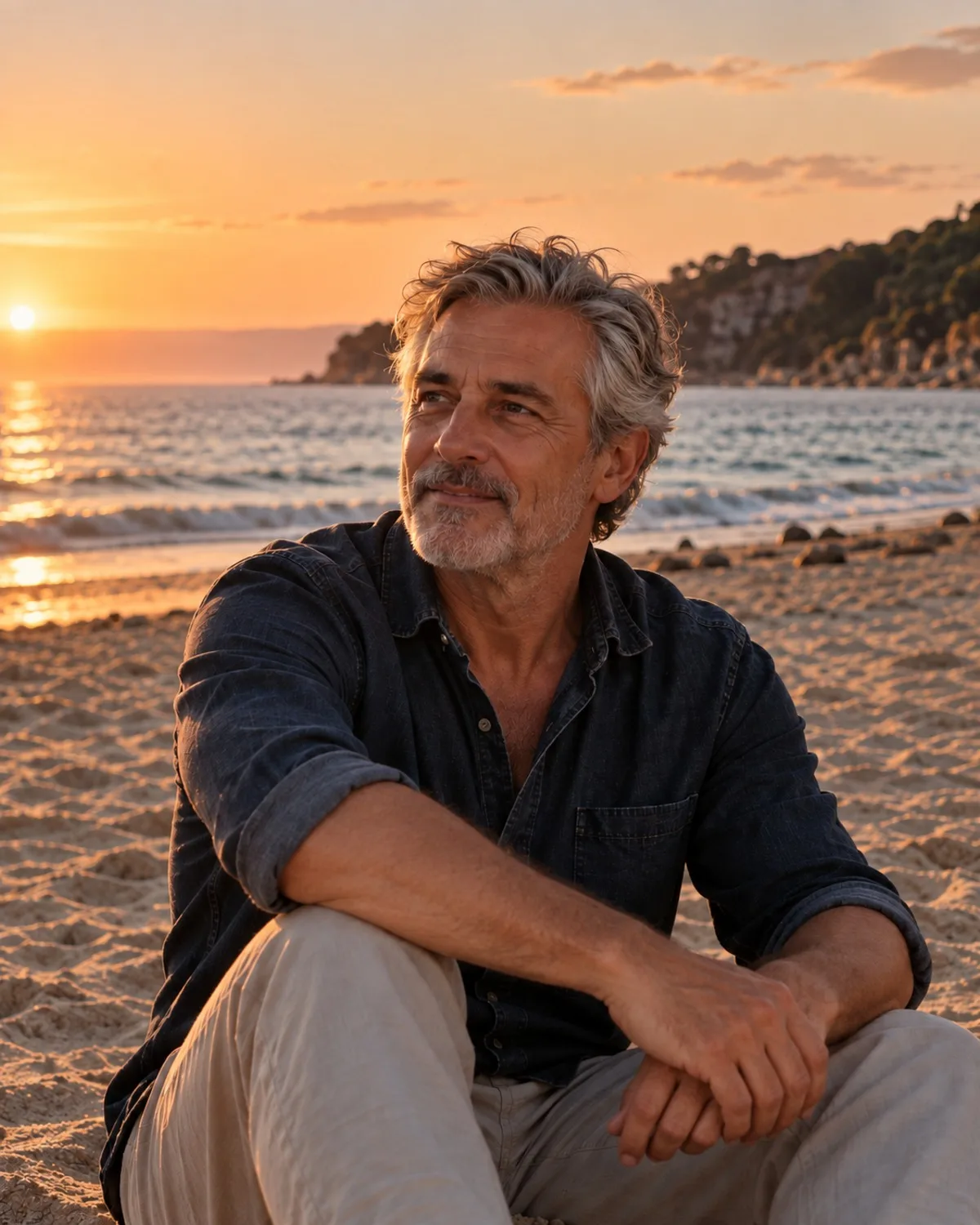
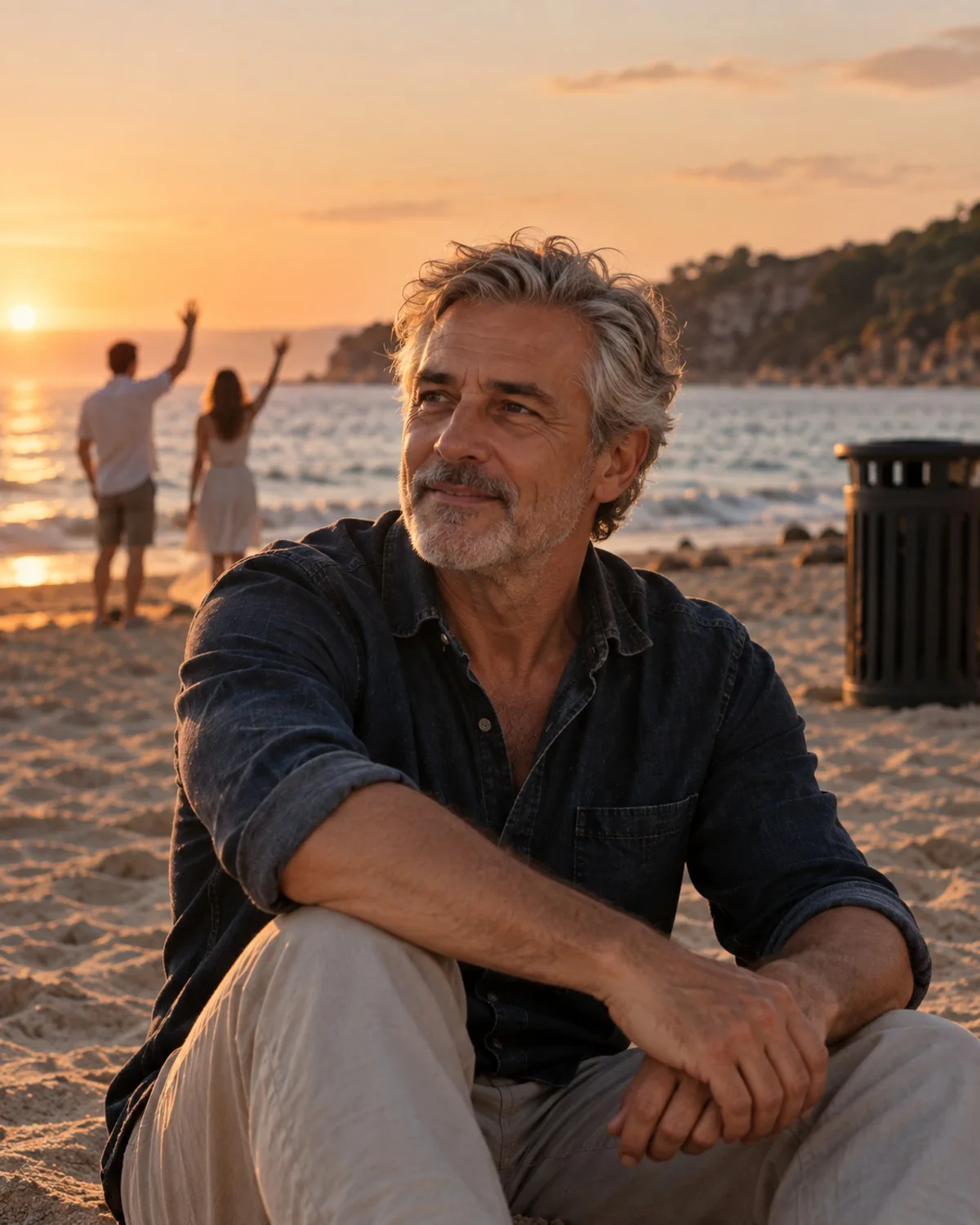
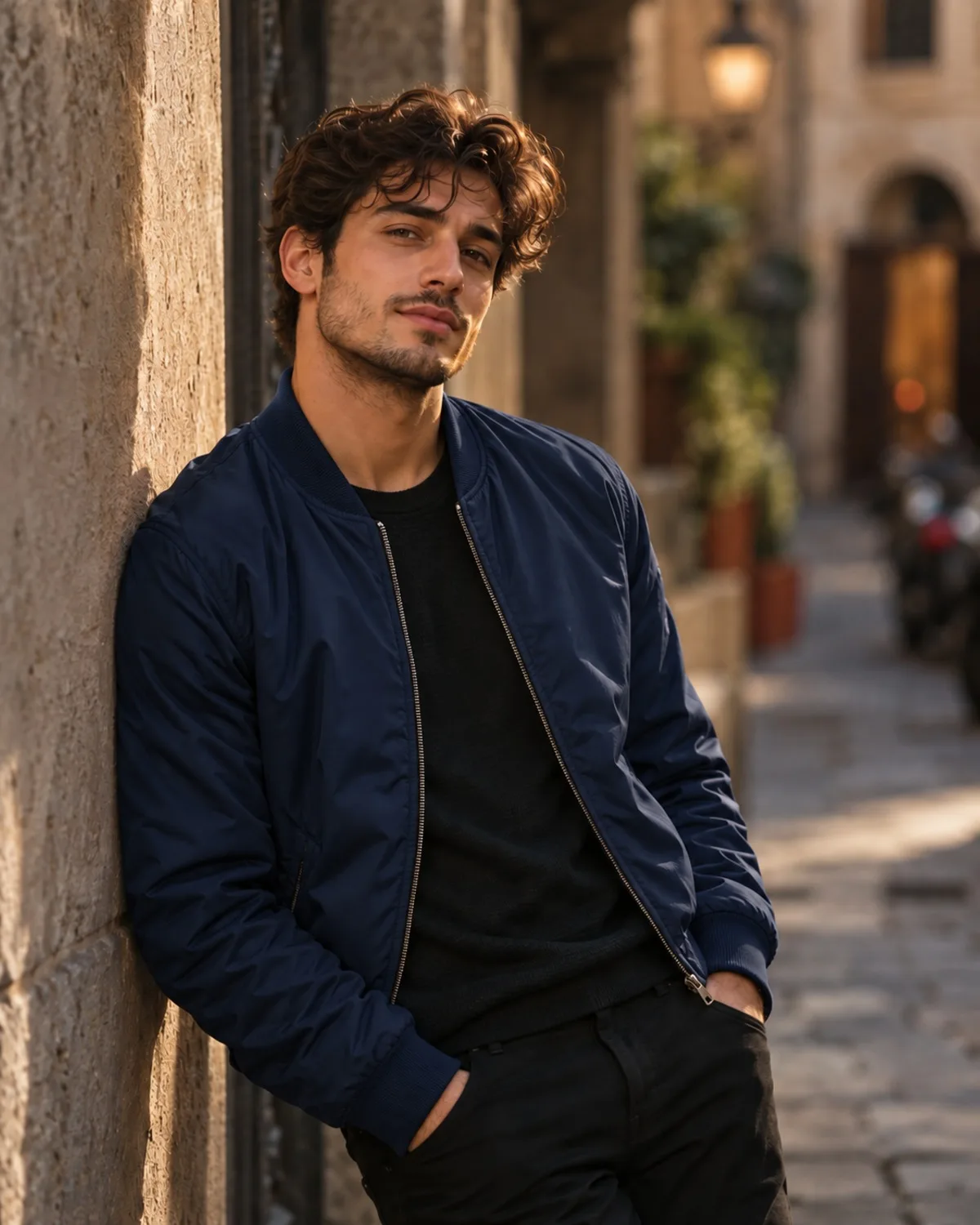
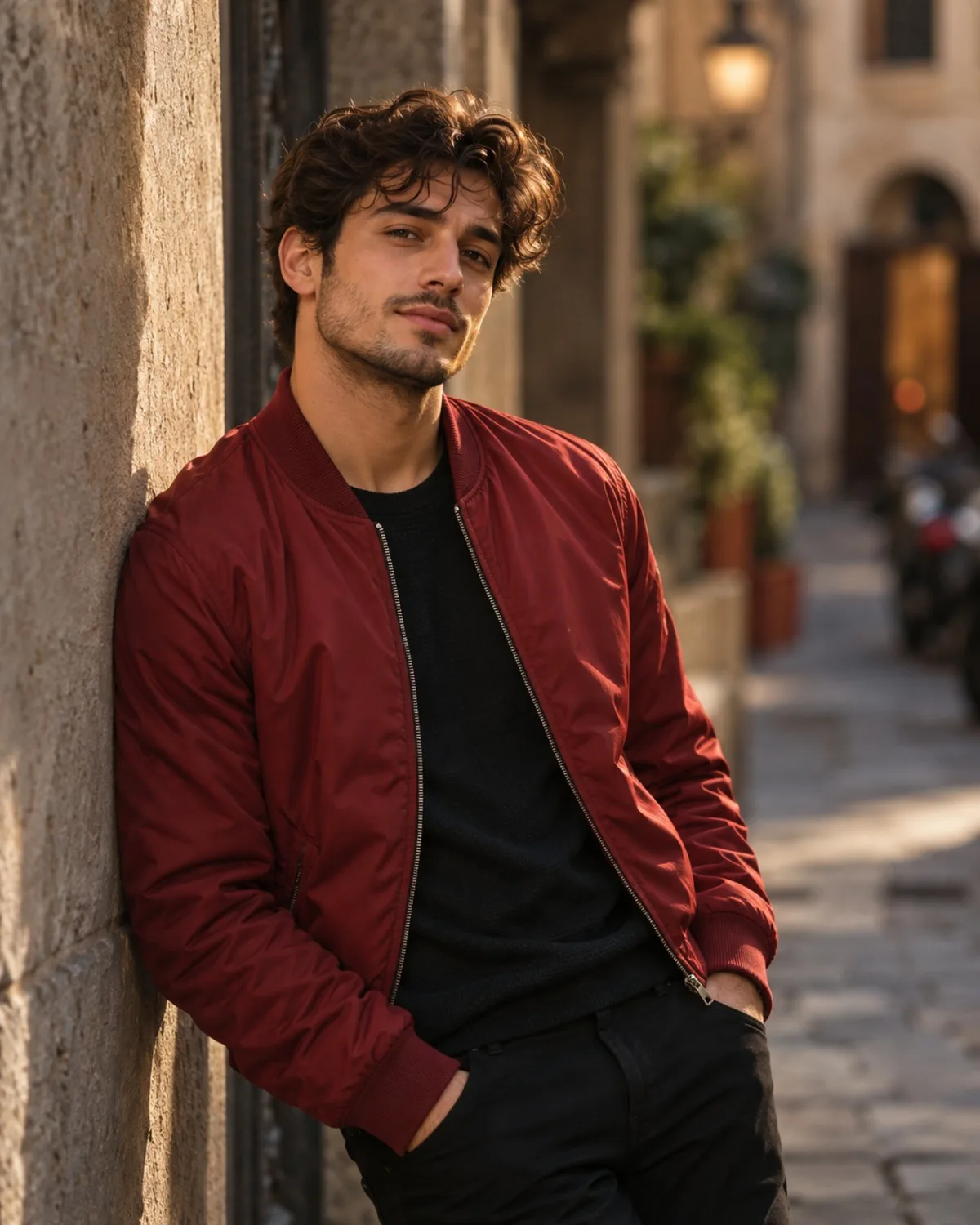
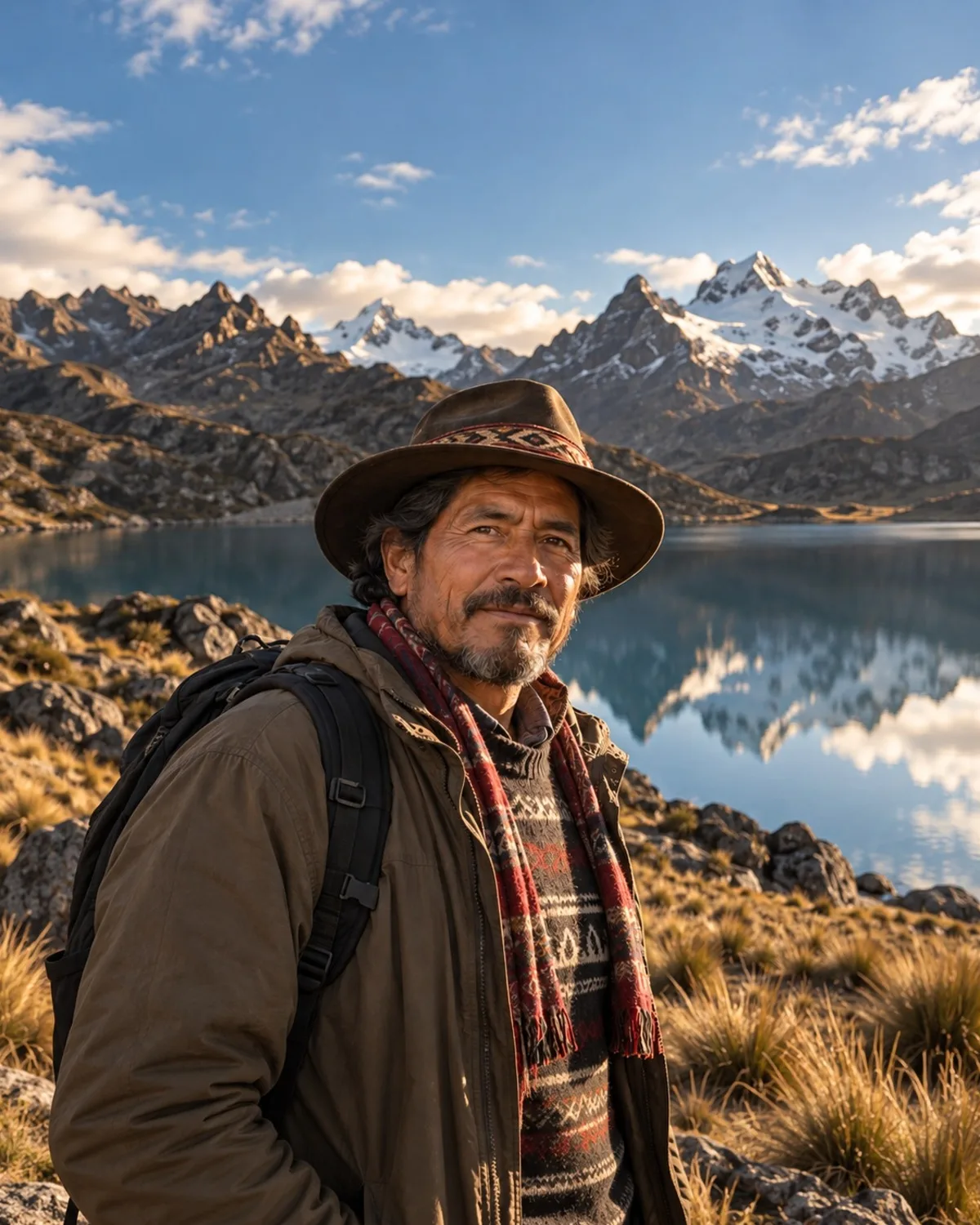
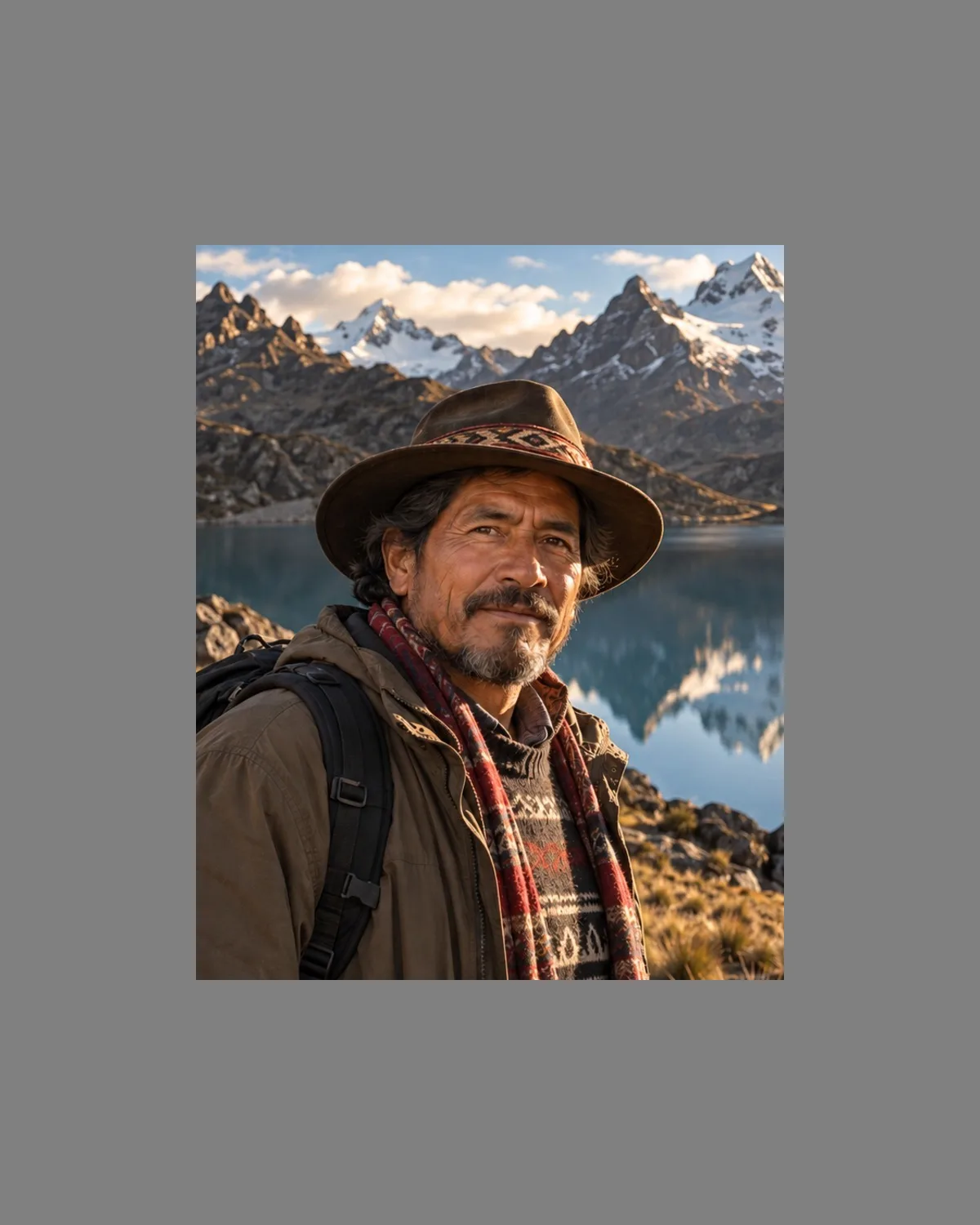
Choose a new aspect ratio and the AI continues the scene outward with matching light, grain and perspective. Your original pixels stay exactly as they are.
1 credit per image
Try AI Expand on your photo
Choose a photo to continue. Sign in when you're ready to generate.
Great for
Stories and reels
Turn a landscape photo into a tall 9:16 frame.
Banners and covers
Widen a portrait into a 16:9 header.
Prints
Fit a shot to standard 2:3 or 4:5 print sizes without cropping.
How to use AI Expand
- Step 1
Upload a photo or take one with your webcam.
- Step 2
Adjust the options, or keep the defaults.
- Step 3
Compare before and after, then download the result.
Questions about this tool
- Will my original photo be cropped?
- No. The original stays untouched; only the new area is generated.
- Which ratios are available?
- 1:1, 4:5, 9:16, 16:9, 3:2 and 2:3.
- Will it add new people or text?
- No. It continues the existing scene without adding people, objects or text.