Matching the style to the job
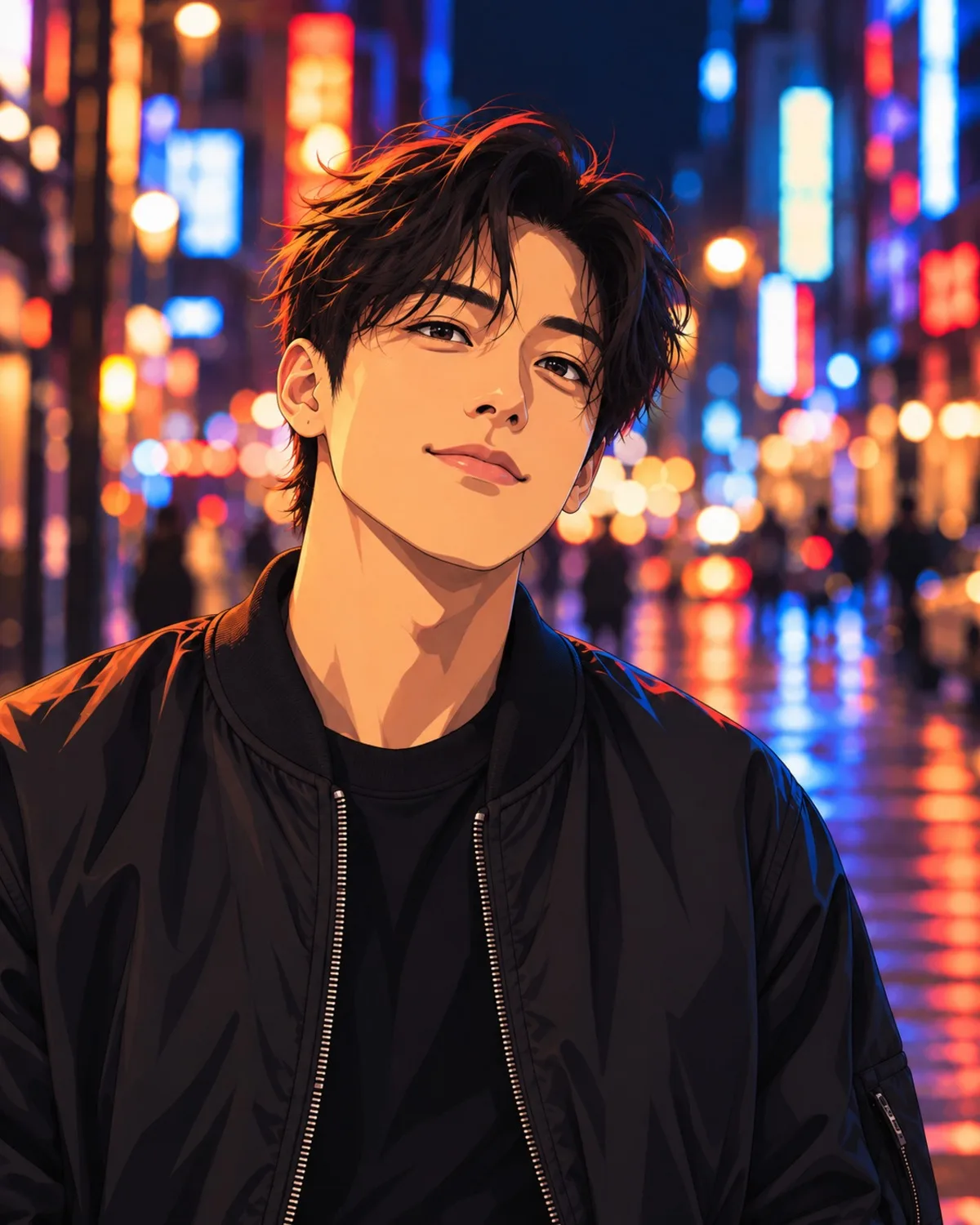
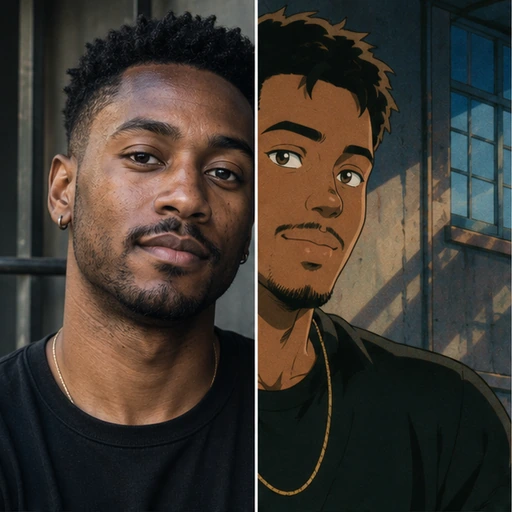
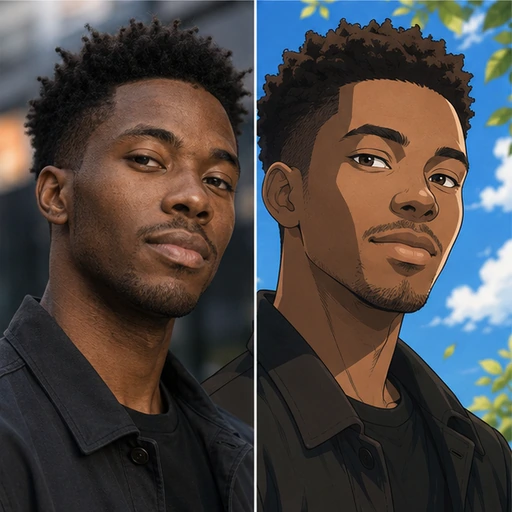
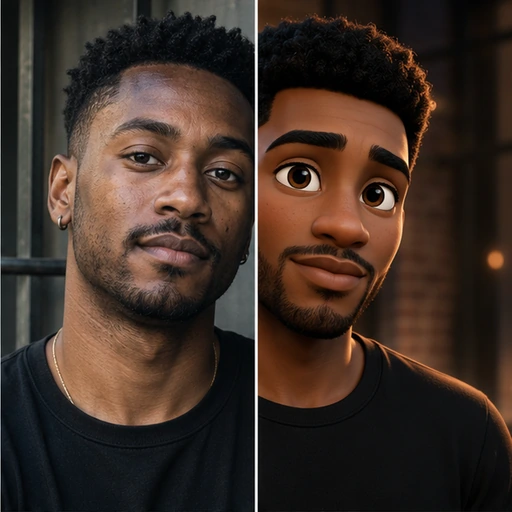
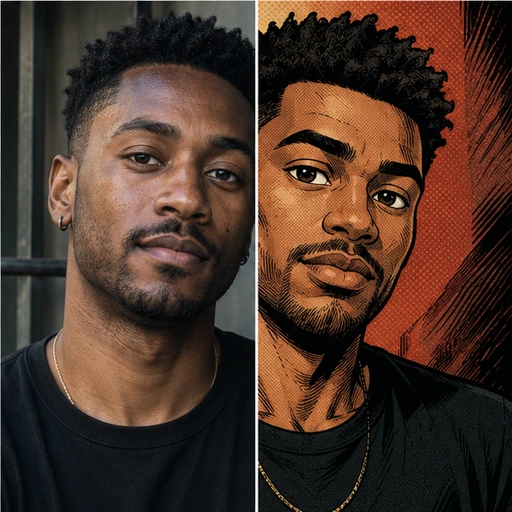
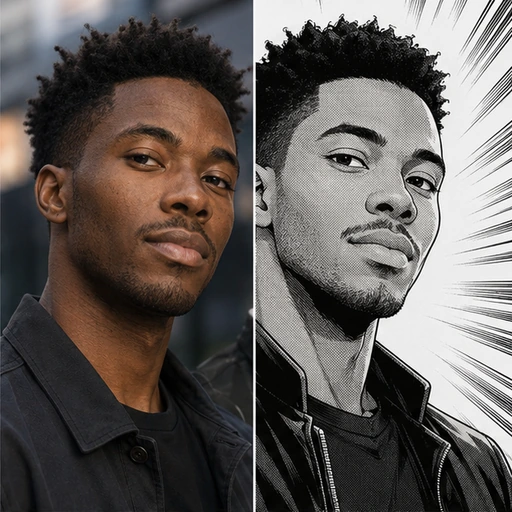
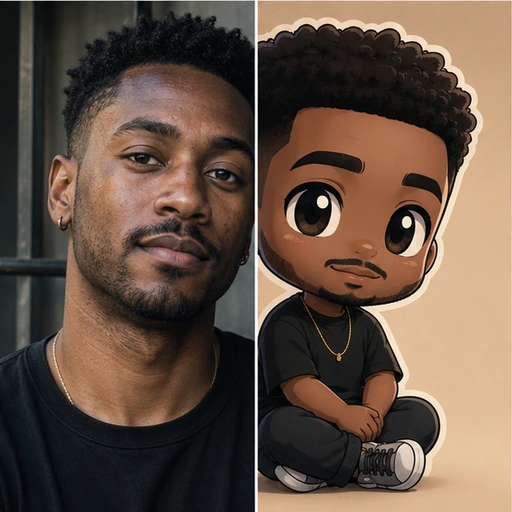
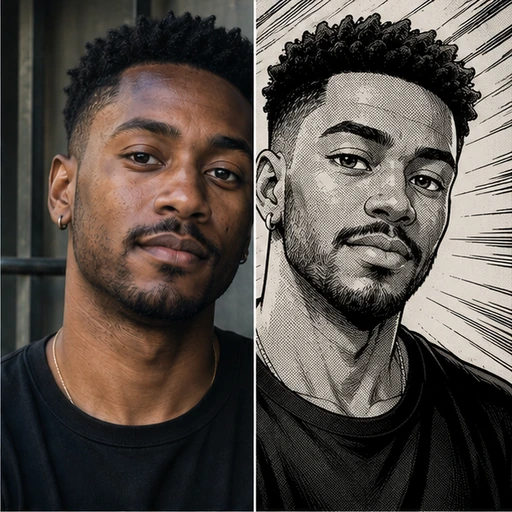
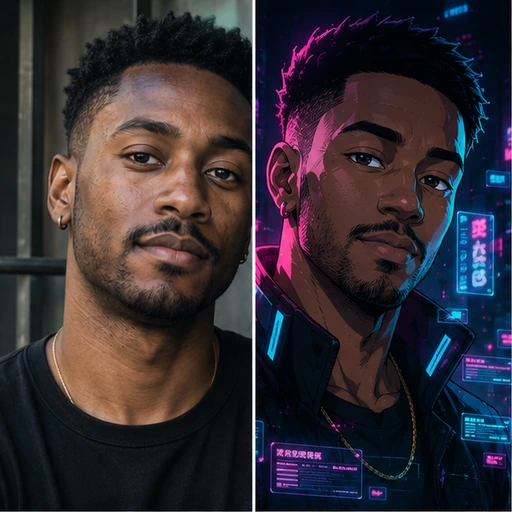
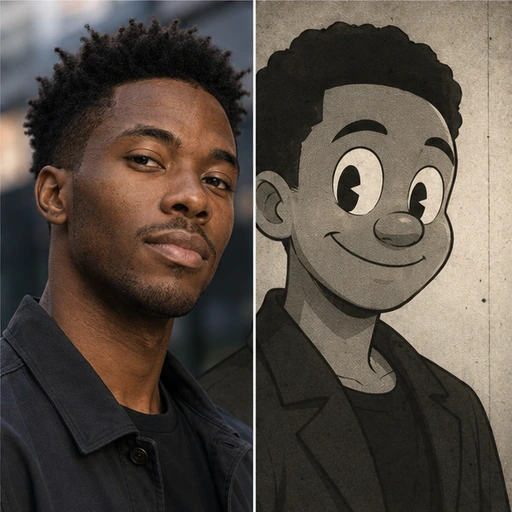
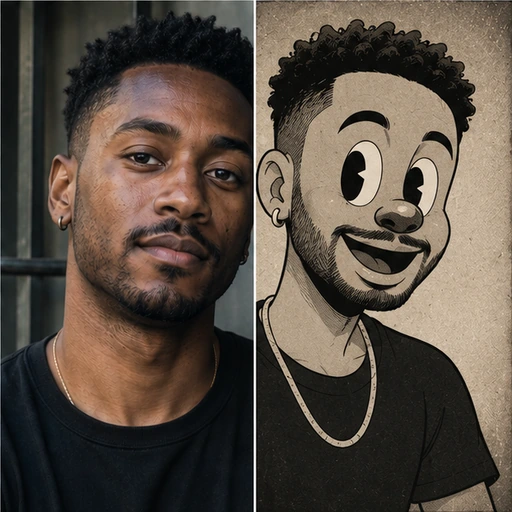
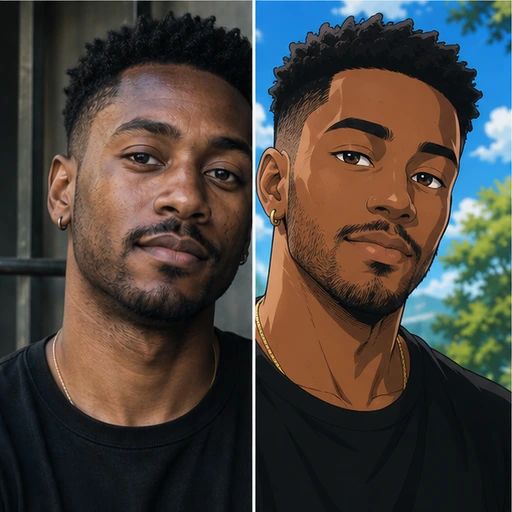
Not every style works for every purpose. For a profile picture that must stay recognisable at thumbnail size, Modern Anime and 3D Cartoon keep strong, clean shapes. 90s Anime and Retro Cartoon add nostalgia with flatter colour, which suits posts and fan art. Manga B&W and Comic Ink are monochrome or ink-led and print beautifully on paper. Chibi exaggerates proportions into a cute, small figure, so it is the least literal likeness, which is good for stickers and less good for a work avatar.
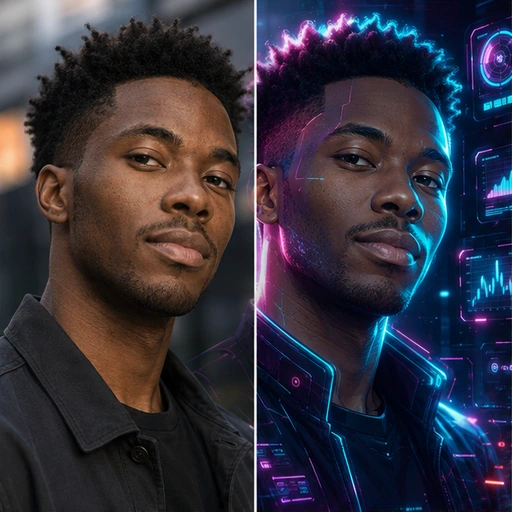
Shonen Action, Shojo Pastel, Hero Comic, Storybook Anime and Cyber Anime are mood choices: energy, softness, comic-book drama, a gentle illustrated-book feel and neon futurism.
Photos that redraw well
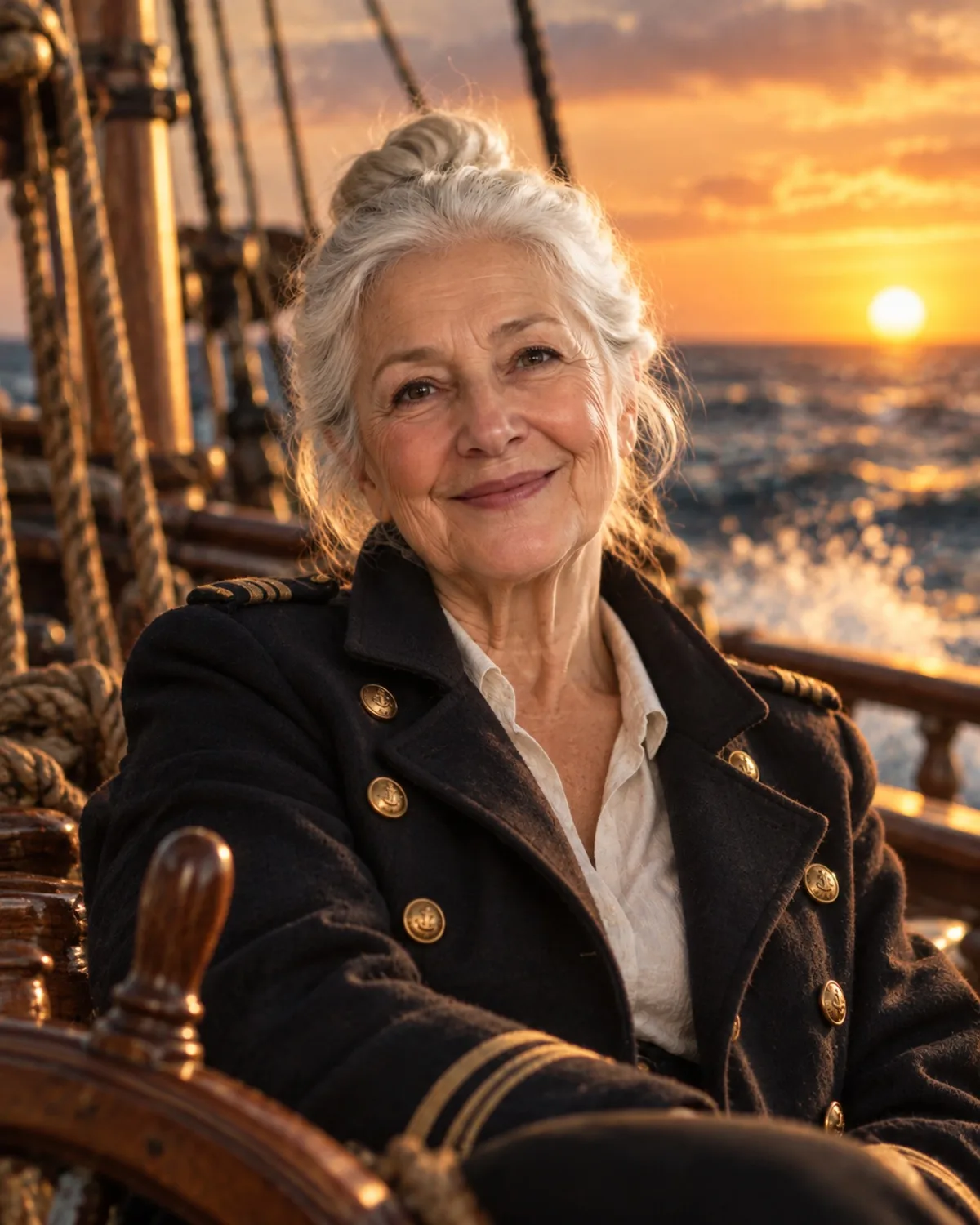
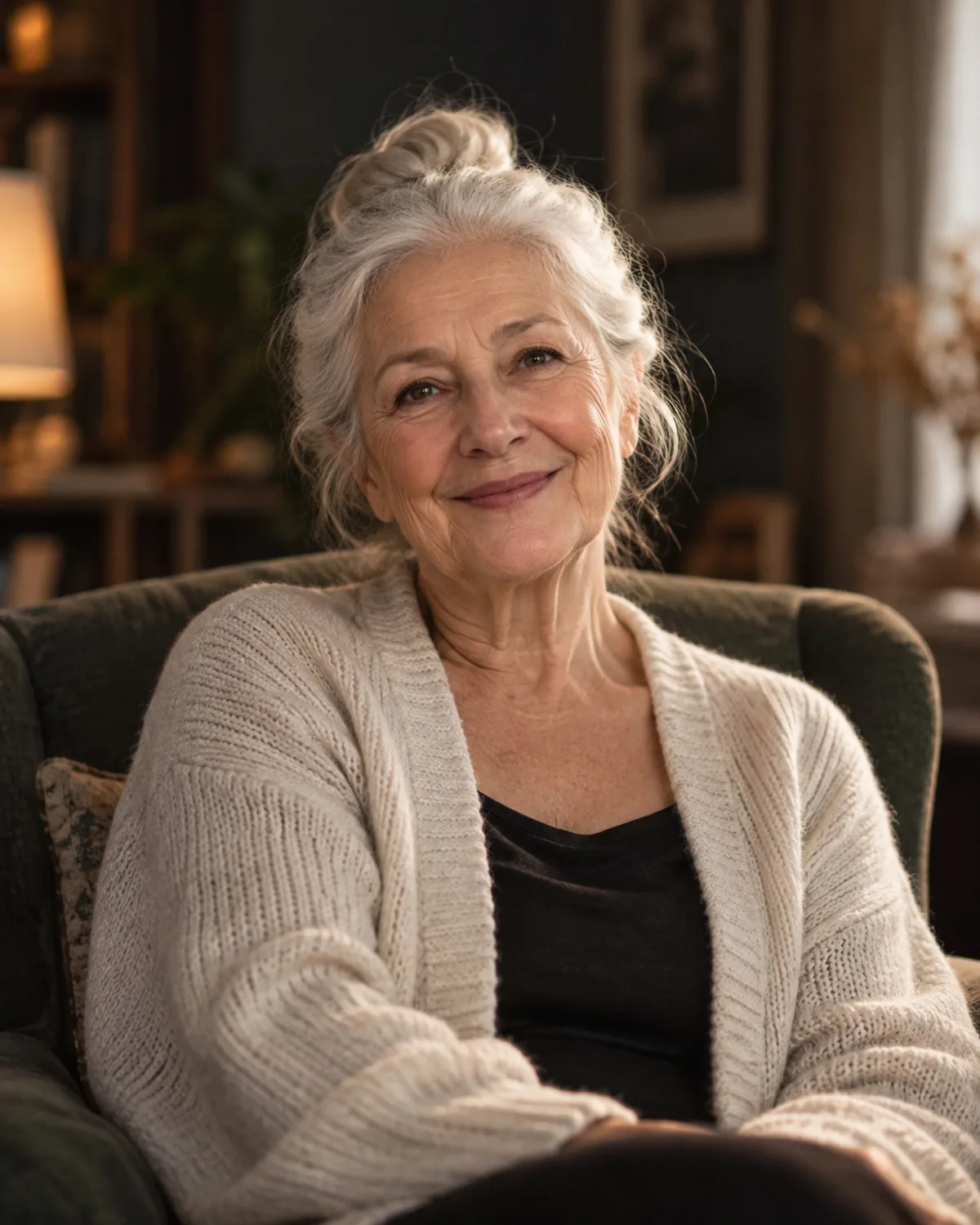
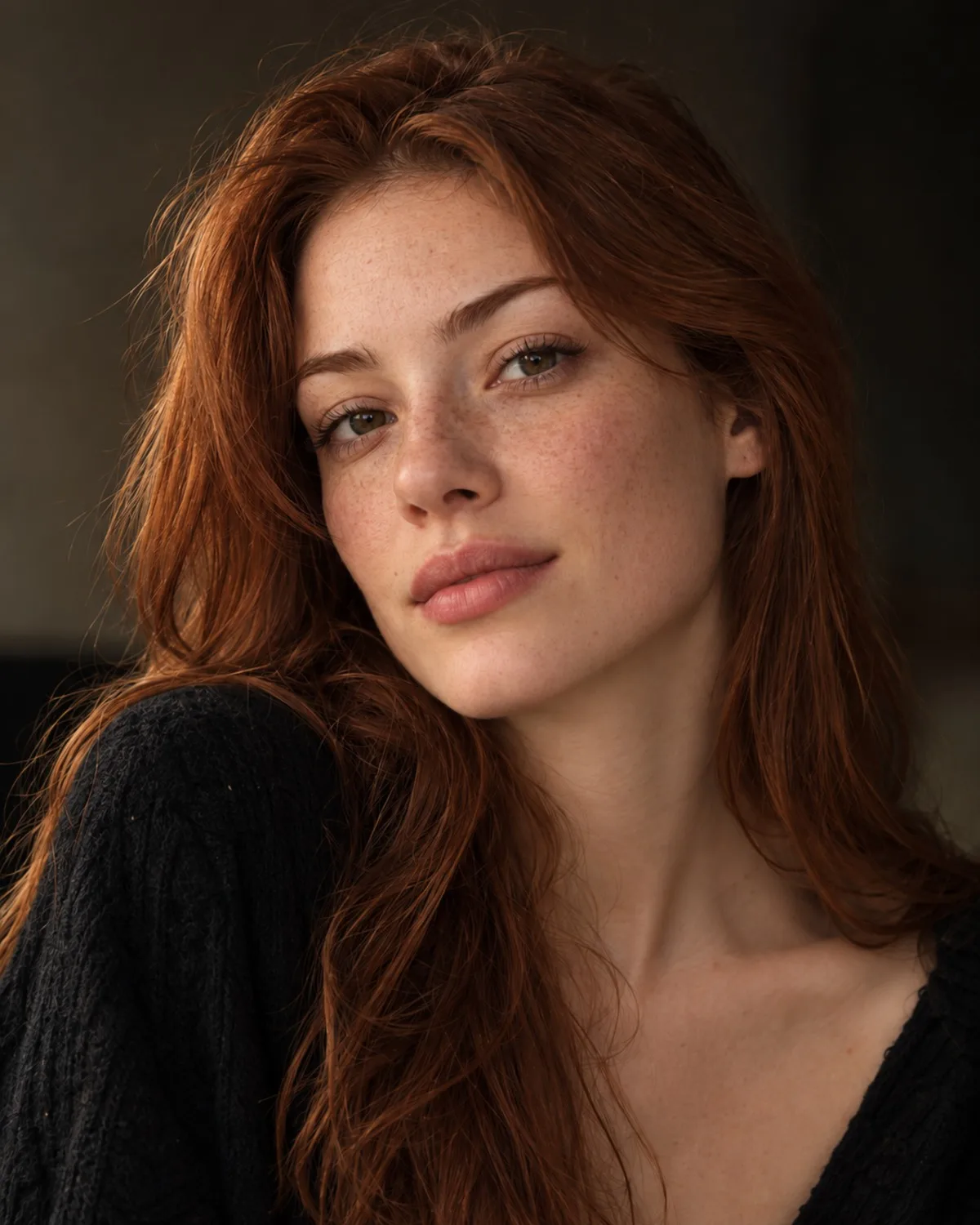
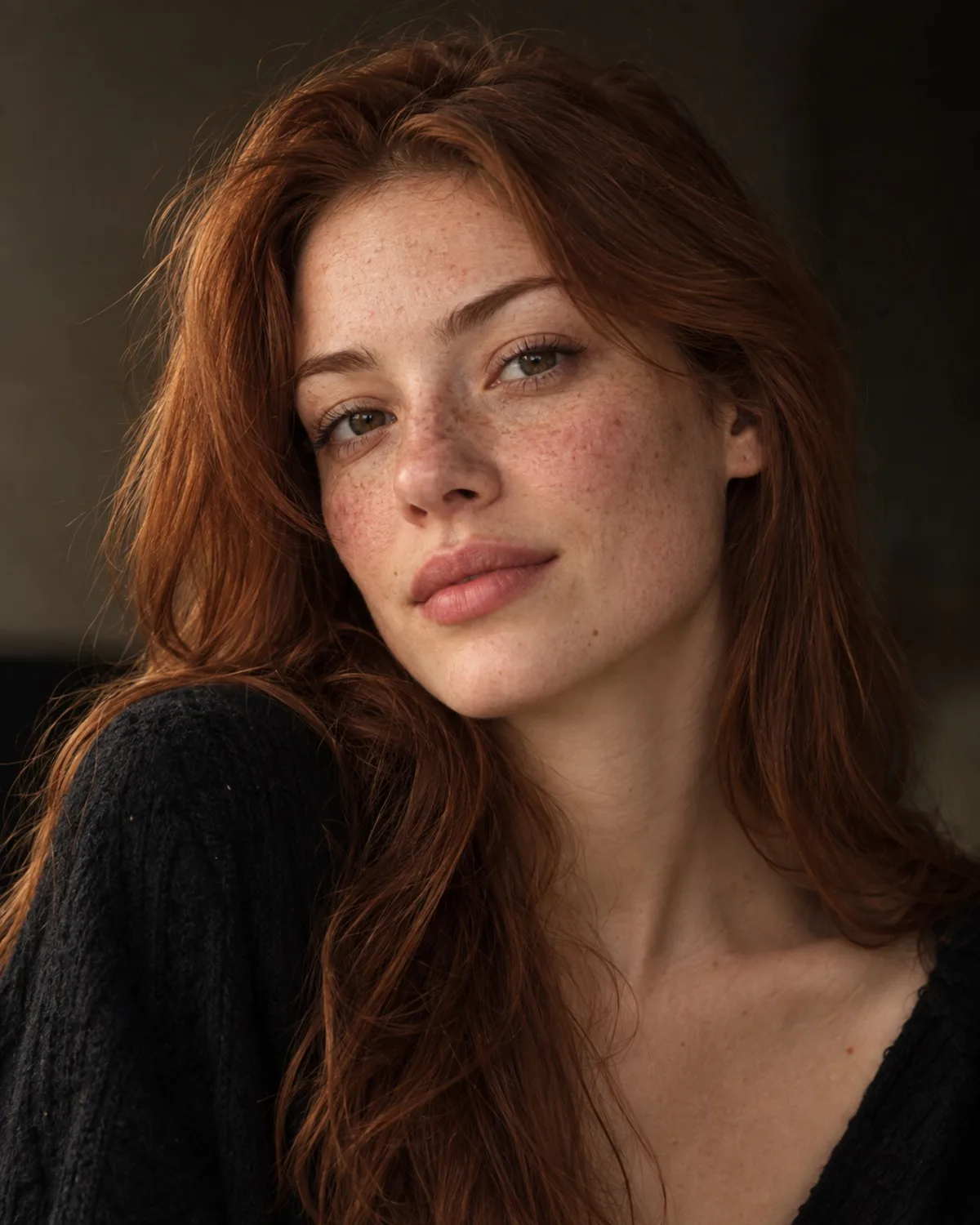
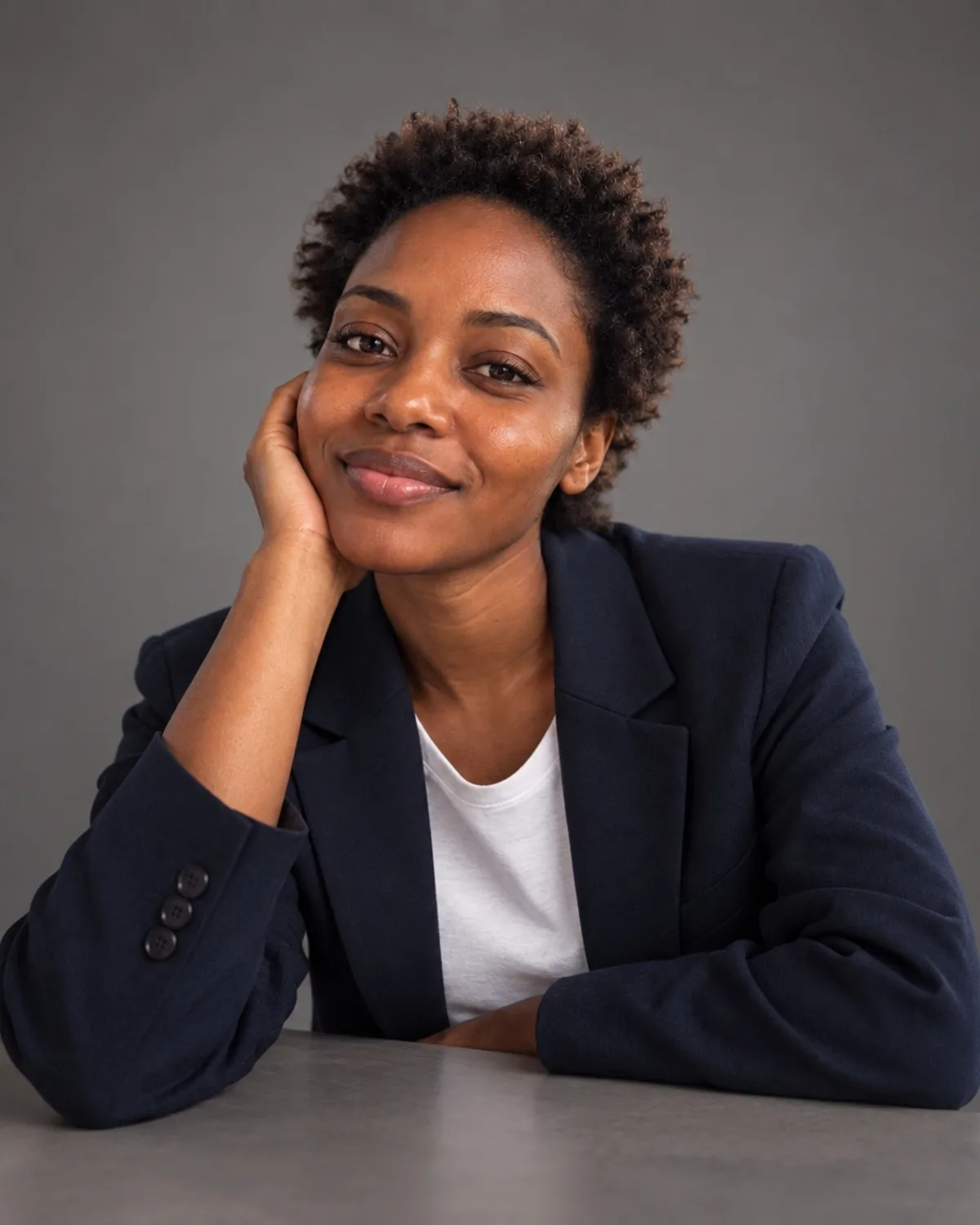
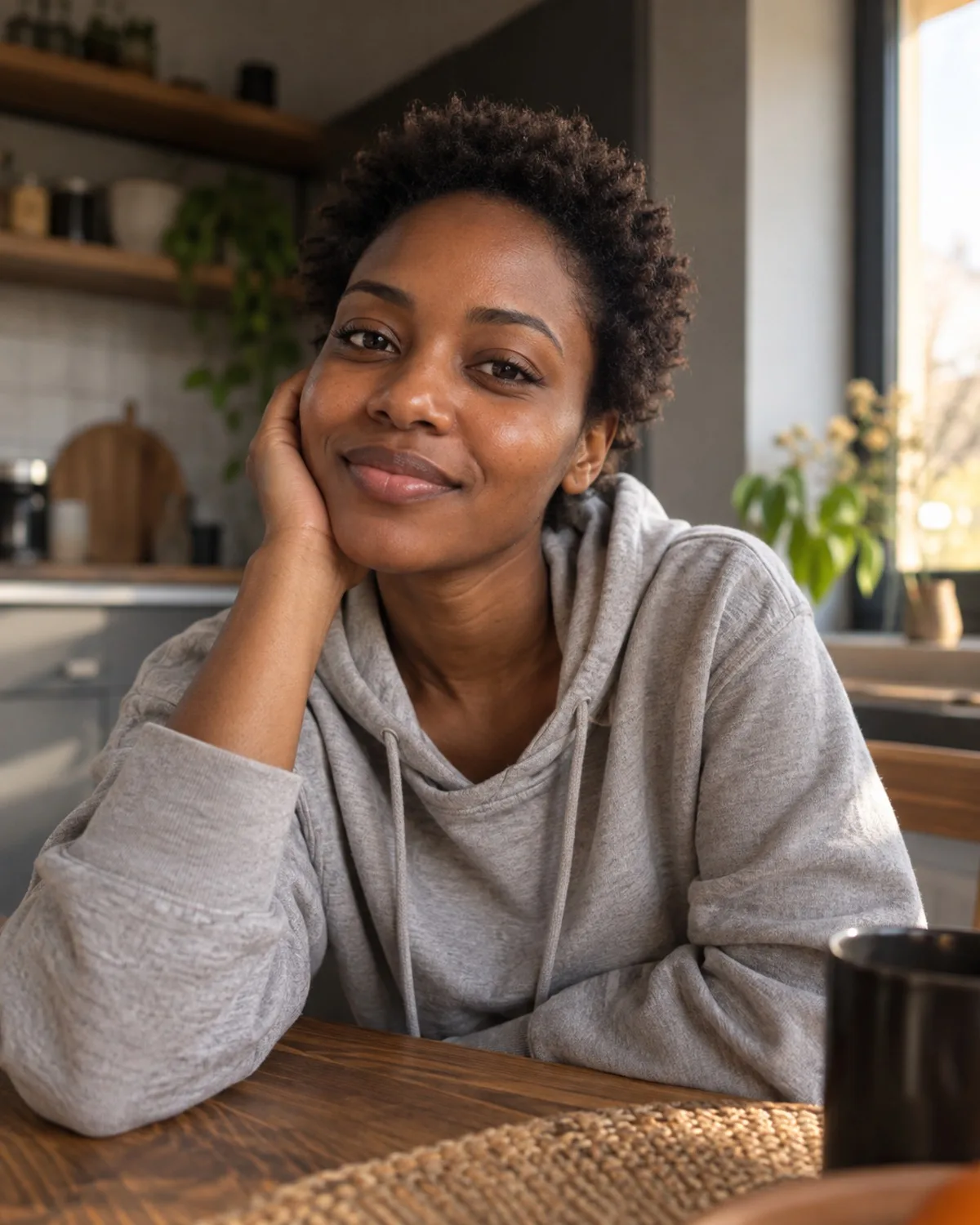
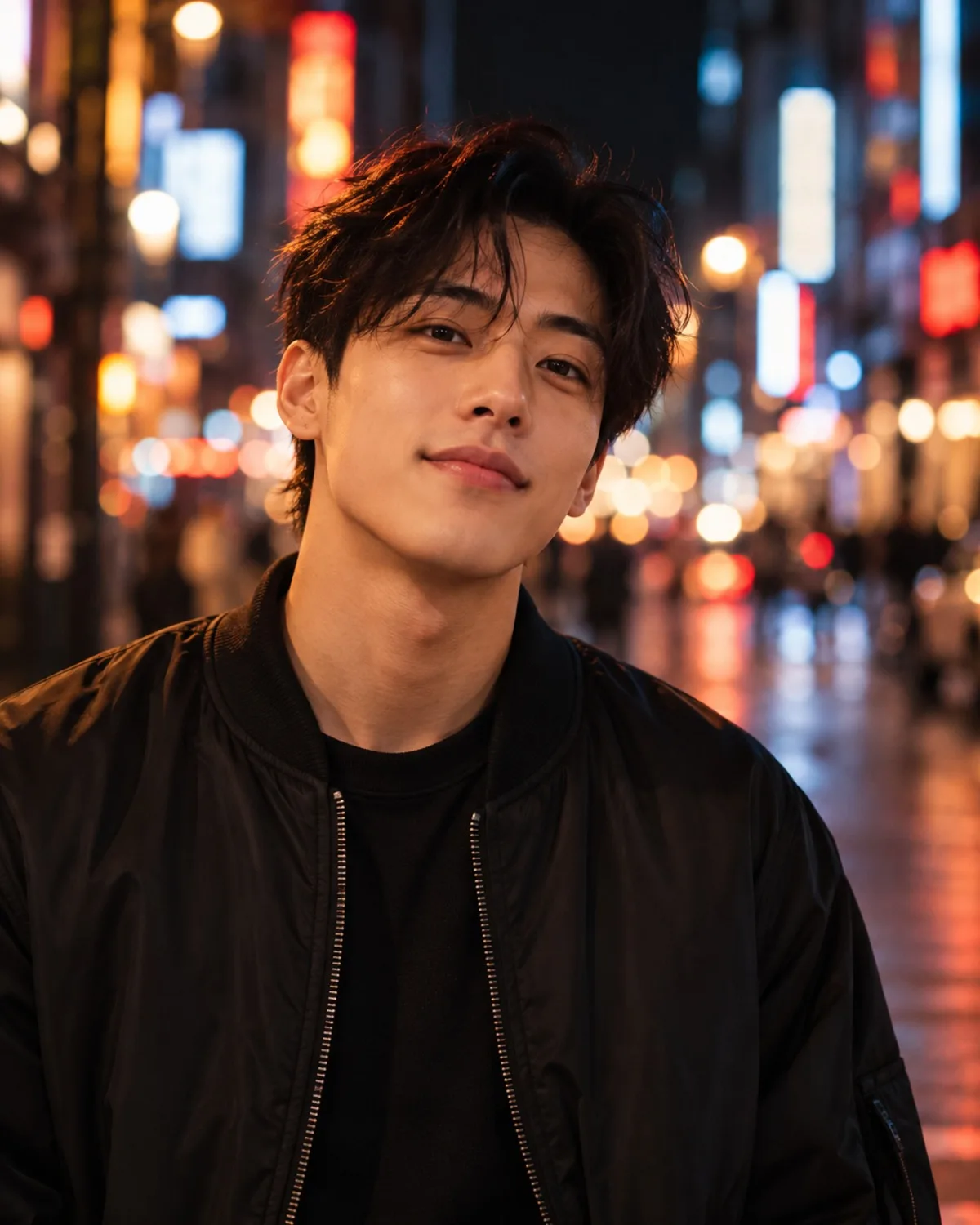
Because the whole frame is redrawn, a clear subject and a simple background give the most readable result. Faces need to be well lit and big enough in the frame; a small figure in a wide landscape becomes a few simplified strokes. Expressive photos, a real smile or a confident pose, translate into livelier drawings than stiff, neutral ones.
For couples and small groups, make sure every face is visible and nobody is half hidden behind someone else. Everyone in the photo should have agreed to it being edited.
Lighting shapes the drawing, too. Soft daylight gives clean, even colour areas, while a strong side light adds the dramatic shading that suits comic and action styles. Avoid heavy beauty filters on the original; smoothed-out features give the AI less to draw from.
Trademarks and look-alikes
The styles are generic descriptions of anime and cartoon traditions, not copies of a particular studio, show or character. Requests to turn you into a specific famous character, or to make someone look like a real celebrity, are not supported. If you have a particular feel in mind, describe its qualities, such as soft watercolour backgrounds or thick black outlines, rather than a brand name.
Not happy with the first version? Try another style on the same photo; each style interprets faces and colour differently, so the one that suits you best may not be the first you tried.
Related tools
For a character portrait that keeps a painted, more realistic look, try AI Avatars. For a fine-art finish such as a pencil sketch or watercolour, use Sketch & Painting. If you plan to print your anime portrait on a poster or mug, upscale it to 4K first.