Cartoon & Anime style
Turn your photo into Shojo Pastel
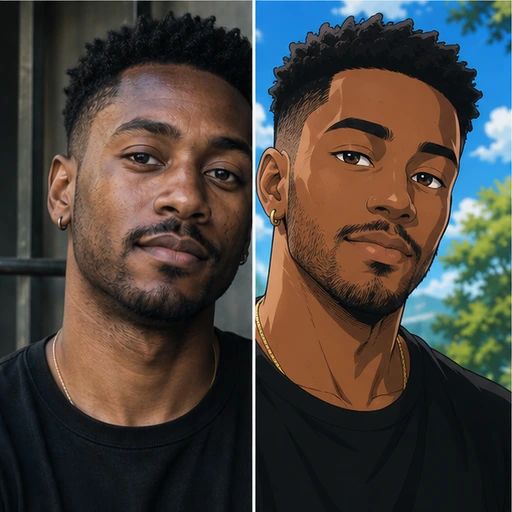
Redraw yourself in the Shojo Pastel style while keeping your expression, hairstyle and pose.
1 credit per image
Try Cartoon & Anime on your photo
Choose a photo to continue. Sign in when you're ready to generate.
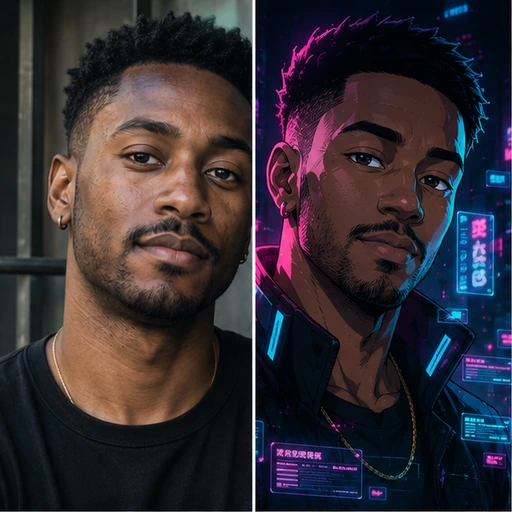 Style preview
About the Shojo Pastel look
Delicate thin lines, sparkling highlights, flowing hair and an airy pastel palette with floral accents.
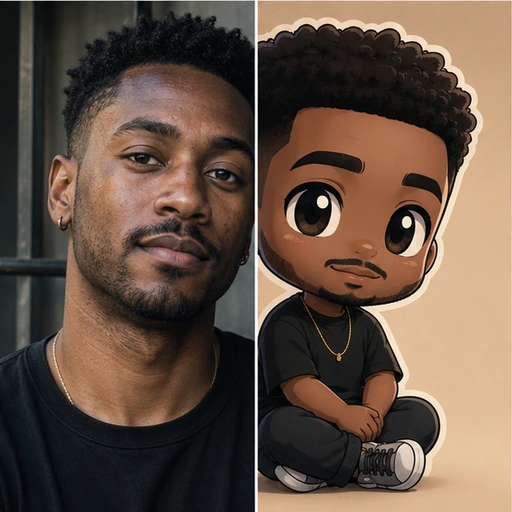
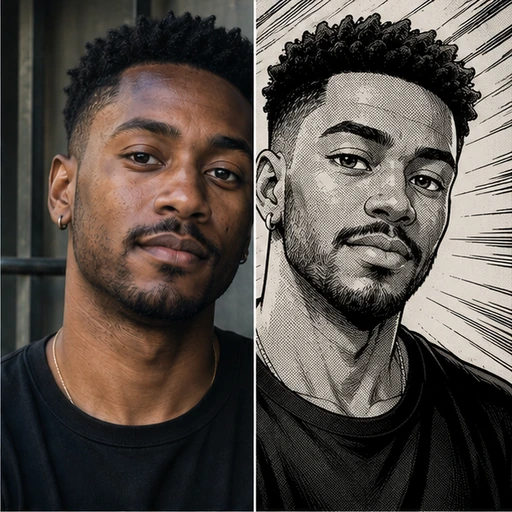
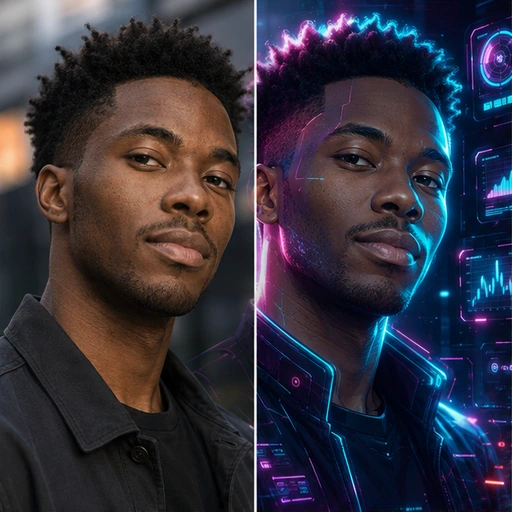
Pick a style, from 90s cel anime to chibi and 3D animation, and the whole frame is redrawn while you stay recognisable. A favourite for profile pictures, gifts and fan art.
Tip for the best result
Expressive photos with a clear face and simple background make the most striking drawings.
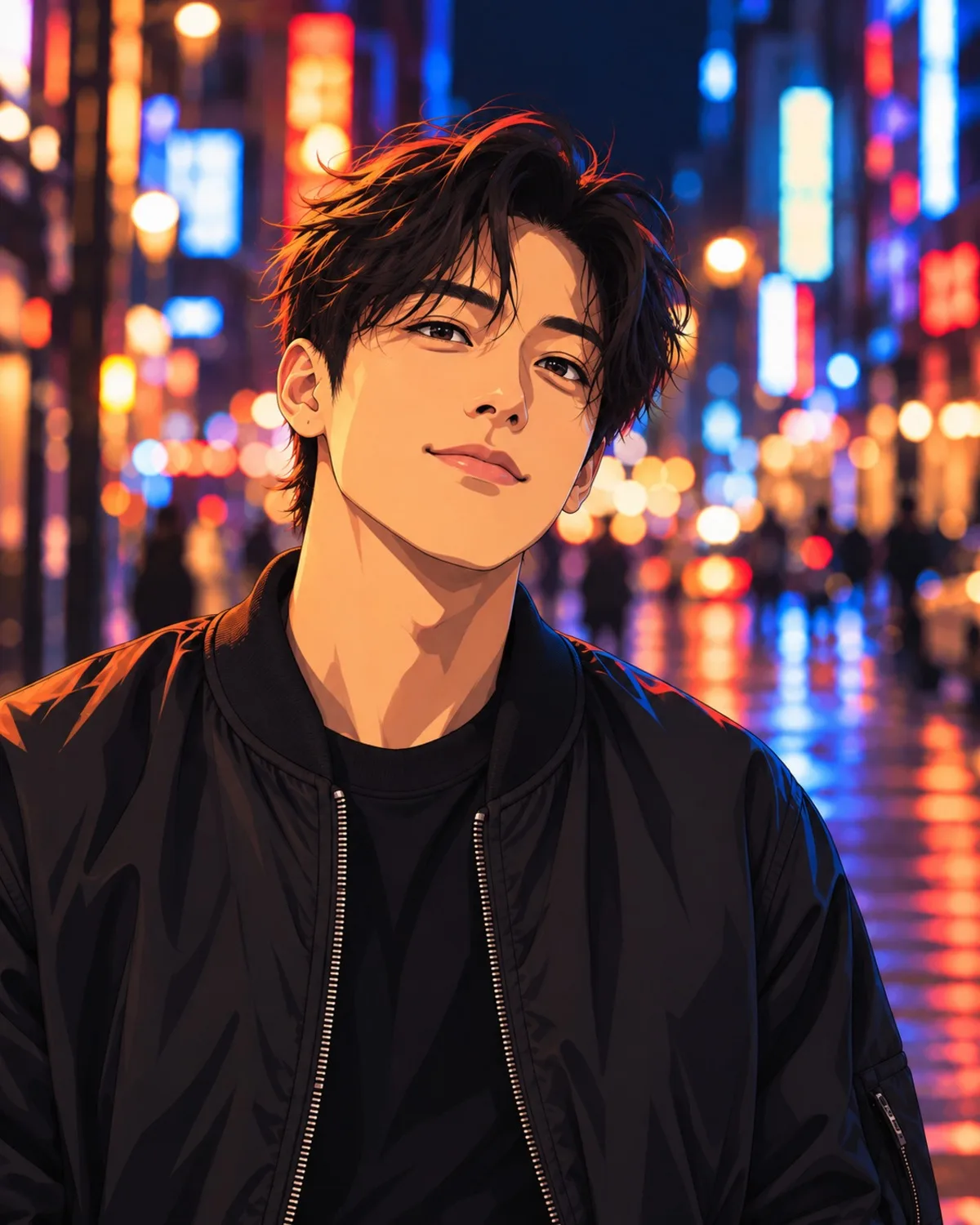
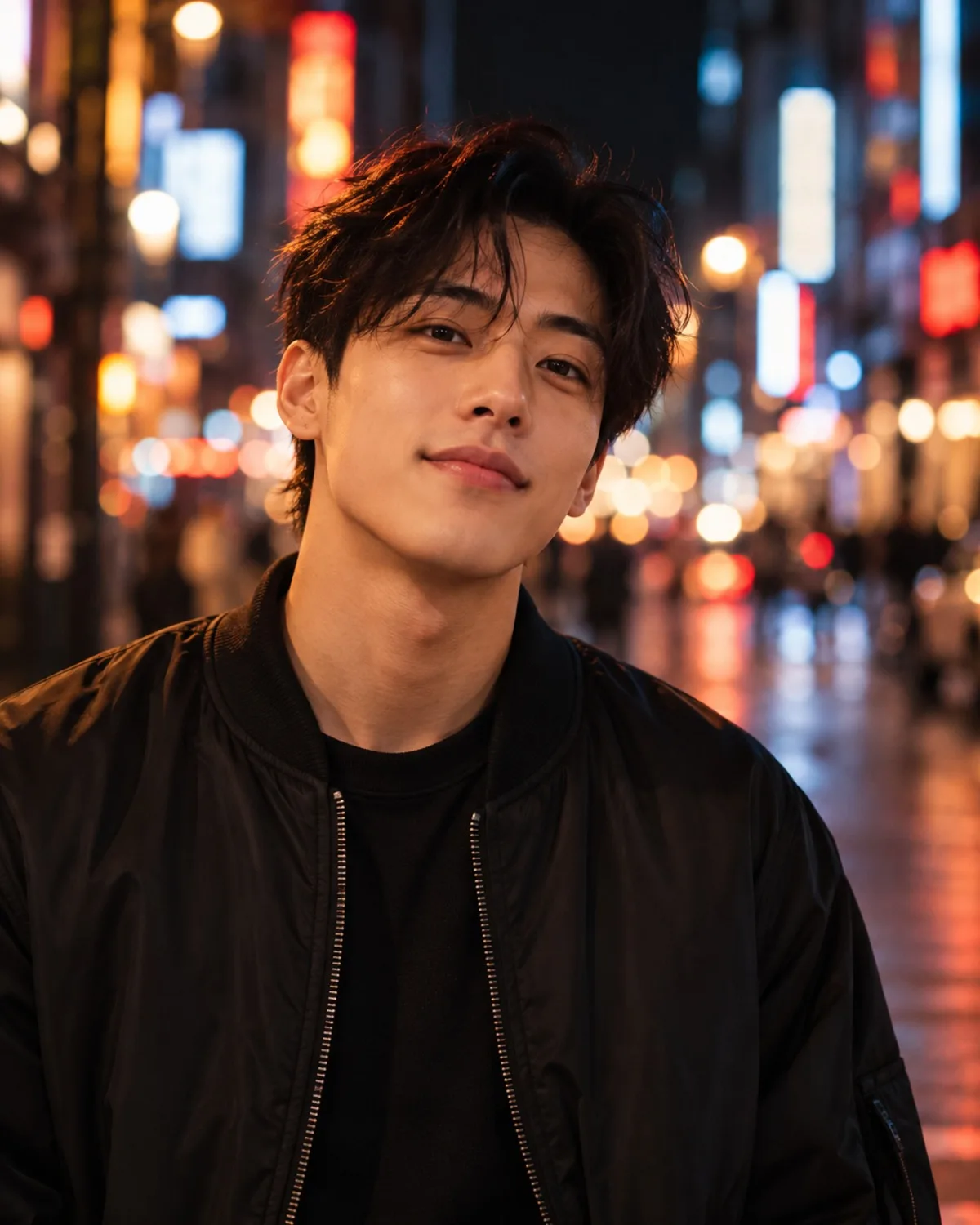
See Cartoon & Anime in action
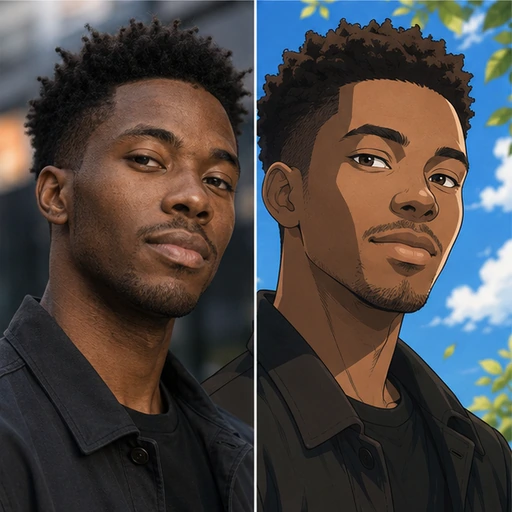
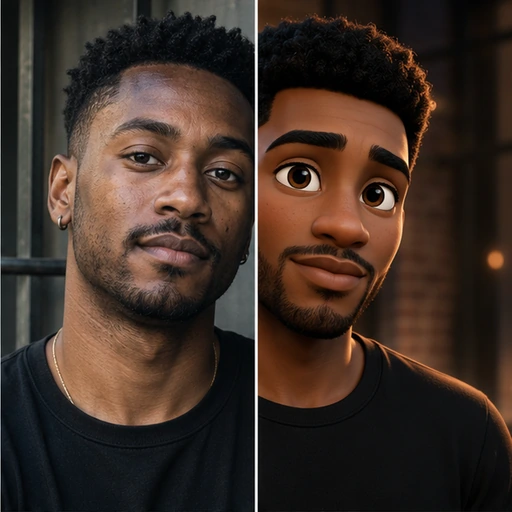
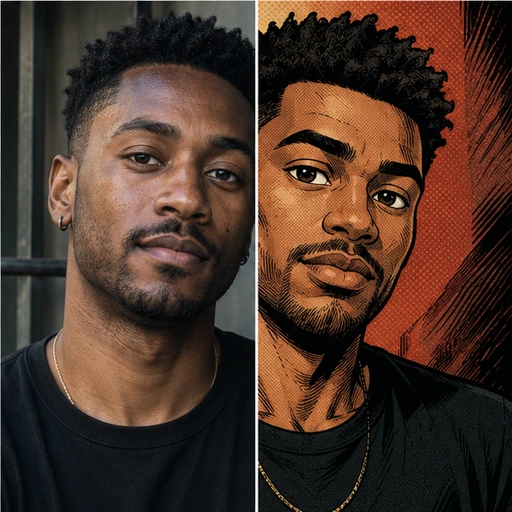
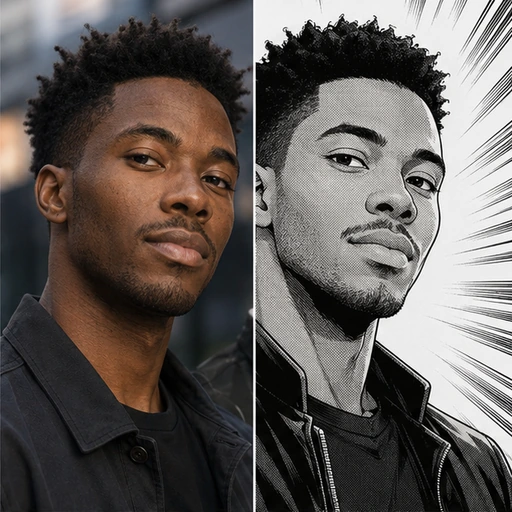
A real before and after made with Cartoon & Anime. Your photo gets the same treatment, in the Shojo Pastel style.
How to get the Shojo Pastel look
- Step 1
Upload a clear photo, or take one with your webcam.
- Step 2
Choose “Shojo Pastel” in the style grid.
- Step 3
Press Generate, compare before and after, then download.
More Cartoon & Anime styles
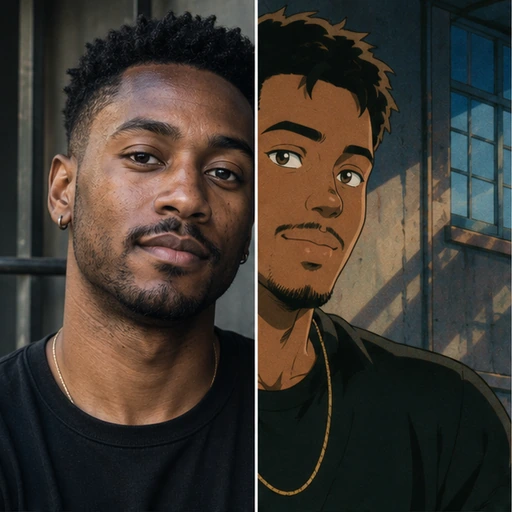
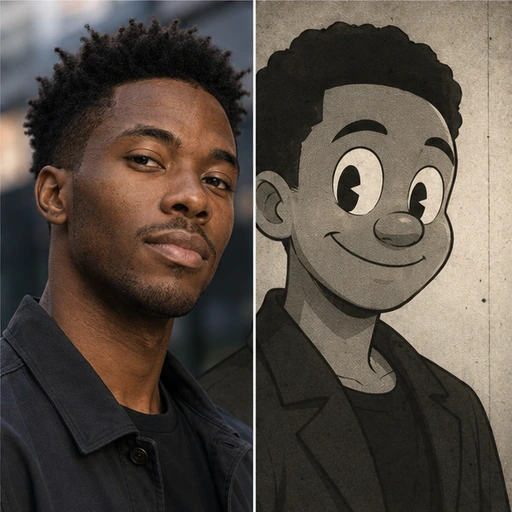
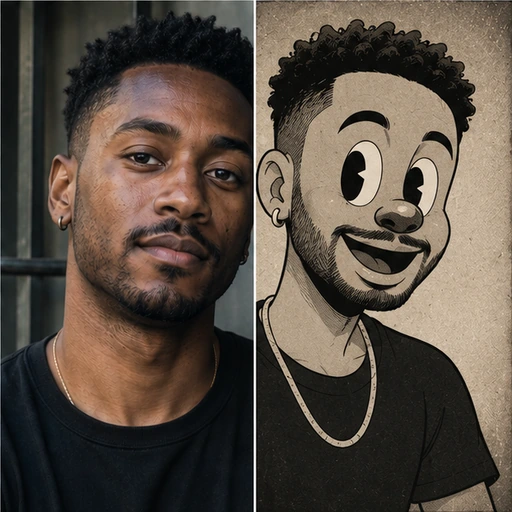
Each style has its own look. Open one to see what it does.
Questions about Cartoon & Anime
- Will people still recognise me?
- Yes. Your facial proportions, hairstyle and pose are kept so you are clearly identifiable in the drawn style.
- Is the background changed too?
- Yes. The whole frame is redrawn consistently in the chosen style.
- Which file types can I upload?
- JPG, PNG and WebP. Images are resized to 1536px on the long edge before processing.