Professional Headshots style
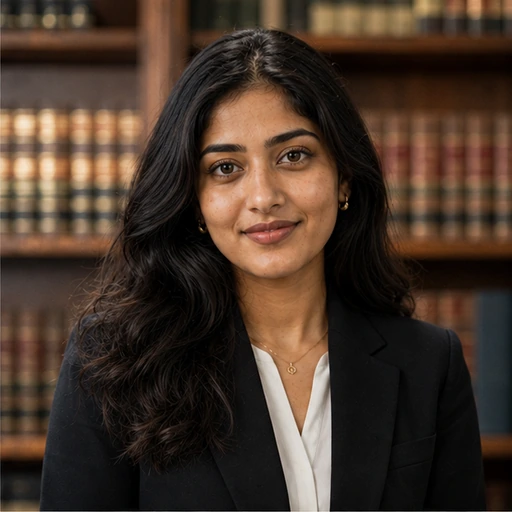
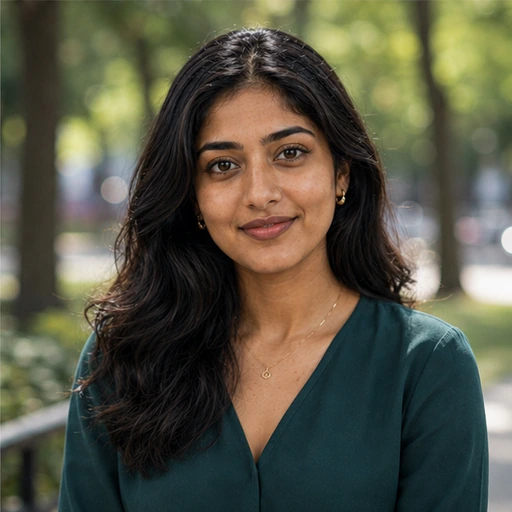
Academic professional headshot
Turn an ordinary selfie into a Academic headshot for LinkedIn, your CV or a company page, without booking a photographer.
1 credit per image
Try Professional Headshots on your photo
Choose a photo to continue. Sign in when you're ready to generate.
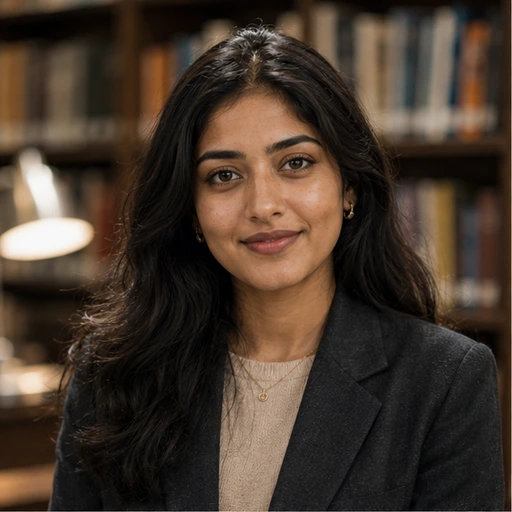 Style preview
About the Academic look
A soft-shouldered blazer, gentle window light and warm library shelves behind. Calm and considered, for faculty pages and conference bios.
Upload one clear photo and get a studio-quality business portrait with the outfit, backdrop and lighting of your choice. Ideal for job seekers, freelancers and teams who need a polished photo today.
Tip for the best result
Face the camera with your shoulders in frame and even light on your face. Glasses are fine; hats and heavy shadows are not.
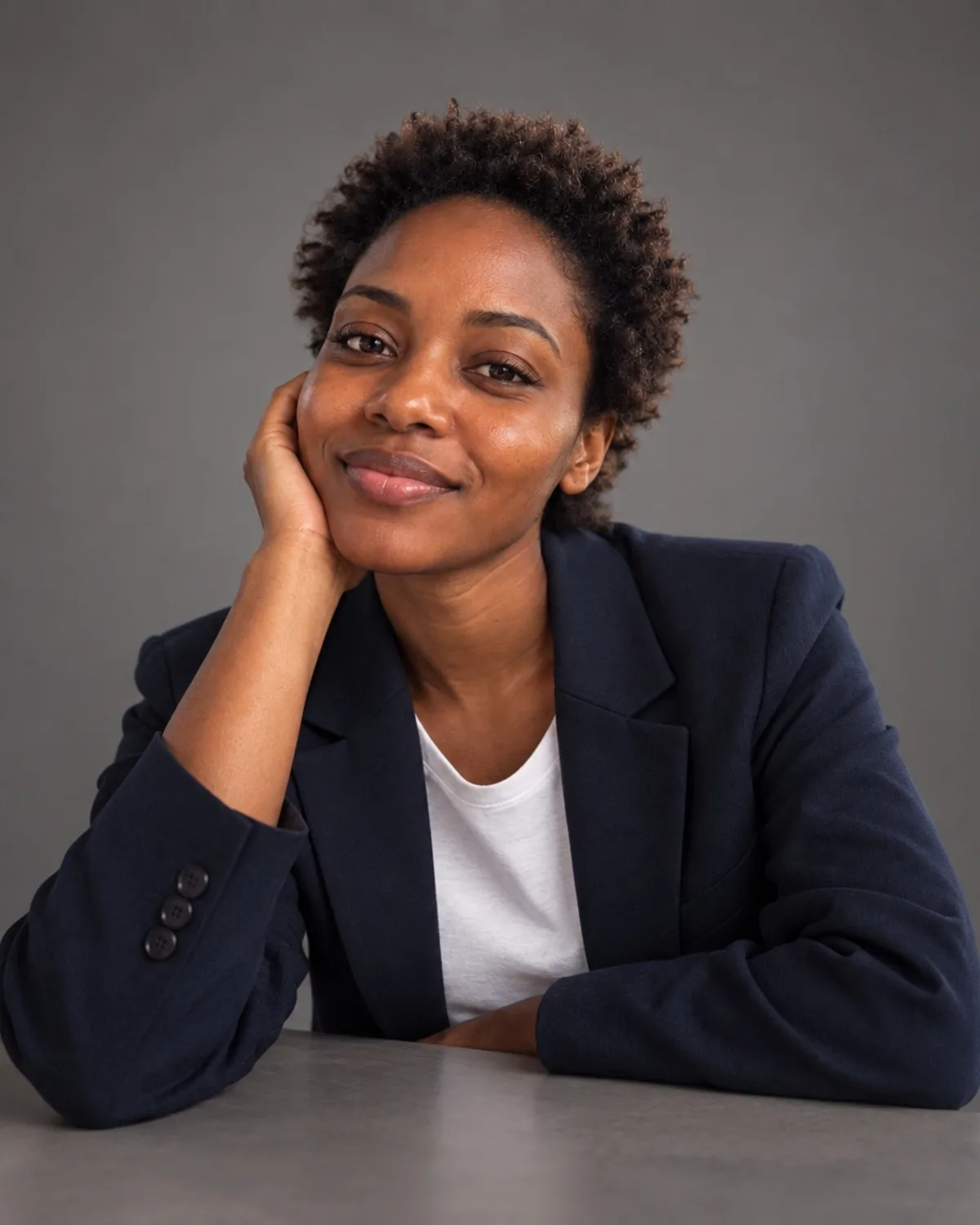

See Professional Headshots in action
A real before and after made with Professional Headshots. Your photo gets the same treatment, in the Academic style.
How to get the Academic look
- Step 1
Upload a clear photo, or take one with your webcam.
- Step 2
Choose “Academic” in the style grid.
- Step 3
Press Generate, compare before and after, then download.
More Professional Headshots styles
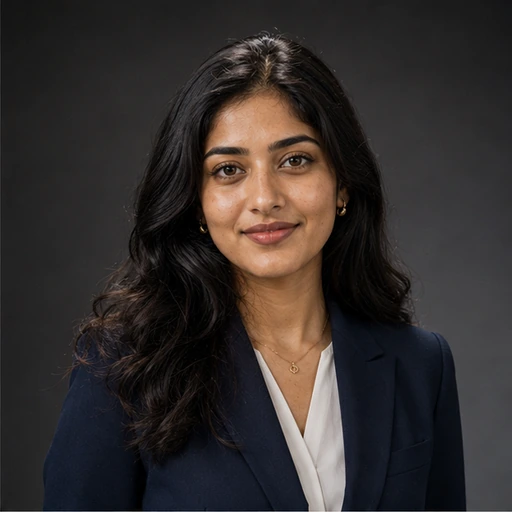
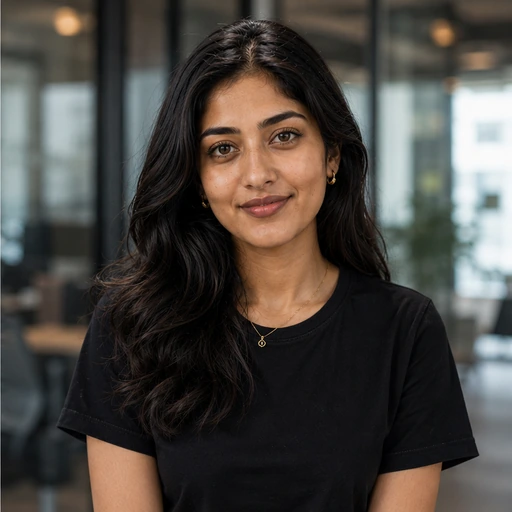
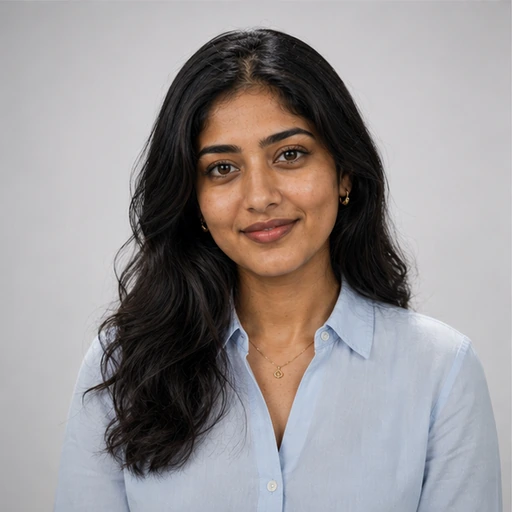
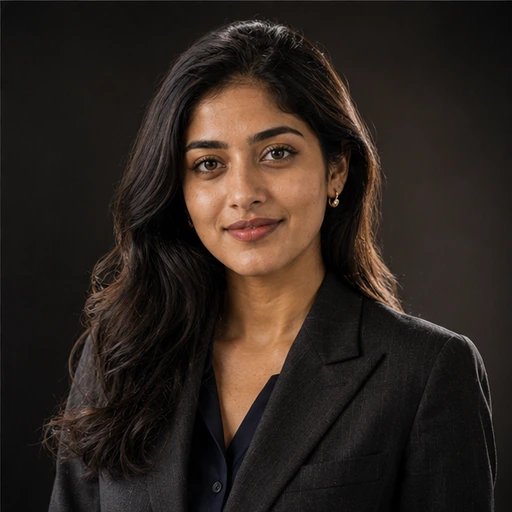
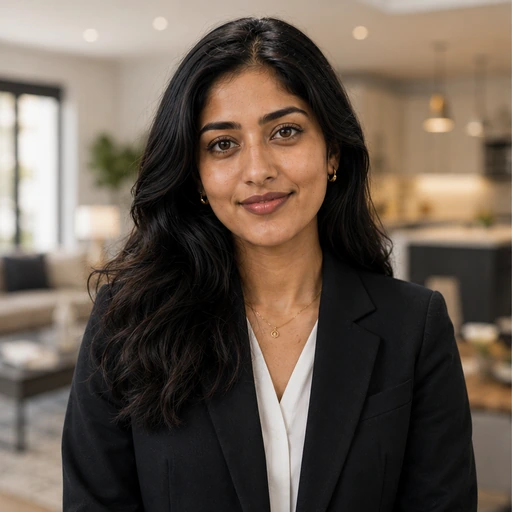
Each style has its own look. Open one to see what it does.


Questions about Professional Headshots
- Will the headshot still look like me?
- Yes. Only the clothing, background and lighting change; your facial features, skin tone and expression are preserved.
- Can I describe my own style?
- Yes. Pick one of the ready-made styles or write a custom description of the outfit and setting you want.
- What resolution is the result?
- Uploads are resized to 1536px on the long edge before processing. For a larger print file, run the result through the 4K upscaler.