Scene Relocation style
Library photo scene
Place yourself in a Library setting, with light and perspective matched so it looks like you were really there.
1 credit per image
Try Scene Relocation on your photo
Choose a photo to continue. Sign in when you're ready to generate.
 Style preview
About the Library look
A grand old library with towering wooden shelves, reading lamps and dust motes in a shaft of window light.
Scene Relocation places you in a new setting with matching light, perspective and shadows, as if you were photographed there. Great for creators and anyone who wants fresh shots without travelling.
Tip for the best result
A photo with your whole upper body and soft, even light blends most naturally into a new scene.
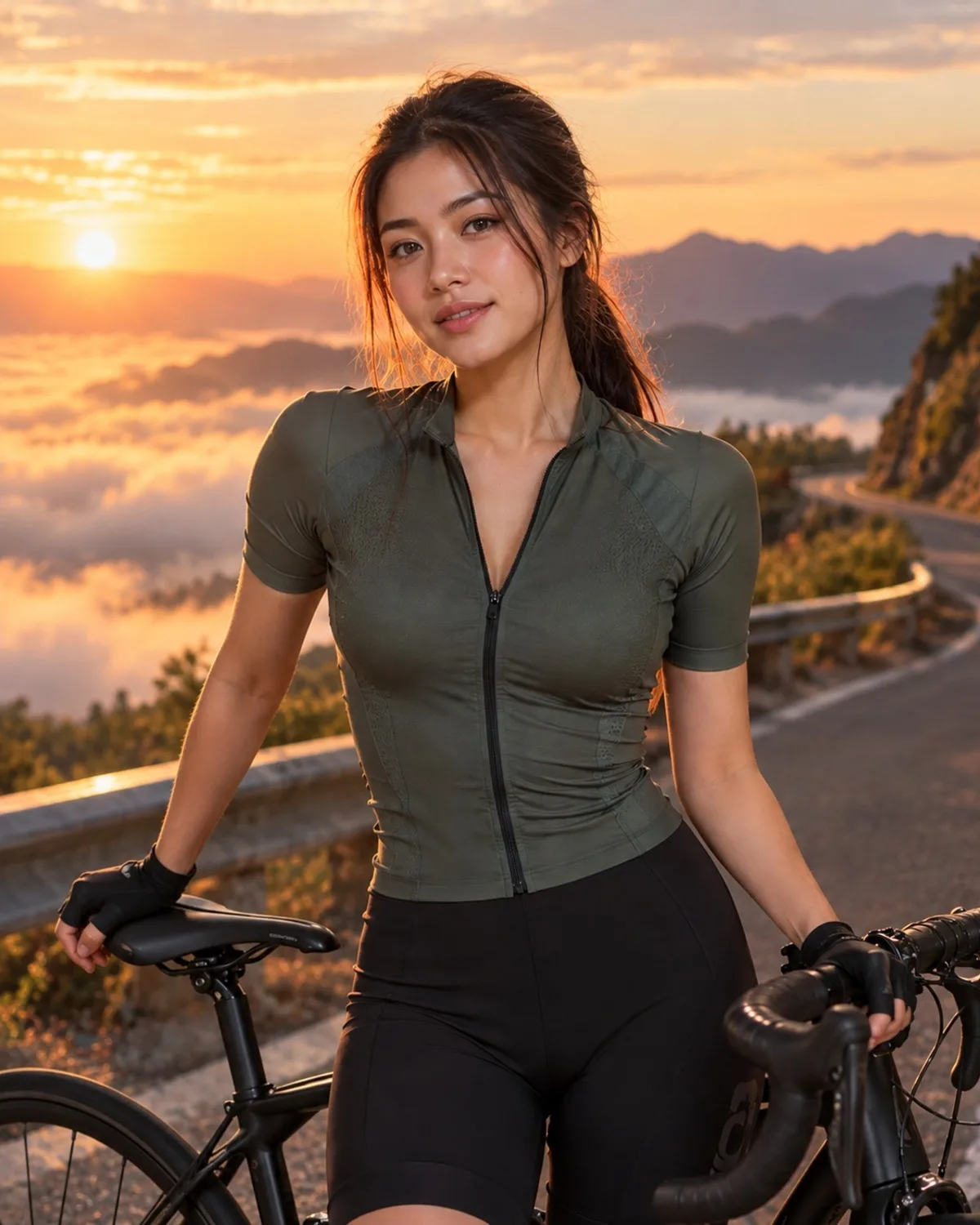
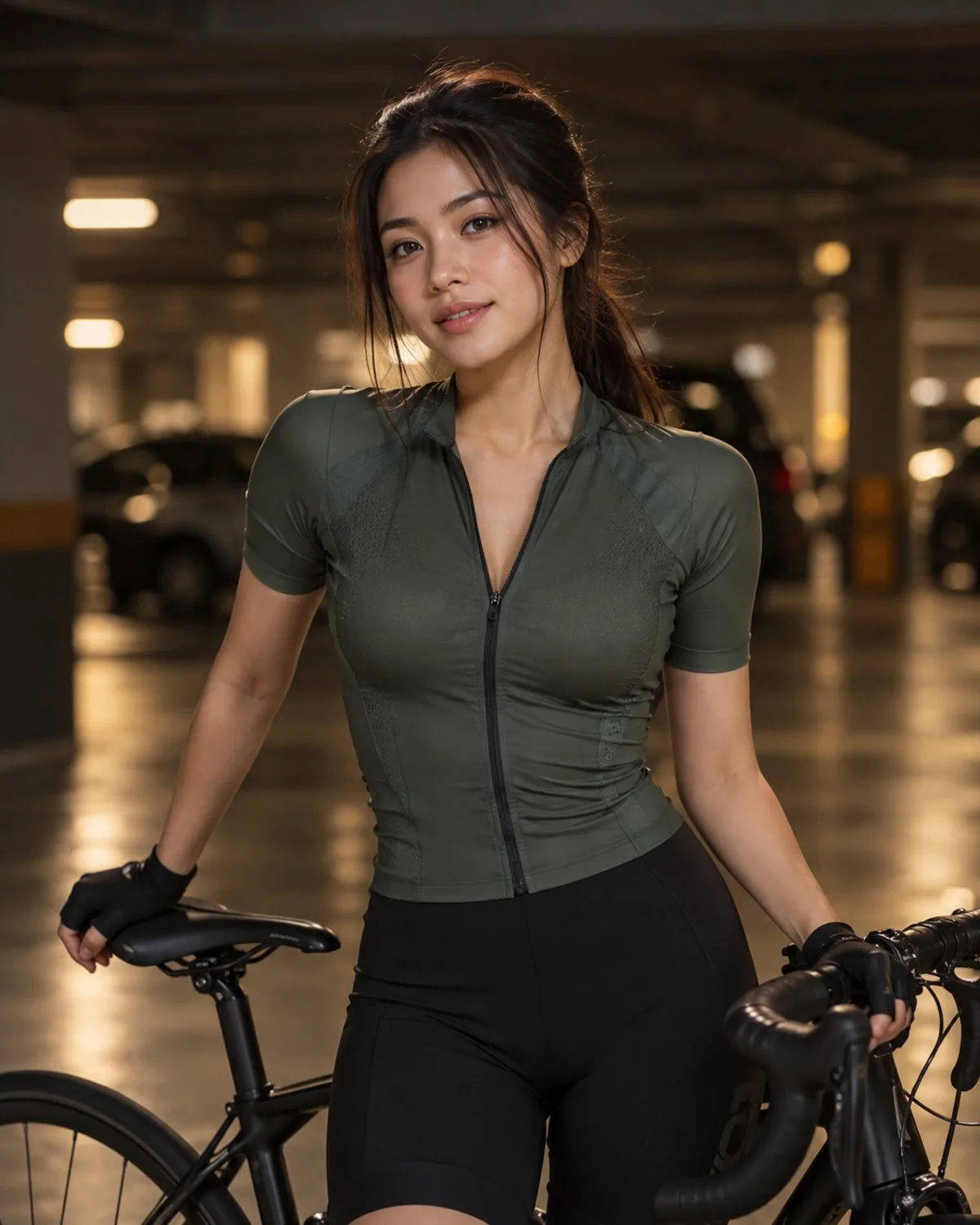
See Scene Relocation in action
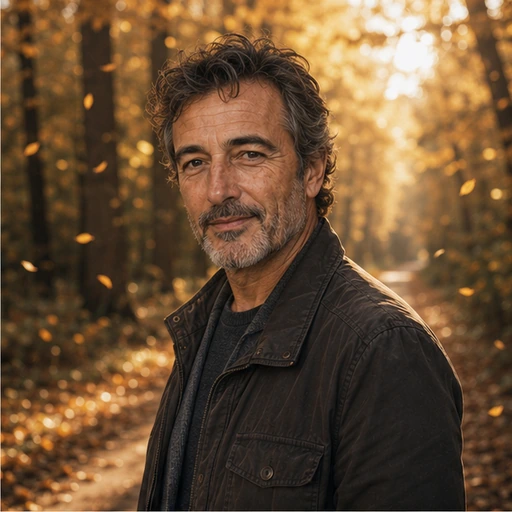
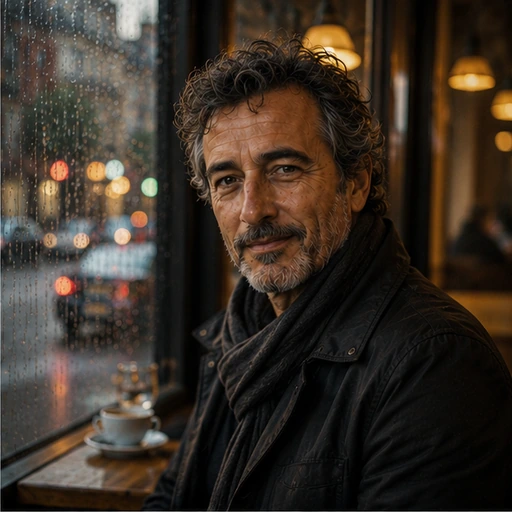
A real before and after made with Scene Relocation. Your photo gets the same treatment, in the Library style.
How to get the Library look
- Step 1
Upload a clear photo, or take one with your webcam.
- Step 2
Choose “Library” in the style grid.
- Step 3
Press Generate, compare before and after, then download.
More Scene Relocation styles
Each style has its own look. Open one to see what it does.
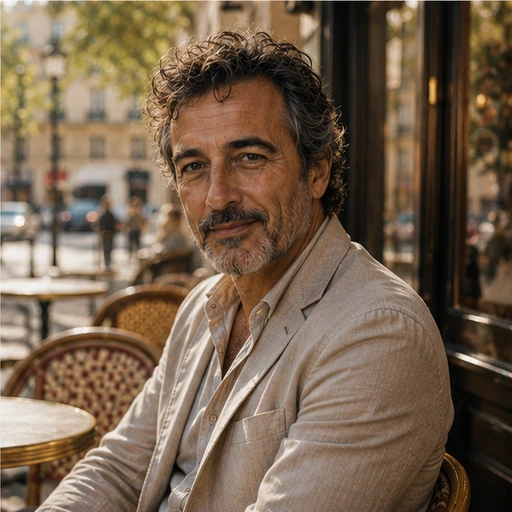
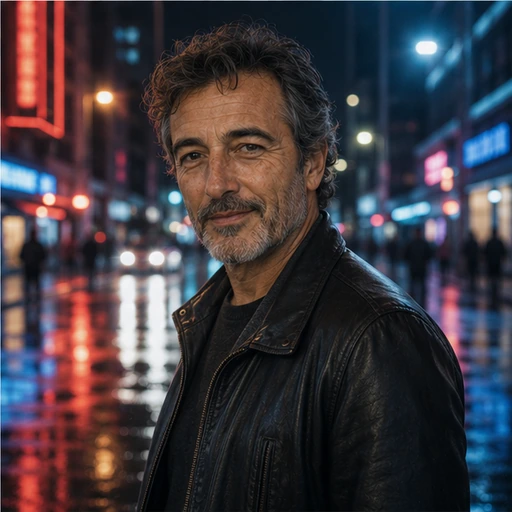







Questions about Scene Relocation
- Does it change how I look?
- No. Your pose, clothing and facial features stay the same; only the surroundings and light change.
- Can I choose my own setting?
- Yes. Use one of twelve presets or describe any place you like.
- How much does it cost?
- 1 credit per generation, charged before it starts and refunded automatically if it fails.