Season Transform style
Spring photo effect
Turn any outdoor photo into a Spring version of the same place.
1 credit per image
Try Season Transform on your photo
Choose a photo to continue. Sign in when you're ready to generate.
 Style preview
About the Spring look
Fresh green leaves, scattered blossoms and soft diffused sunlight on a breezy spring day.
Season Transform changes the foliage, sky, weather and light of a scene to the season you pick, while people and composition stay the same. Great for landscapes, travel shots and seasonal posts.
Tip for the best result
Outdoor photos with trees, grass or open sky show the biggest change.
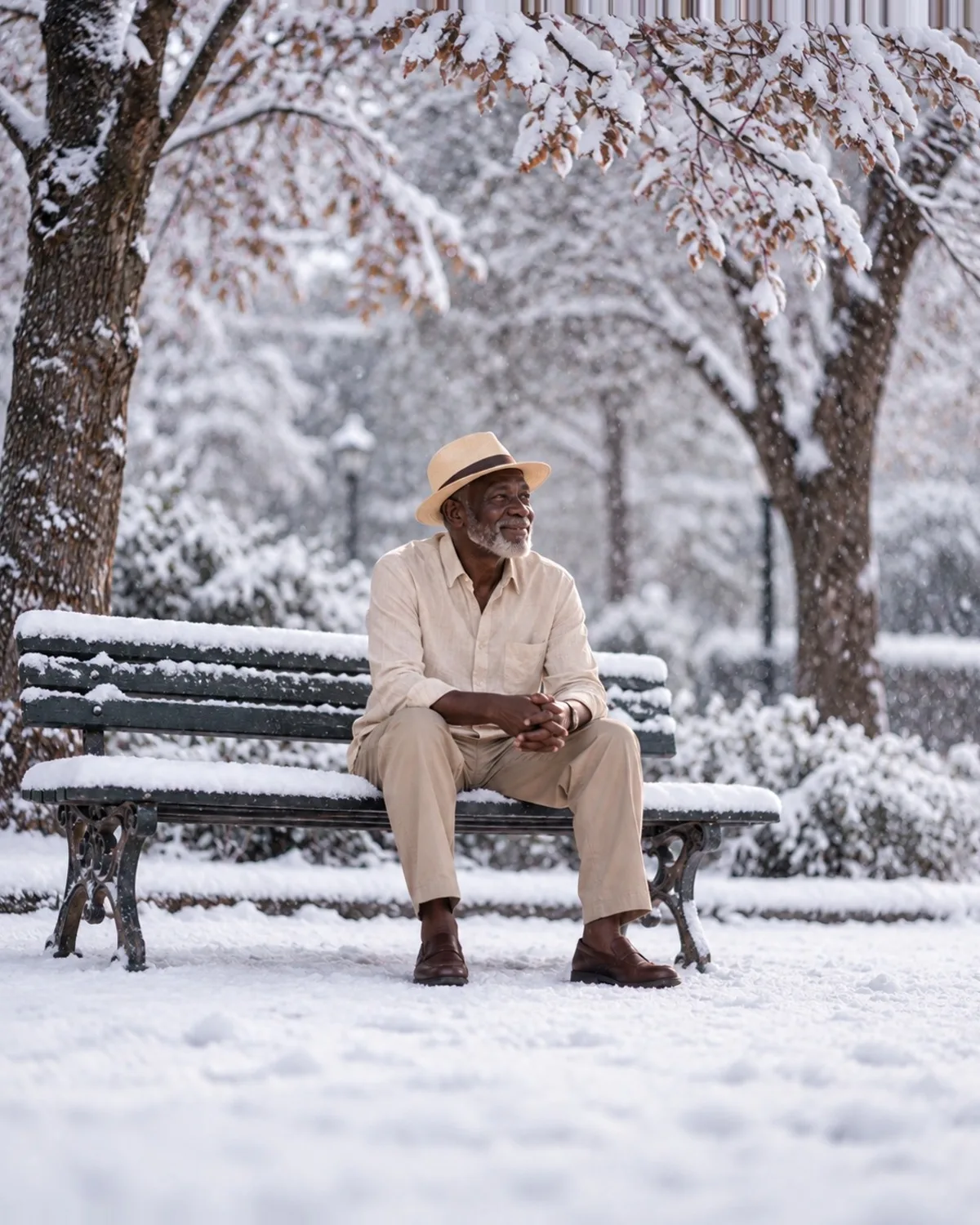

See Season Transform in action
A real before and after made with Season Transform. Your photo gets the same treatment, in the Spring style.
How to get the Spring look
- Step 1
Upload a clear photo, or take one with your webcam.
- Step 2
Choose “Spring” in the style grid.
- Step 3
Press Generate, compare before and after, then download.
More Season Transform styles
Each style has its own look. Open one to see what it does.





Questions about Season Transform
- Will the people in the photo change?
- No. The subject, pose and clothing stay as they are; only the environment and light are transformed.
- Which seasons can I choose?
- Spring, summer, autumn, winter, snowfall and cherry blossom, or describe your own weather.
- Can I delete results?
- Yes. Results are kept in your private Library until you delete them.