Star Style style
Rock Star look: AI star-style portrait
Step into the Rock Star look for a fun, glamorous portrait of yourself. It is a generic style, not a copy of any real person.
1 credit per image
Generic looks only. Not affiliated with, and never imitating, any real person.
Try Star Style on your photo
Choose a photo to continue. Sign in when you're ready to generate.
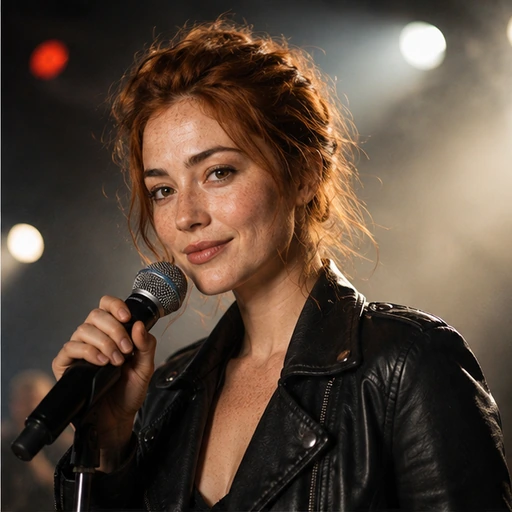 Style preview
About the Rock Star look
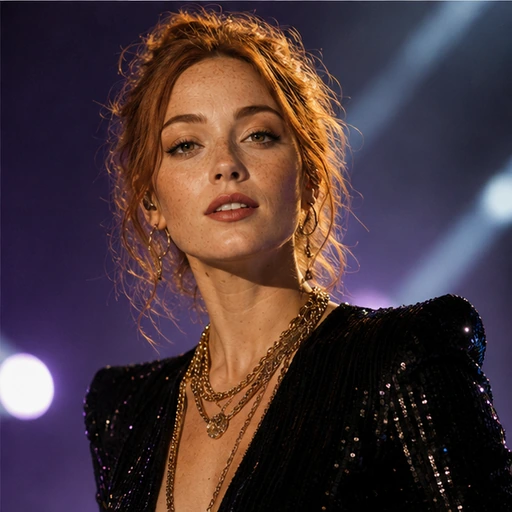
A leather jacket, tousled hair and warm spotlights cutting through stage haze against a dark concert backdrop.
Star Style restyles your wardrobe, grooming, lighting and setting into glamorous looks such as red carpet, runway or rock stage. These are generic styles: the tool never imitates or resembles any real person.
Tip for the best result
A front-facing portrait with good light gives the most convincing glamour lighting and styling.
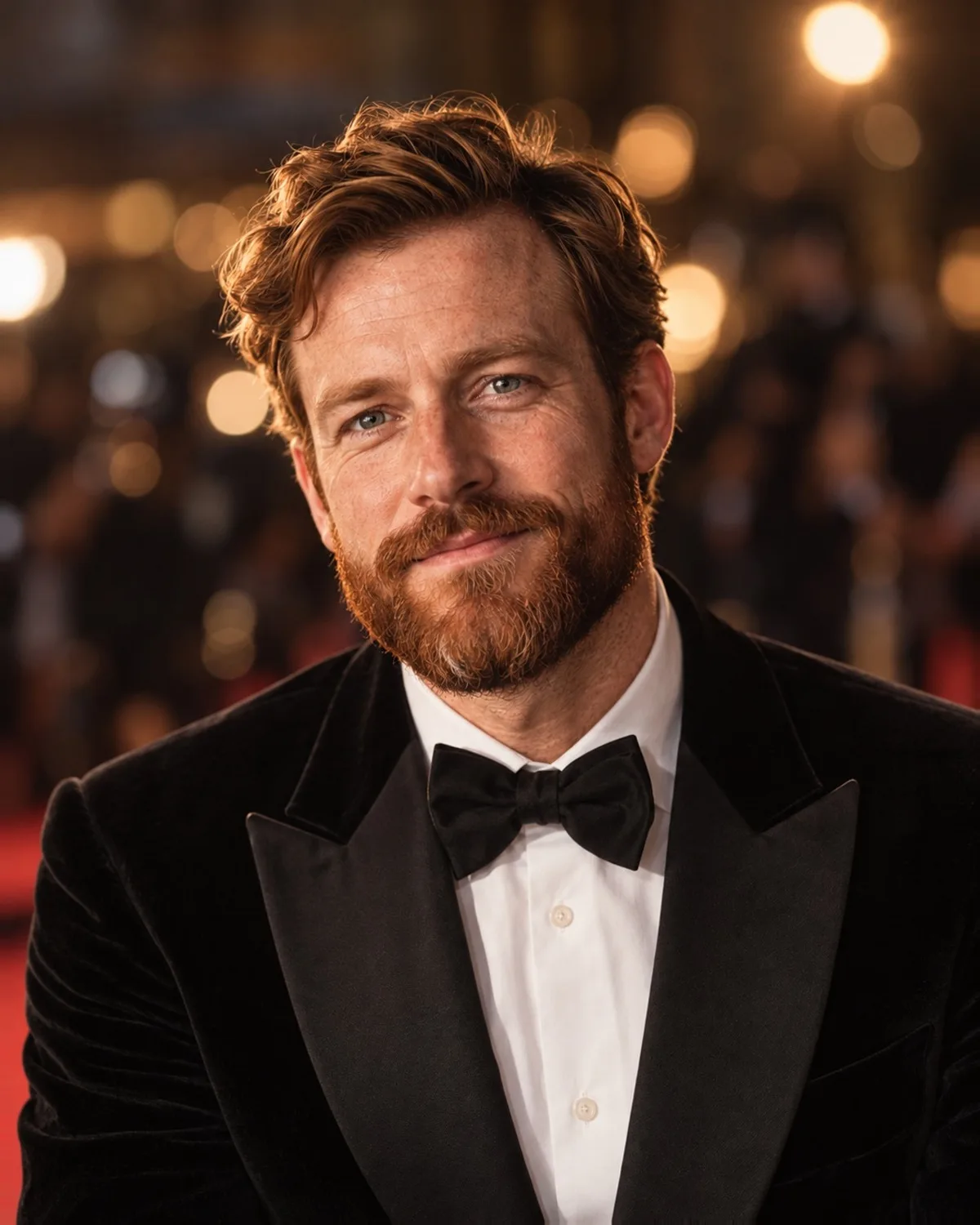

See Star Style in action
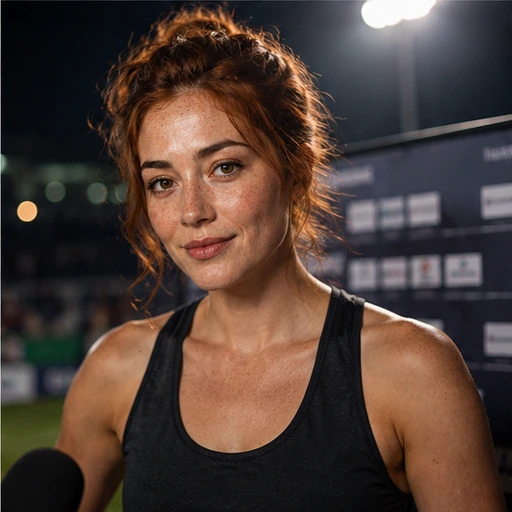
A real before and after made with Star Style. Your photo gets the same treatment, in the Rock Star style.
How to get the Rock Star look
- Step 1
Upload a clear photo, or take one with your webcam.
- Step 2
Choose “Rock Star” in the style grid.
- Step 3
Press Generate, compare before and after, then download.
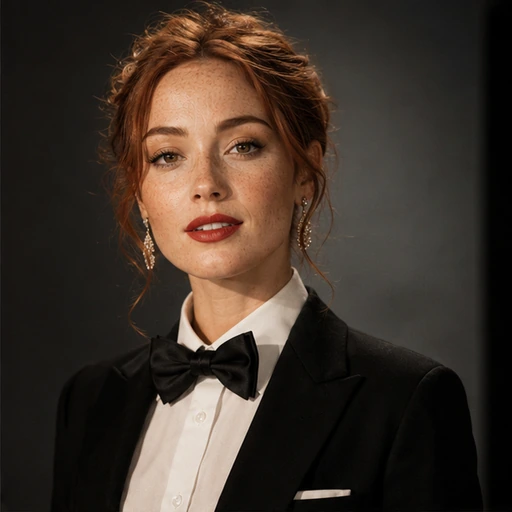
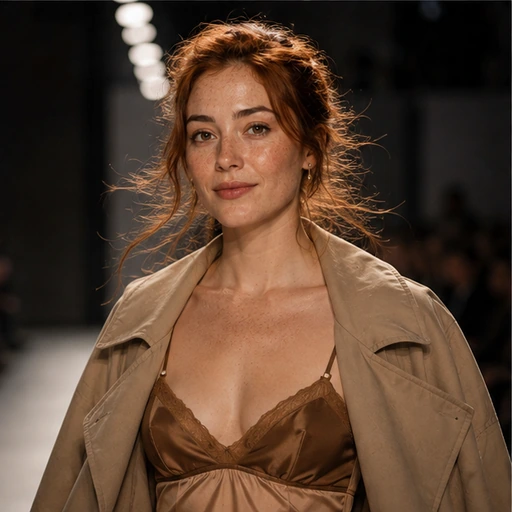
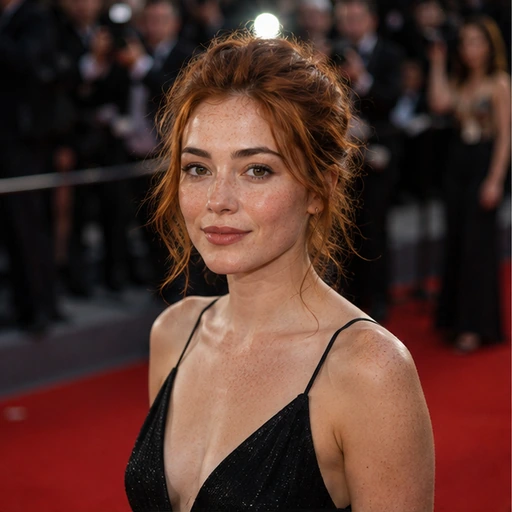
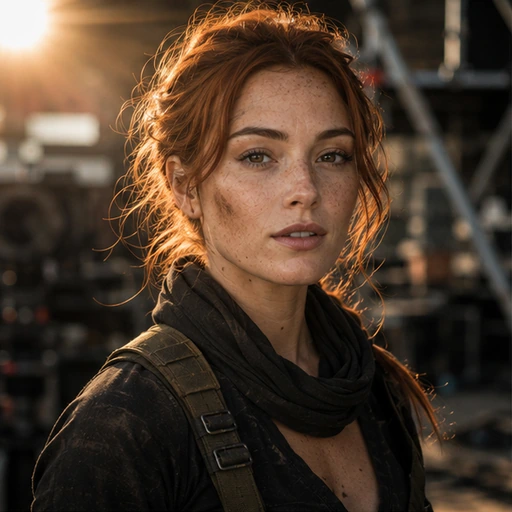
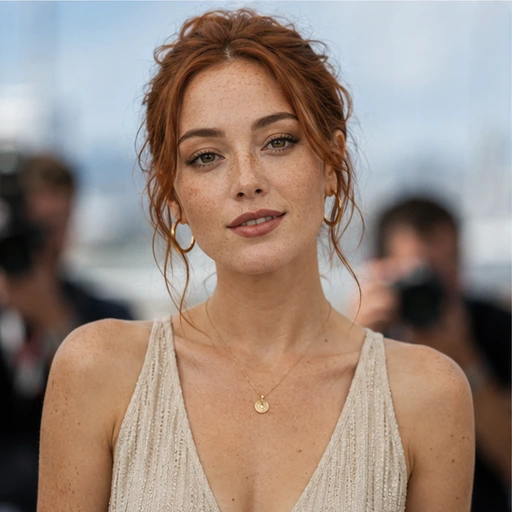
More Star Style styles
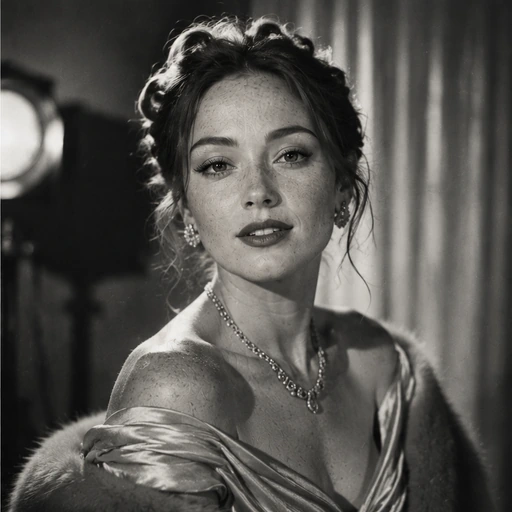
Each style has its own look. Open one to see what it does.

Questions about Star Style
- Will it make me look like a celebrity?
- No. Star Style creates generic looks only and never imitates any real person. Your own face and features stay the same.
- What actually changes?
- The clothing, grooming, lighting and background. Your facial structure, skin tone and expression are preserved.
- Which AI processes my photo?
- Photos are processed by Google's Gemini models, and the result is saved to your private Library.