

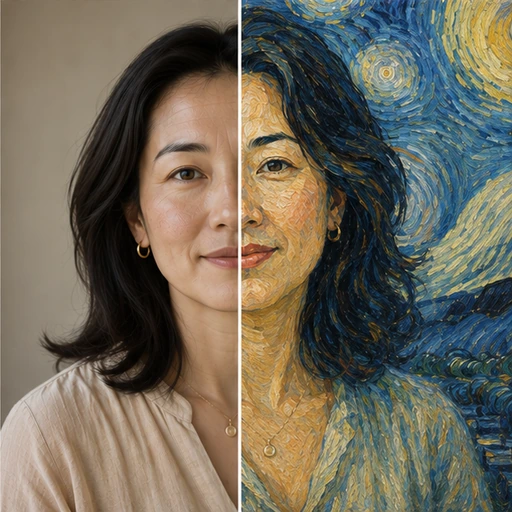
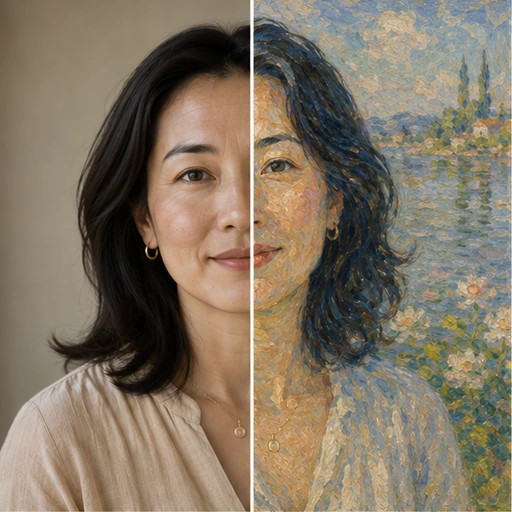
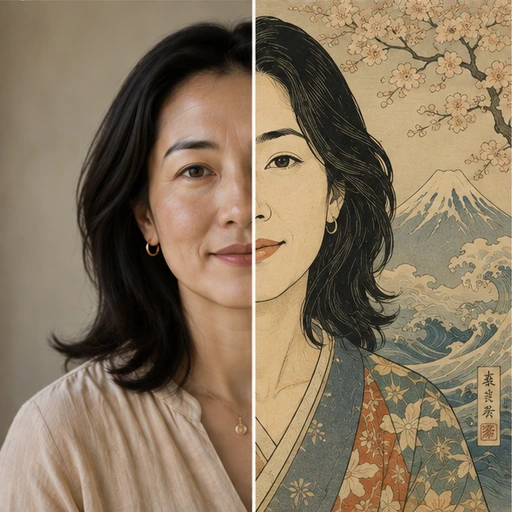
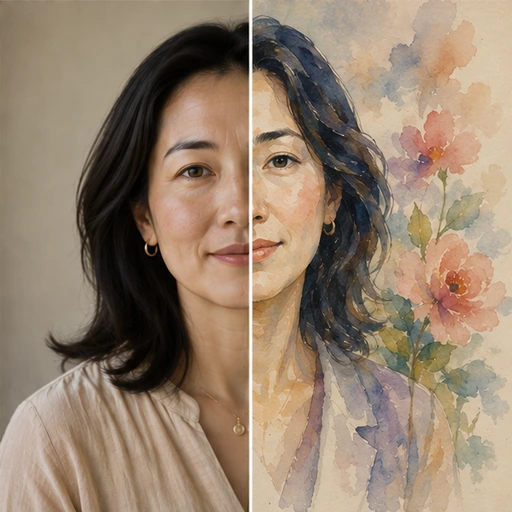

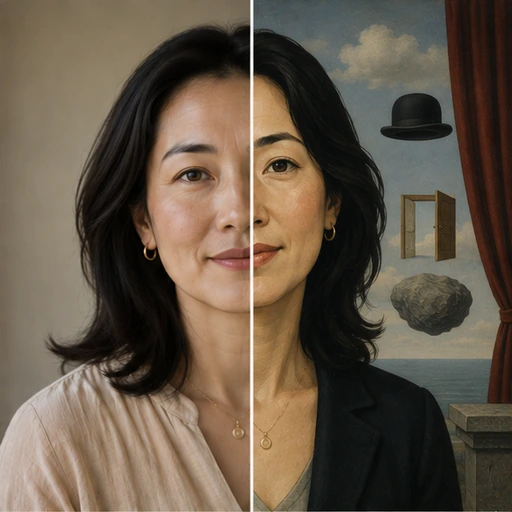


A quick guide to the styles
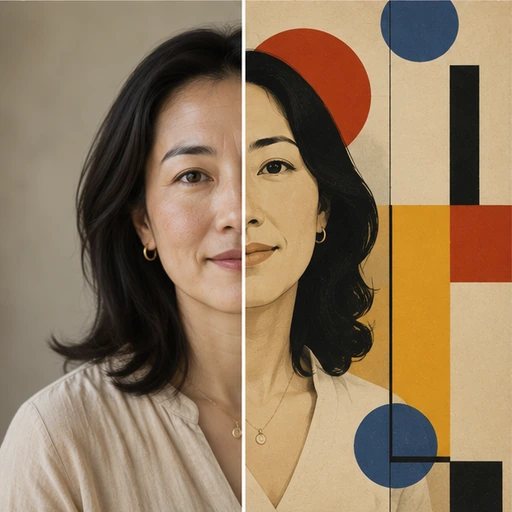
Each preset follows the visual language of an art movement. Impressionist and Post-Impressionist use visible, broken brushstrokes and vivid light, which flatters landscapes, gardens and relaxed portraits. Ukiyo-e brings flat colour areas and fine outlines inspired by Japanese woodblock prints, ideal for seascapes and city scenes. Pop Art and Bauhaus use bold, graphic colour and shapes that suit posters and modern interiors.
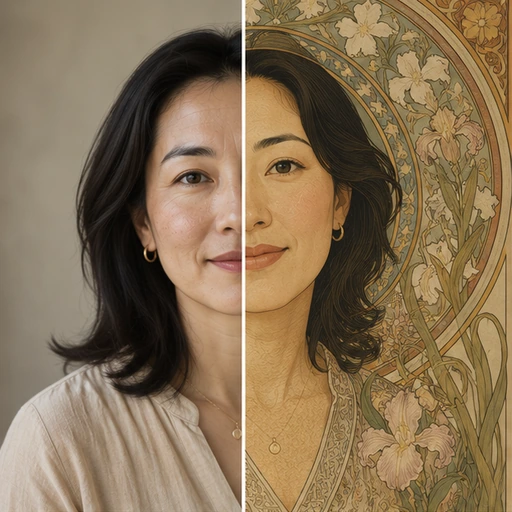
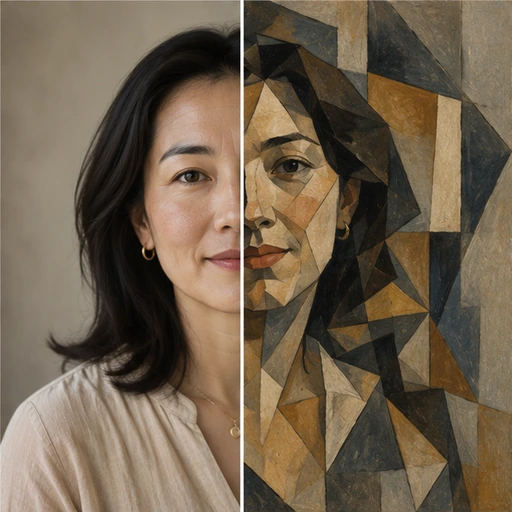
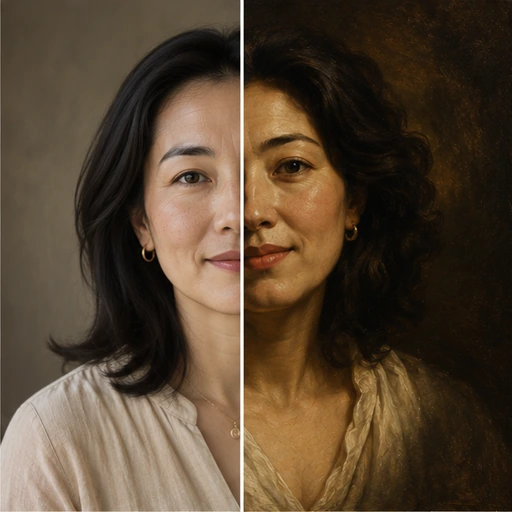
Cubist breaks the scene into angular planes, Surrealist adds dreamlike atmosphere, Baroque Oil gives dramatic light and dark, Art Nouveau adds ornamental curves, Stained Glass turns the picture into leaded glass panels and Low Poly reduces it to geometric facets. Watercolour is the softest, most delicate option.
Matching photo and style
Strong, simple compositions survive bold styles best. A clear portrait or a single subject against a calm background stays readable even as Cubist or Stained Glass. Busy photos with many small elements can become hard to read in graphic styles, so pick a softer one like Impressionist or Watercolour for those.
Light matters as well: a photo with clear light and shadow gives Baroque Oil its drama, while flat, overcast light suits Ukiyo-e and Pop Art, which rely on colour more than shading.
Custom styles and artist names
You can describe your own style in a sentence, for example muted earth tones with thick palette-knife texture. Historical movements and long-established public-domain styles are fine to name. Requests to imitate living artists are blocked, so describe the qualities you admire rather than the person.
For wall art, finish with AI Photo Upscale 4K, and order a small test print before a large one; screen and paper colours rarely match exactly.
Related tools
If you think in materials rather than movements, such as pencil, charcoal or oil, Sketch & Painting is the better fit. To keep the photo realistic and only change its colour mood, try Creative Filters.
A tip for gifts: run the same photo through two or three styles and let the recipient's taste decide. Classic movements such as Impressionist or Baroque Oil suit traditional homes, while Pop Art, Bauhaus and Low Poly sit well in modern spaces.