Style Transfer style
Impressionist art style for your photo
Reimagine your photo as Impressionist art, keeping the composition and the subject recognisable.
1 credit per image
Try Style Transfer on your photo
Choose a photo to continue. Sign in when you're ready to generate.
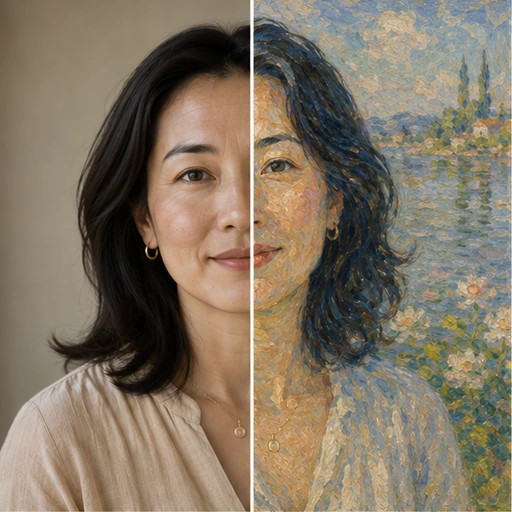 Style preview
About the Impressionist look
Broken, dappled brushwork, luminous daylight and a bright pastel palette that suggests rather than outlines.
Pick an art movement and the whole photo is repainted in its brushwork, palette and texture, while your composition stays intact. Made for art lovers, gift makers and creators.
Tip for the best result
Photos with a clear subject and simple composition translate best into painted styles.


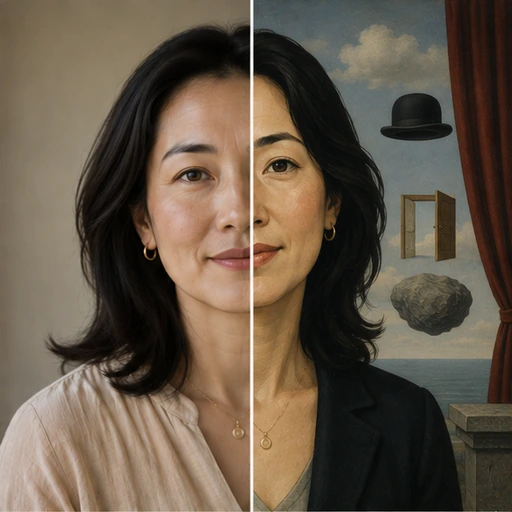
See Style Transfer in action
A real before and after made with Style Transfer. Your photo gets the same treatment, in the Impressionist style.
How to get the Impressionist look
- Step 1
Upload a clear photo, or take one with your webcam.
- Step 2
Choose “Impressionist” in the style grid.
- Step 3
Press Generate, compare before and after, then download.
More Style Transfer styles
Each style has its own look. Open one to see what it does.
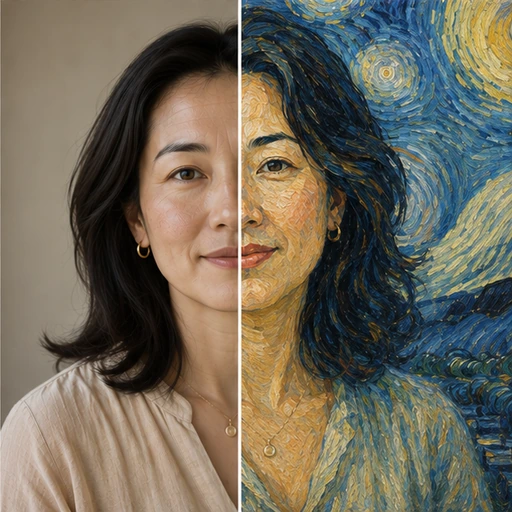
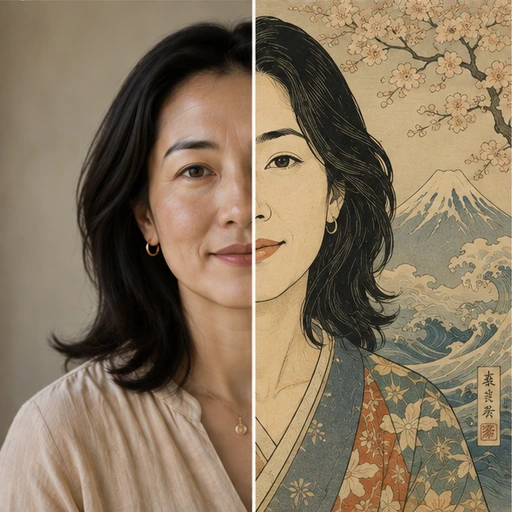
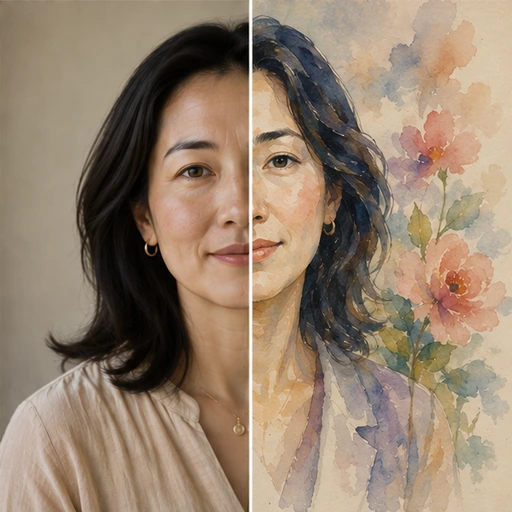
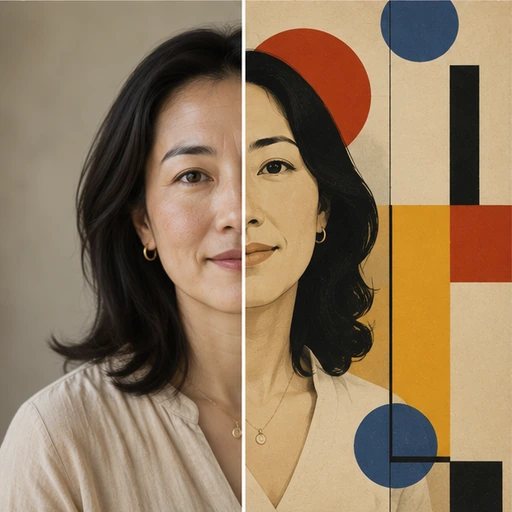

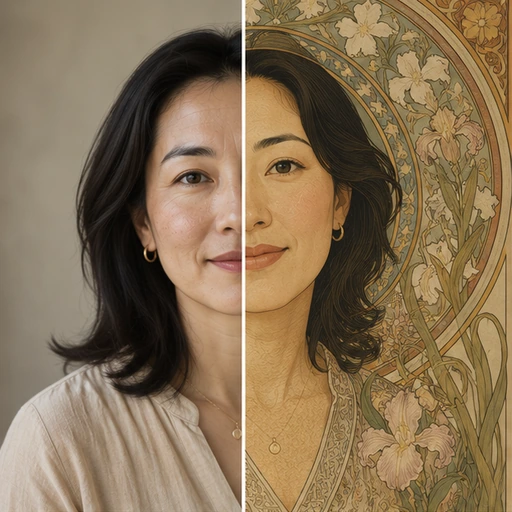
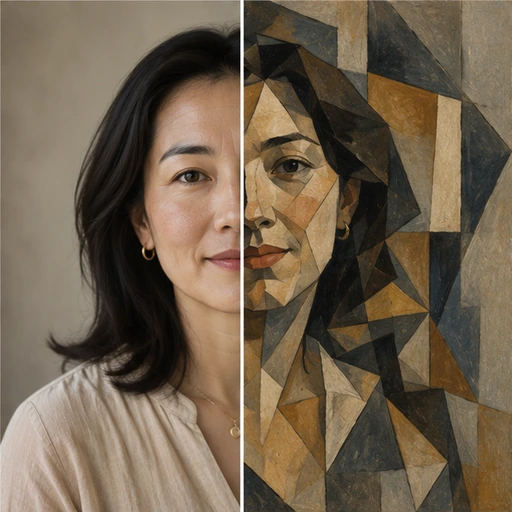
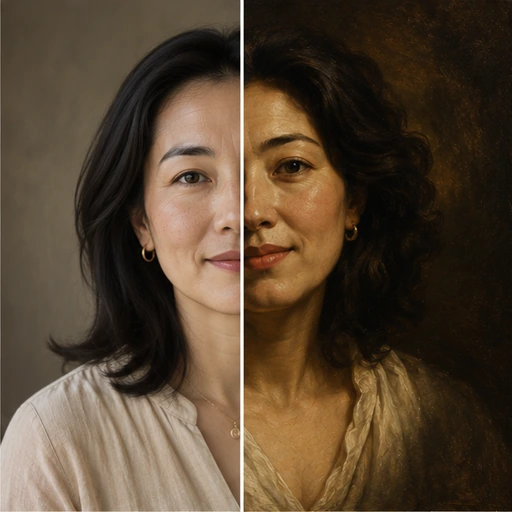


Questions about Style Transfer
- Will the subject stay recognisable?
- Yes. The composition, pose and likeness are kept while the style governs the whole frame.
- Can I describe my own style?
- Yes. Choose one of twelve presets or describe a style in your own words.
- Is it good enough to print?
- For larger prints, run the result through the 4K upscaler, which outputs up to 4K.